22..55 Support Stand and Carrying StrapSupport Stand and Carrying Strap
22..55..11 Support StandSupport Stand
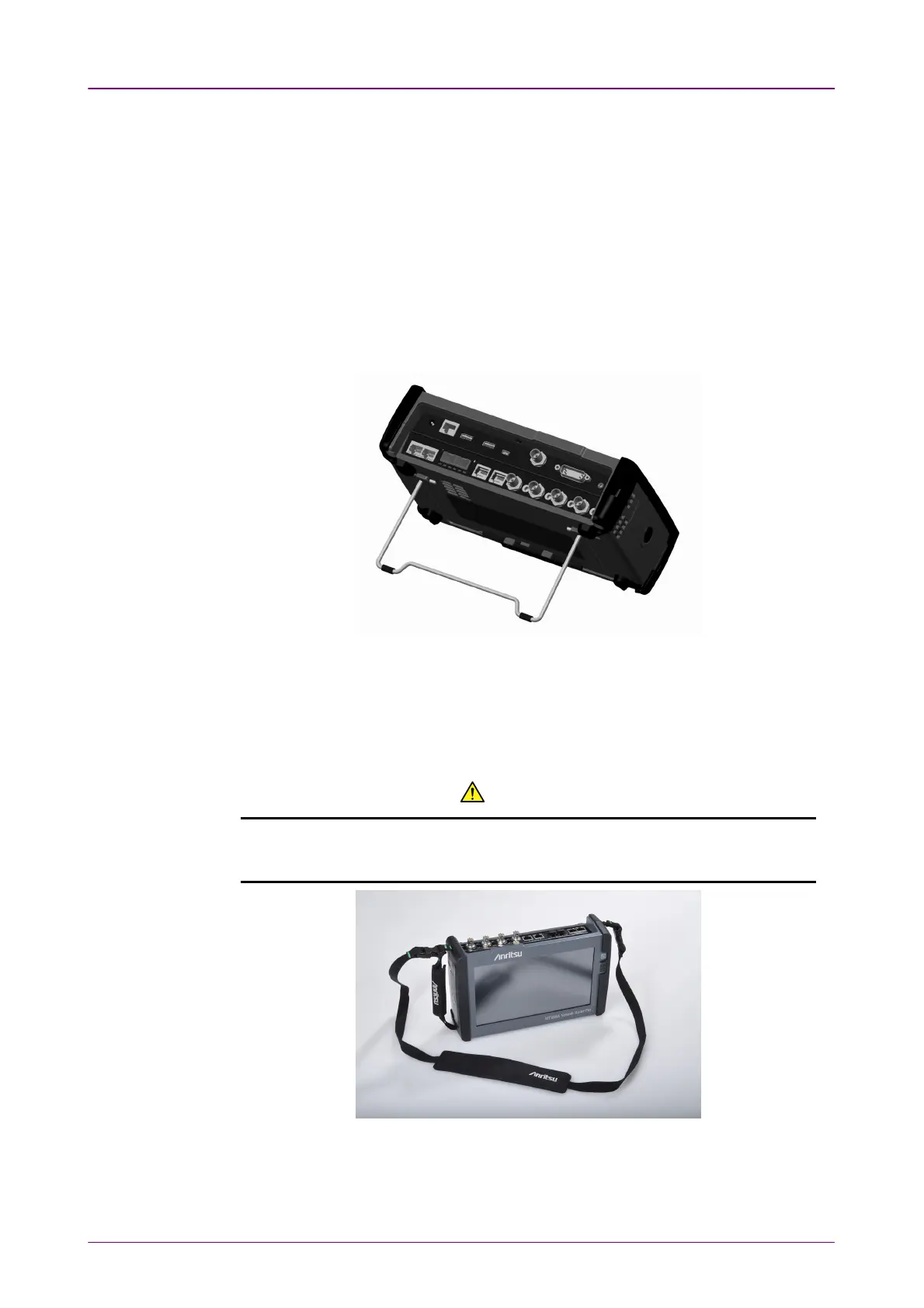
The Network Master is equipped with a support stand keeping the instrument at
a convenient angle during the operation. To extract the stand: pull out the
metal bar on rear of the instrument - it automatically stays in the correct
position.
Be sure to open a support stand fully. Otherwise, the Network Master will be
more likely to tip over. Moreover, the air flow on bottom panel will be
insufficient.
22..55..22 Carrying Strap and HandleCarrying Strap and Handle
The included carrying strap and handle can easily be mounted for your
convenience when transporting and/or using the Network Master.
The carrying strap is equipped with hooks for easy installation.
WARNING WARNING
Use the Carrying Strap around your shoulder. Do not wrap the strap around
your neck.














 To Next Page