Total FrameTotal Frame
DifferenceDifference
EthernetEthernet
For applications also including an OTN interface, you can find a description of
the setup options and status information for OTN in the following section:
OTN Setup and Status
Please refer to the sections relevant for your current port setup requirements.
66..88..22 Test SetupTest Setup
66..88..22..11 ControlControl
Refer to "Control in BERT Test Setup subsection for the operation.
66..88..22..22 ThresholdsThresholds
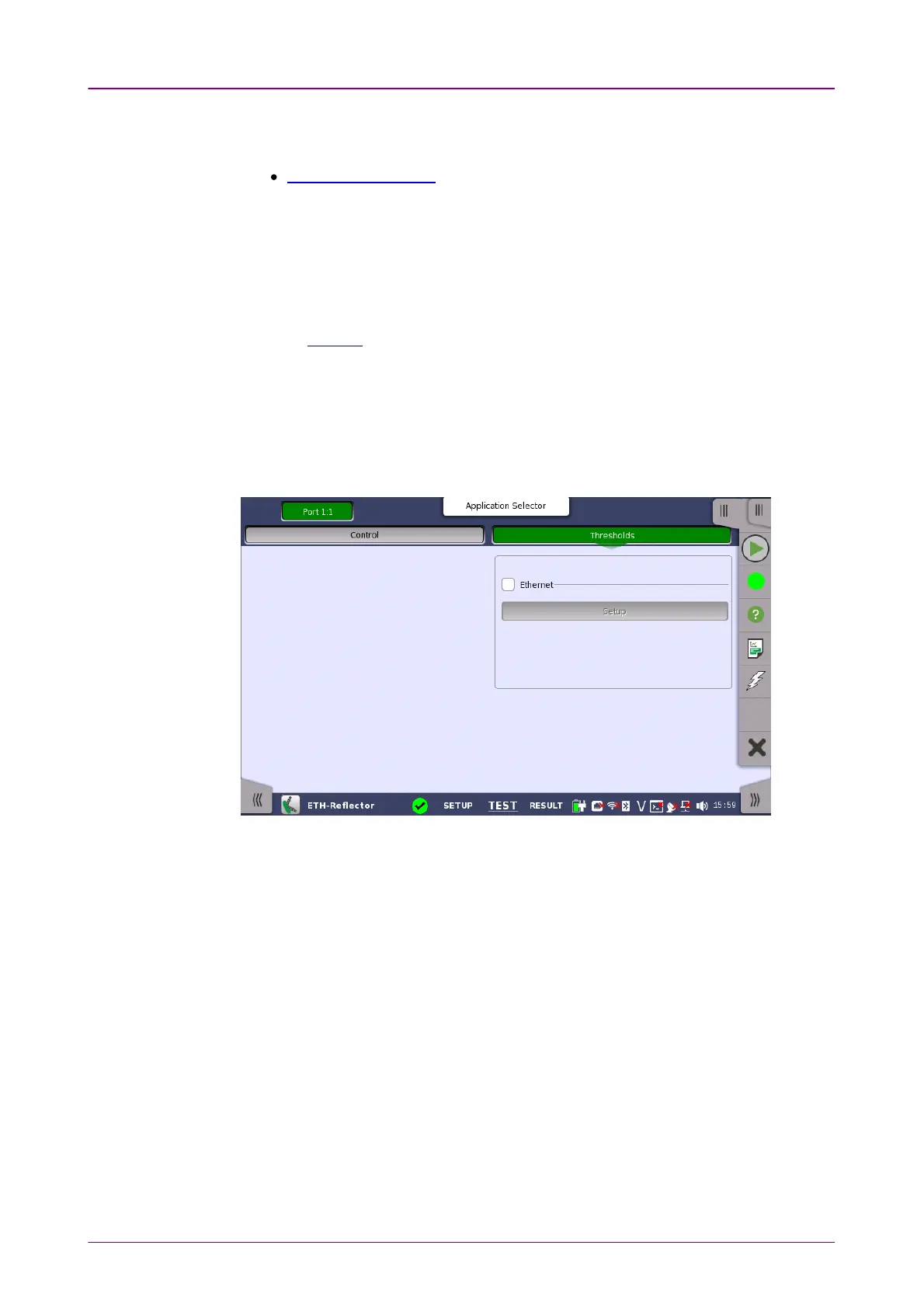
Touching the ThresholdsThresholds button in the navigation area displays the following
screen.
The FollowFollow button appears when the Port 2 settings can follow Port 1.
This screen allows you to set up a number of special monitoring items related
to the various interface types. When specified and enabled, these threshold
values (i.e. limits) for errors and Pass/Fail status will be used during the
monitoring.
Allows you to select the reference port to measure the differential time, using
Difference from:Difference from: drop down menu.
When you select the check box, you can enable various thresholds. Touch the
SetupSetup button to display the same Ethernet threshold setupEthernet threshold setup dialog box as BERT.














 To Next Page