66..1111..22..33 AdvancedAdvanced
Include addresses in frame filter on receiverInclude addresses in frame filter on receiver
When enabling this function, the Ethernet frames which their destination
addresses match to following items will appear on the Streams screen.
Src MAC
Src IP
VLAN ID
Src Port
This setting makes the effect to only following measurement results on the
Statistics screen.
Multi Stream Transmit
Multi Stream Throughput
Multi Stream Frame Loss
Multi Stream Latencyt
Multi Stream Jitter
This setting does not effect to Frame Capture.
66..1111..33 Test ResultsTest Results
66..1111..33..11 SummarySummary
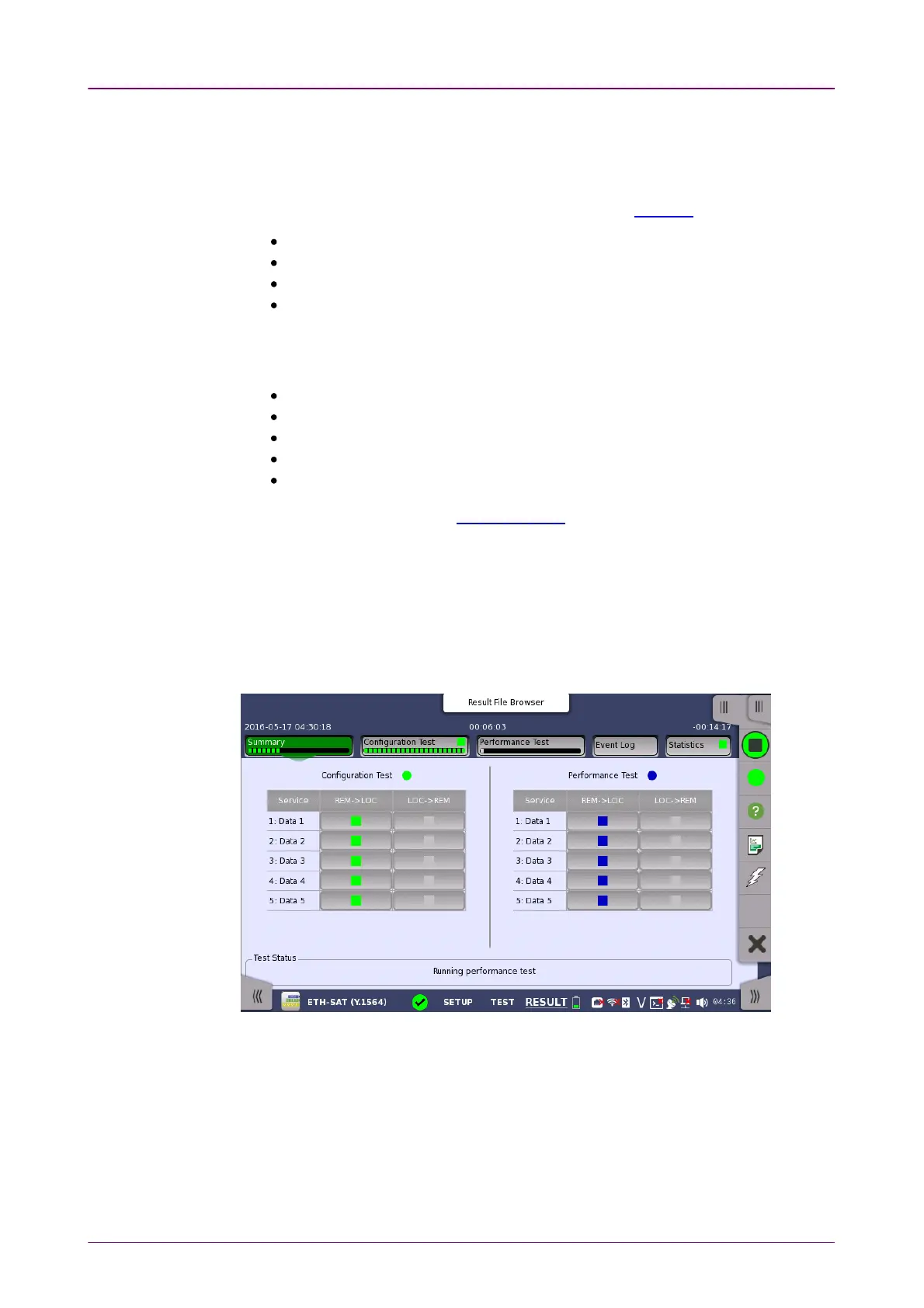
When you go to the test results of the Service Activation Test, the following
screen is displayed.
This screen presents a summary of the results of the Service Activation Test.
Touching the result button for a specific service in either the Configuration TestConfiguration Test
or Performance TestPerformance Test result panel will display the relevant screen with detailed
results information.
Item status LampItem status Lamp
Each result item has a colored Lamp indicating the status for this item and its
sub items:














 To Next Page