Power monitorPower monitor
Alarms/Errors/Alarms/Errors/
OthersOthers
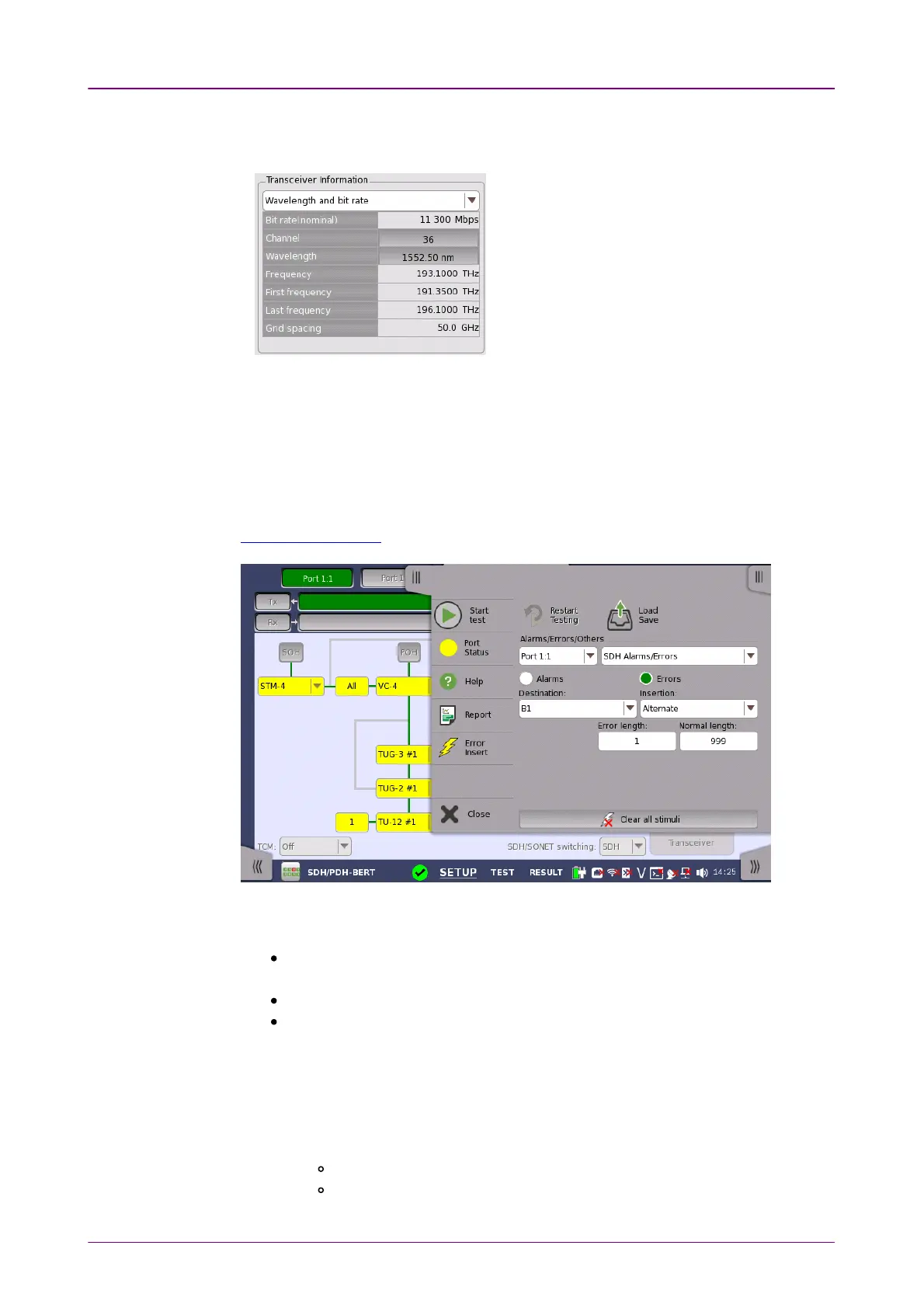
Bit rate, Channel, Wavelength, Frequency, First frequency, Last frequency,
Grid spacing
Touching ChannelChannel or WavelengthWavelength value opens
the dialog box to set the wavelength.
The optical power read out from the transceiver is displayed.
The transmitting optical power is displayed in left column. The received optical
power is displayed in right column.
55..11..44 Errors/Alarms InsertionErrors/Alarms Insertion
This section describes the errors or alarms insertion for the SDH layer on the
Application toolbar.
Select the port to insert errors, and the stimuli type. The settings items vary
depending on the selected stimulus type.
SDH Alarm/ErrorsSDH Alarm/Errors: Inserts errors or alarms related the SDH overhead or the
pattern error.
SDH frequencySDH frequency: Adds the frequency offset to the SDH bit rate.
SDH pointerSDH pointer: Inserts specified pointer continuously.
55..11..44..11 SDH Alarms/ErrorsSDH Alarms/Errors
1. Select AlarmsAlarms or ErrorsErrors using the radio button.
2. Select the DestinationDestination.
3. Select the InsertionInsertion.
OffOff: Turns off inserting Alarms or Errors.
ManualManual: Inserts errors or alarms in the specified counts if you touch the
Error Insert icon.














 To Next Page