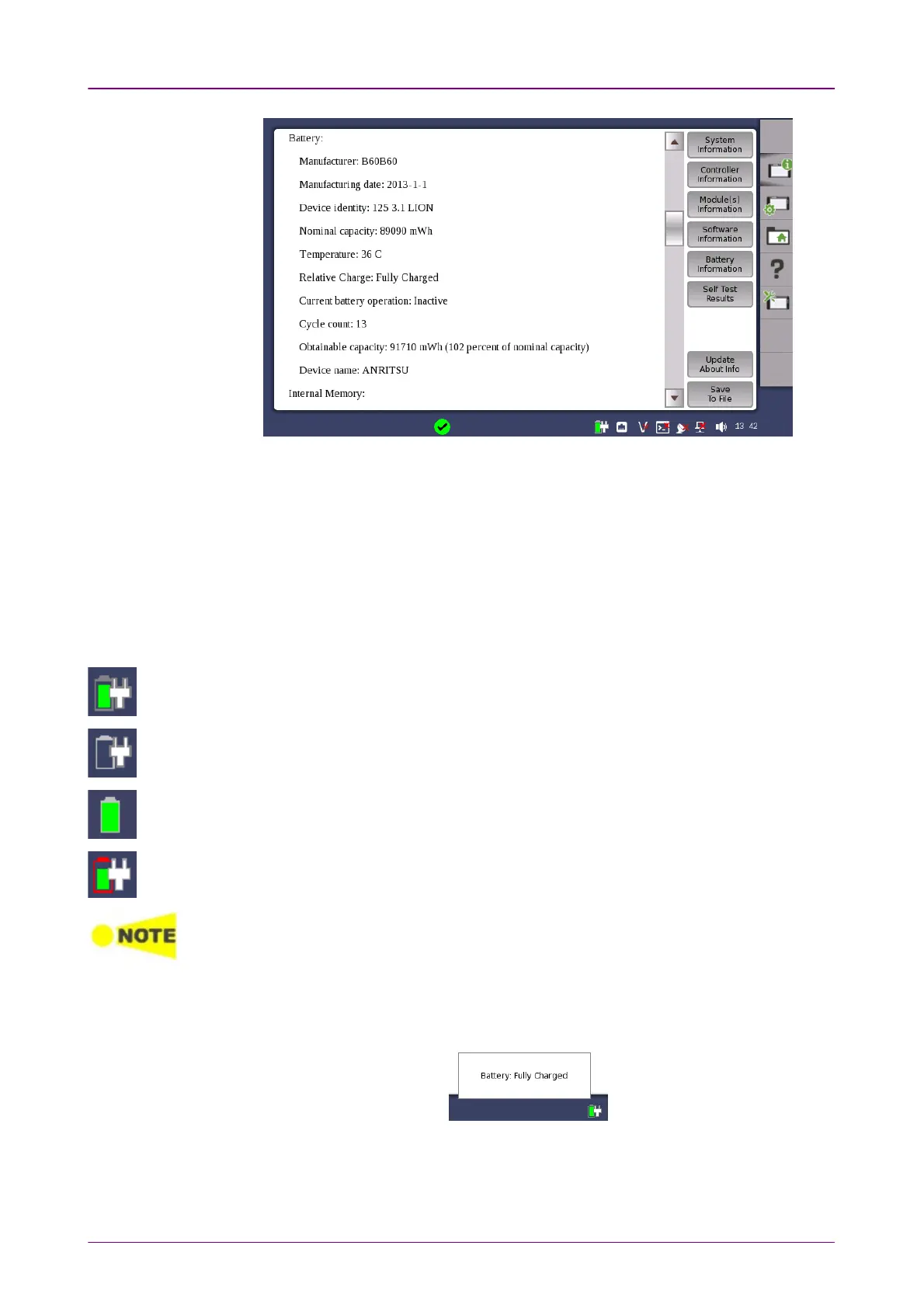
Example of Battery Information
The battery status can be checked in the instrument toolbar (expandable icon
toolbar) on the right-hand side of the screen, or in the status line if the battery
indicator is displayed there. See the "Battery Status Information" section below.
22..33..33 Battery Status InformationBattery Status Information
The battery icon is displayed in the status line at the bottom of the screen.
The following icons are used to indicate the current battery status:
The battery is fully charged. The Network Master is using the AC adapter as power
source.
There is no battery in the Network Master (or the battery is malfunctioning). The
Network Master is using the AC adapter as power source.
The Network Master is using the battery as power source. The AC adapter is not
connected.
Battery charging is not doing because it is out of rechargeable temperature range.
The Network Master is using the AC adapter as power source.
There is a delay of several seconds before the battery status is updated.
A more detailed battery status information is launched when touching the
battery icon. The example in the figure below shows the status screen of a
battery during charging.














 To Next Page