44..33 Startup and Switch-off SequencesStartup and Switch-off Sequences
This section describes what takes place when you switch the Network Master
on and off as well as when you start up and close down an application.
44..33..11 Instrument StartupInstrument Startup
When you switch on the instrument, the first screen displayed is a splash
screen - introducing you to the GUI concept of the
desktop/workspace
and the
various screen types (see the figure in the
GUI Concept
section). Then the
Application Selector
screen is displayed.
44..33..22 Application StartupApplication Startup
When you touch an icon on the
Application Selector
screen to start an
application, a
workspace
is created for that application and the relevant data is
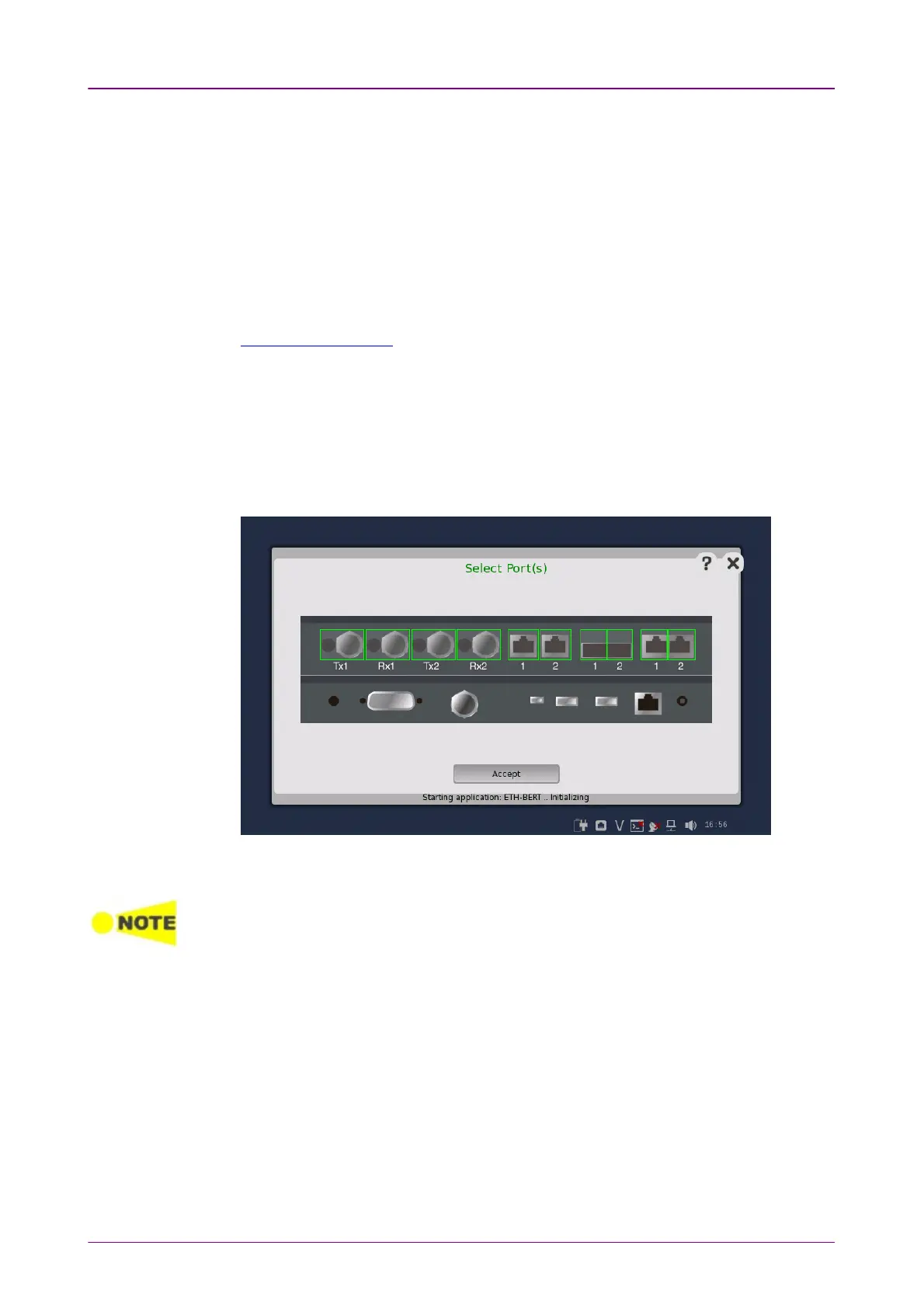
loaded into it. When the loading is complete, you are prompted to select the
instrument resources (i.e. ports) that will be allocated to the application/test.
After the selection of resources, the
Ports Setup
screen is displayed, with the
interface type(s) relevant for the selected application.
Some of the application icons are "double-icons", allowing you to start the application
with an OTN signal layer if relevant. Be careful to touch the correct part of the icon when
starting the application.
You can also start an application by selecting the result file on the
Report File
Browser
screen. Refer to the next section.














 To Next Page