Note that the same colors are also used for indication of status in other
contexts, e.g. in the display of test results.
Double-ringed icons with history informationDouble-ringed icons with history information
The Lamp icons are double-ringed, with the inner ring indicating the current
status and the outer ring showing history information (i.e. alarms and errors in
the alarm trap since the last reset/clearing of history).
'Error' situation currently, but alarm recorded previously.
'No trouble' situation currently, but alarm recorded previously.
'No trouble' situation currently, but error recorded previously.
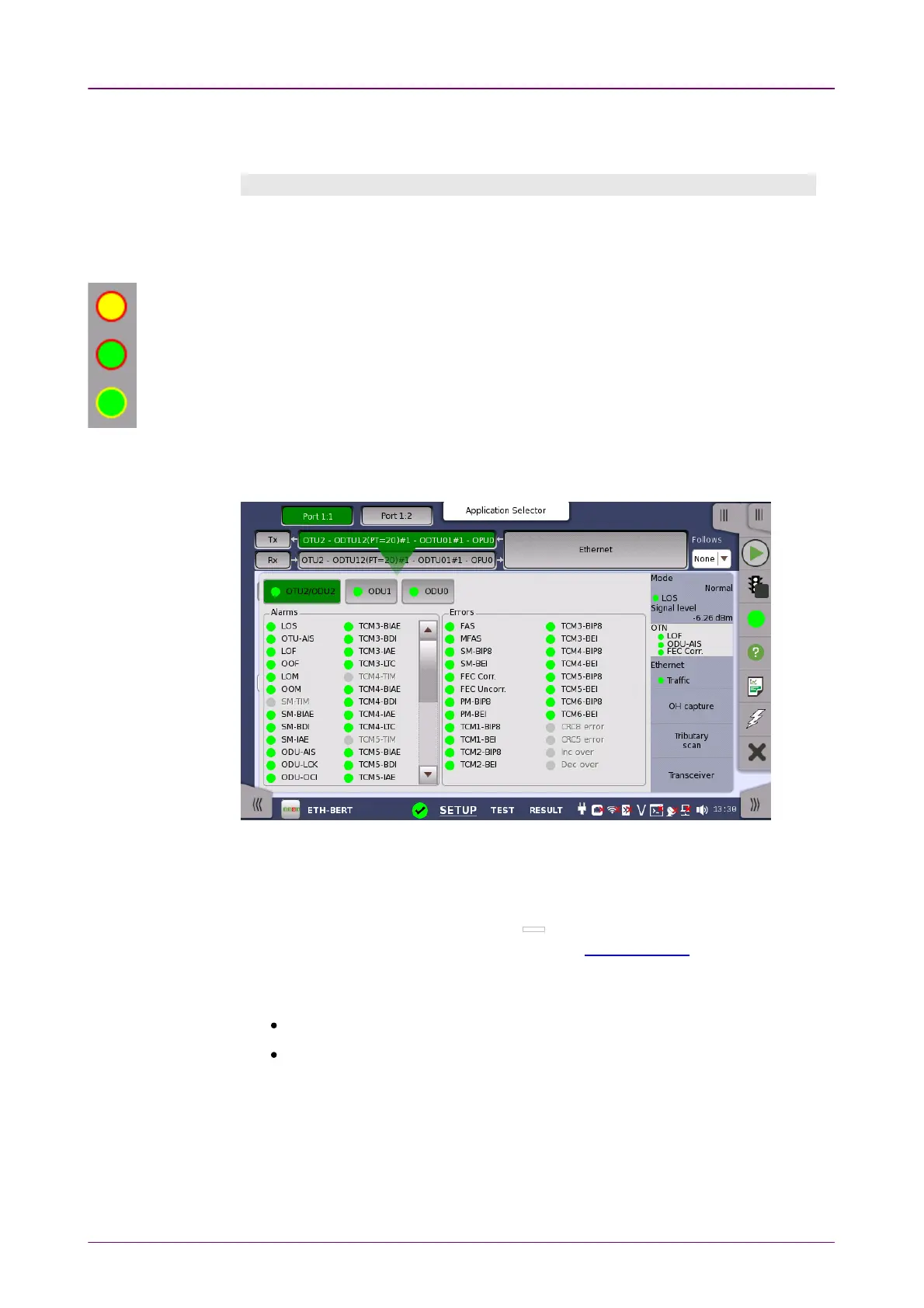
The example below shows the Lamp icons used in a screen displayed by
selecting alarm and error status on the ports setup screen.
44..11..44..11 Test Status SummaryTest Status Summary
In the status bar, an icon indicates the summarized Test Status of every running
test application excluding file viewers ( ) or utilities. It is possible to
show/hide the summarized Test Status, refer to Miscellaneous in "Instrument
Toolbar" section. The Test Status for an application is a combination of the
following items:
Thresholds violations
Alarms/Errors
The following lists the different icons of the summarized Test Status and the
their meaning.














 To Next Page