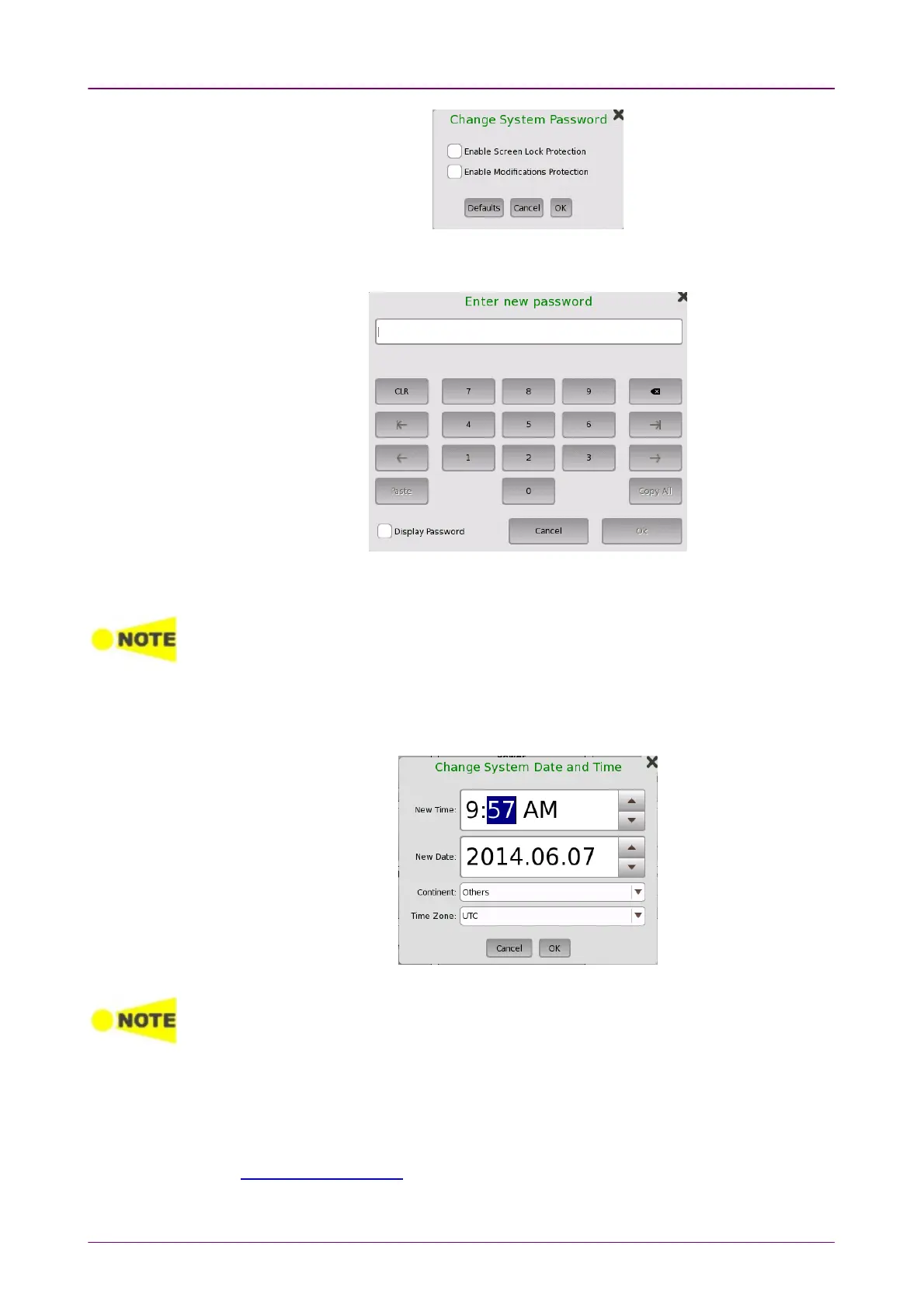
To change/set the password, select the one or more check boxes and then
touch the OKOK button. A numeric keypad is displayed.
To see the numbers as you type them on the keypad, select the DisplayDisplay
PasswordPassword check box.
The password is set to 0614 as factory default.
Date/TimeDate/Time
Allows you to change the system date and time. Select a part in New TimeNew Time or
New DateNew Date field and touch the up/down button.
If touching OKOK, the dialog box confirming the reboot appears. Touch YesYes.
At the battery operation, Network Master does not reboot. Date and Time will be
changed when Network Master has booted by pressing the power button.
MiscellaneousMiscellaneous
Logging LevelLogging Level allows you to specify the logging level. Select OffOff always. Other
options are used for the service use.
Show ConfirmationsShow Confirmations allows you to specify whether showing the prompts to
confirm dependencies.














 To Next Page