PowerPower
Allows you to specify auto backlight duration and auto power-off time.
These settings are applied for the battery operation only.
When Wireshark application is running, Auto Backlight OffAuto Backlight Off does not work.
Touch Screen CalibrationTouch Screen Calibration
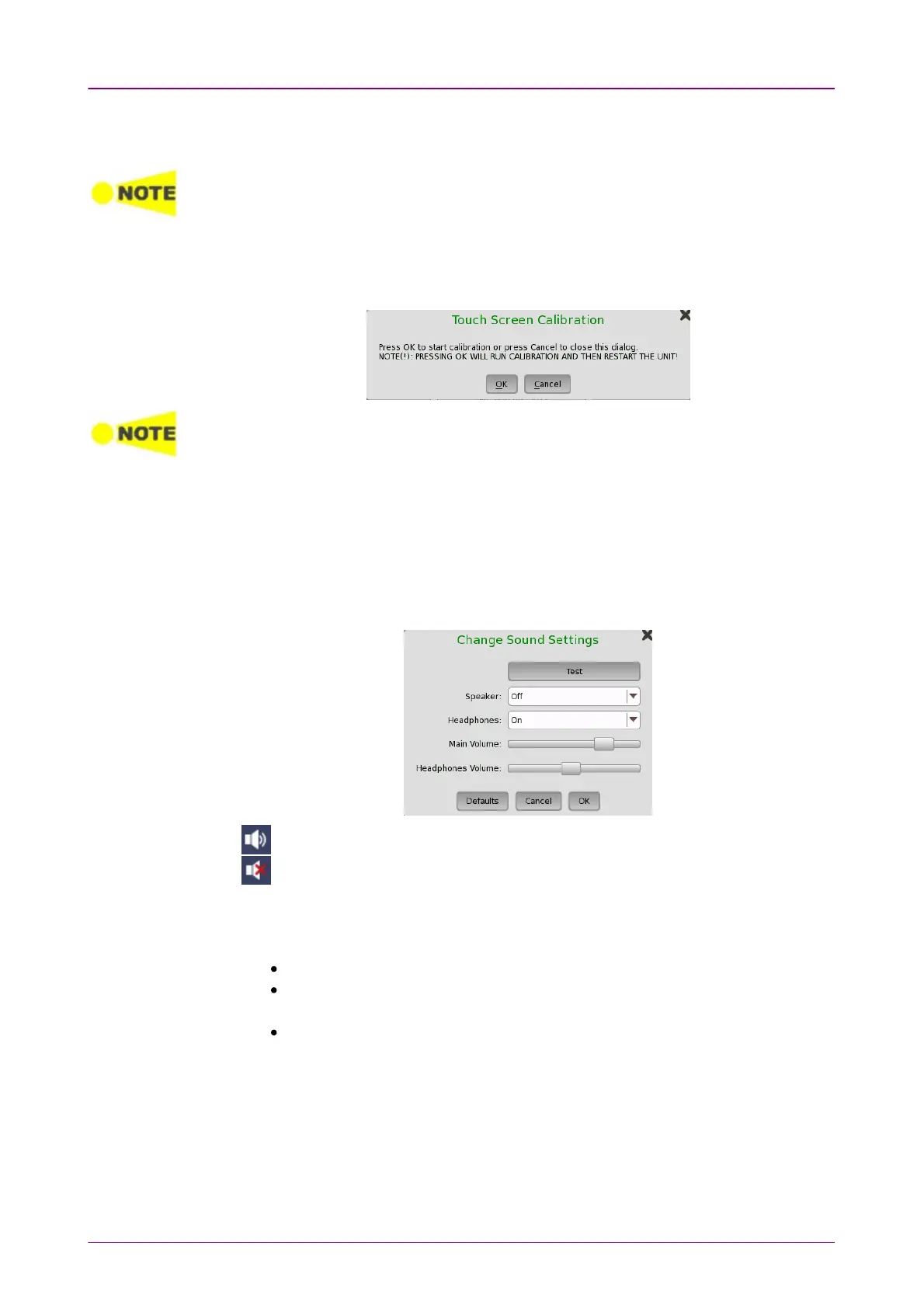
Allows you to calibrate the touch screen. Touch OKOK in the dialog box to start
the calibration.
Save the measurement results or settings before the touch screen calibration. Network
Master reboots after the touch screen calibration. The measurement data which is not
saved will be lost.
When operating with the battery, Network Master does not reboot.
LanguageLanguage
Allows you to select language for the screens, and the keypad layout.
SoundSound
Allows you to specify speaker and headphones on/off. Change the volume by
using the slide bar.
This icon indicates that the speaker is On.
This icon indicates that the speaker is Off.
Auto SaveAuto Save
Allows you to specify saving method of the measurement results.
PromptPrompt: Confirms saving results or not after a test.
OnOn: Saves results to the file automatically without notification every time a test
ends.
NoneNone: Does not save results. The results data are discarded if you do not save
the data manually.
System PasswordSystem Password
Allows you to enable/disable password protection and to specify a new
password. When the password protection is enabled, starting applications and
editing applications are protected.














 To Next Page