GeneralGeneral
If MT1000A-006 is installed, "Extended Installers" is displayed. When
MU100011A data is installed, the installer version is displayed.
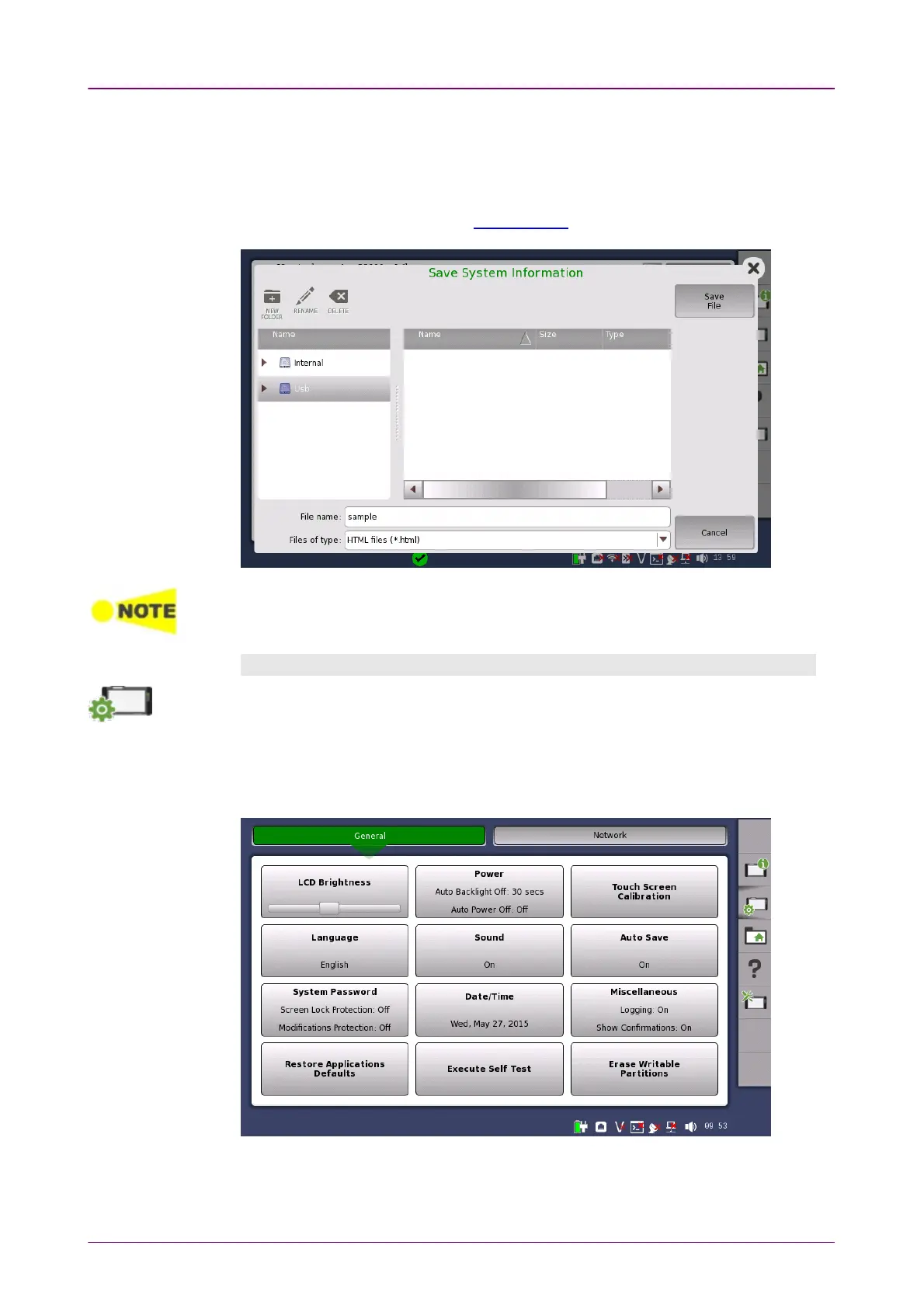
To save the instrument information in an HTML file, touch the Save To FileSave To File
button. This launches another dialog box, where you can specify file name and
location. For the icons, refer to "File Manager".
When there are "NG"s in the self test results, try to reboot Network Master. If "NG"s
remain in the self test results, contact an Anritsu Service and Sales office.
ConfigurationConfiguration
The
Configuration
icon launches the
Global Configuration
screen. From this screen,
it is possible to configure both the general instrument settings (such as date/time,
password etc.) and various network settings.
The GeneralGeneral screen contains the following configuration options:
LCD BrightnessLCD Brightness
Allows you to change the screen brightness by using the slide bar.














 To Next Page