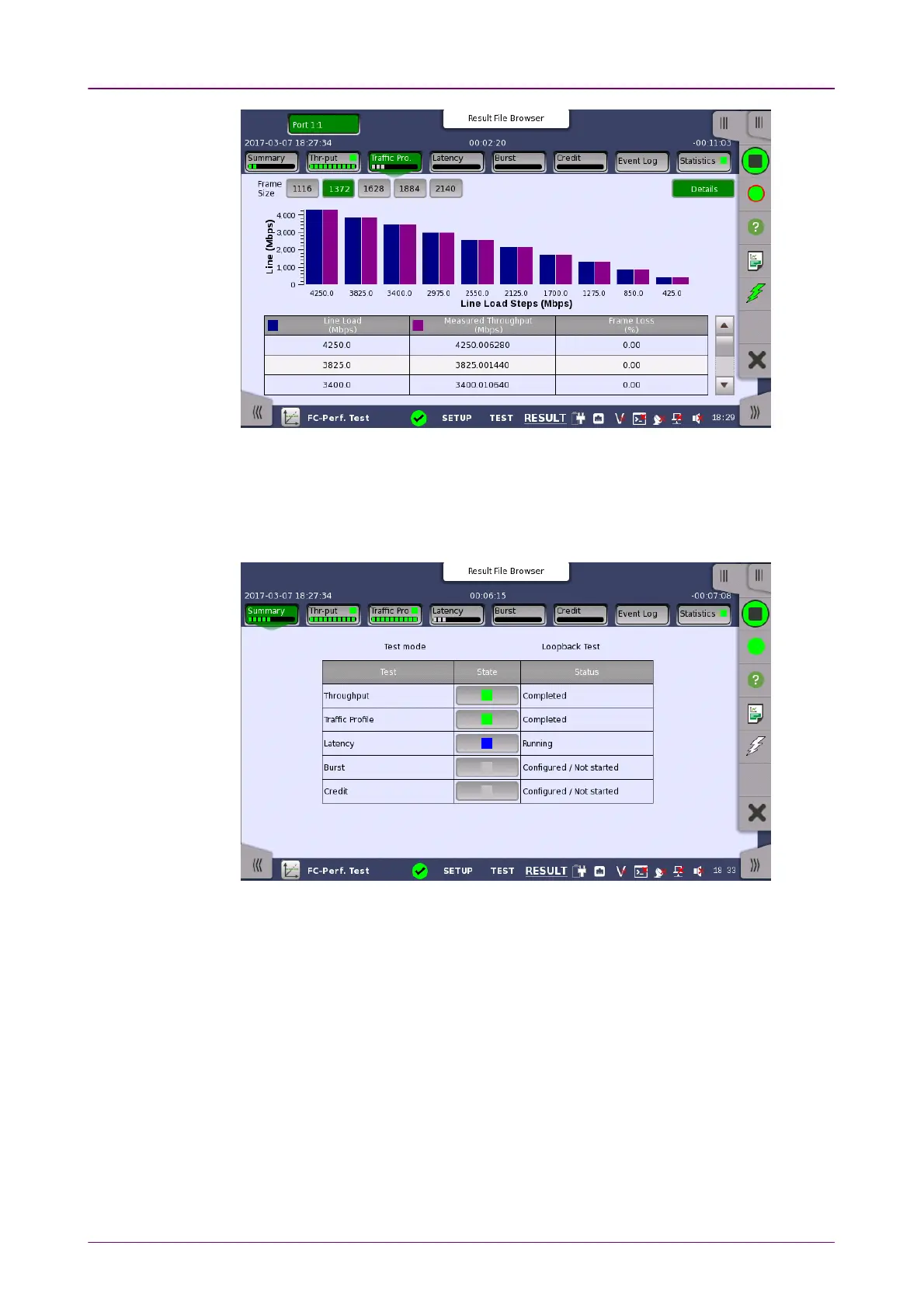
Two modes can be switched using DetailDetail or SummarySummary.
99..33..33..11 SummarySummary
The following screen is displays by touching SummarySummary in the Navigation area.
This screen presents the current status of the test(s) (Configured / Not startedConfigured / Not started,
RunningRunning, CompletedCompleted or Not ConfiguredNot Configured). Touching the State button of the
specific test displays the screen where the detailed result information is
displayed.
99..33..33..22 ThroughputThroughput
The following screen is displayed by touching ThroughputThroughput in the Navigation
area.














 To Next Page