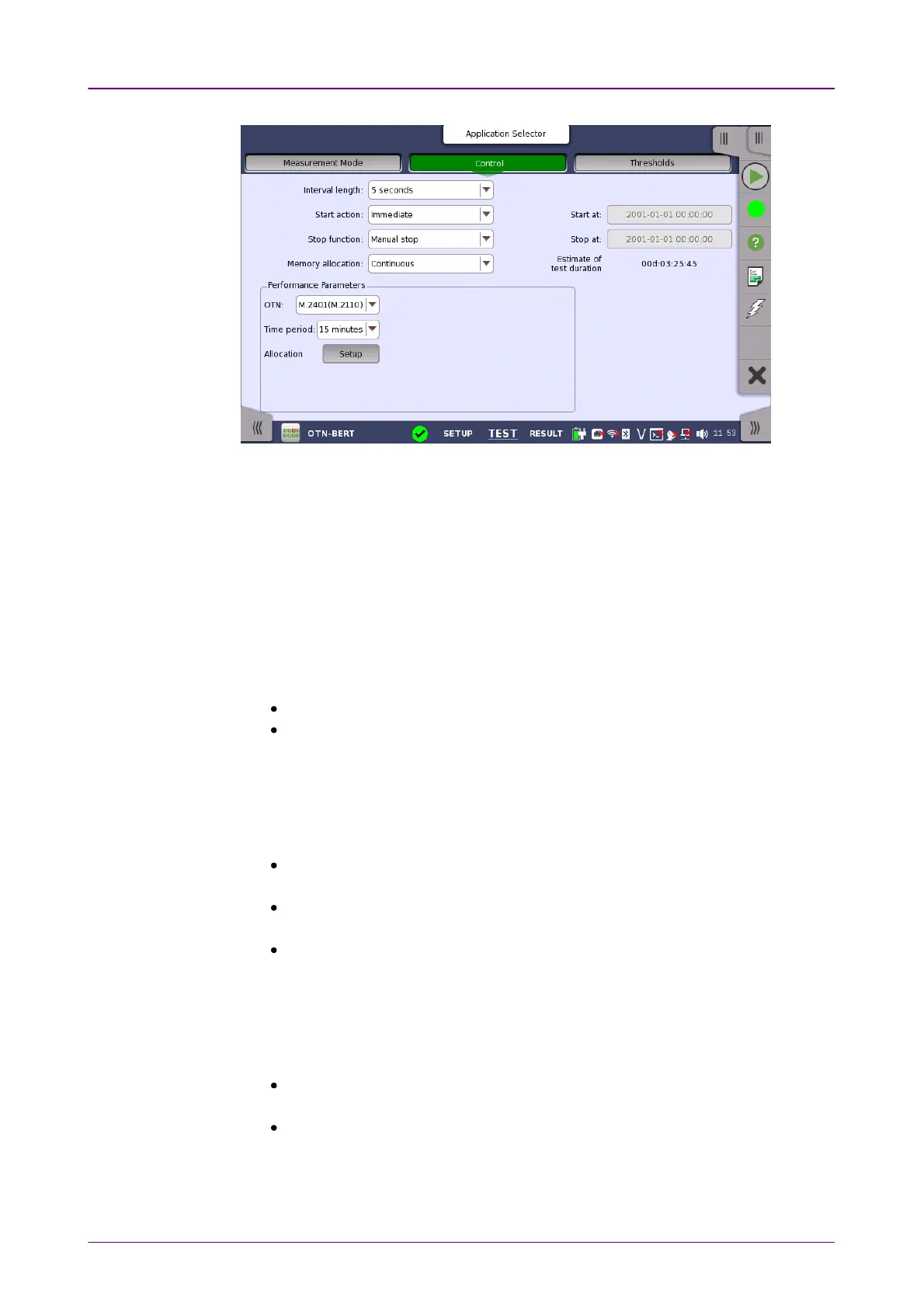
This screen allows you to configure the test mode and other general parameters
related to the test.
Interval lengthInterval length
Allows you to specify the duration of the BERT intervals. The drop-down menu
contains the following values: 1 second1 second, 2 seconds2 seconds, 5 seconds5 seconds, 10 seconds10 seconds, 1515
secondsseconds, 30 seconds30 seconds, 1 minute1 minute, 5 minutes5 minutes, 10 minutes10 minutes, 15 minutes15 minutes, 30 minutes30 minutes,
1 hour1 hour, 2 hours2 hours, 4 hours4 hours, 6 hours6 hours, 12 hours12 hours or No IntervalsNo Intervals.
Start actionStart action
Allows you to specify when the measurement is started.
ImmediateImmediate: Starts the measurement when you touch the StartStart button.
Start atStart at: Starts the measurement at the time specified in the Start atStart at field on
the right.
Stop functionStop function
Allows you to specify when the measurement ends. Select the relevant option
from the drop-down menu:
Manual stopManual stop: Stops the measurement immediately when you touch the StopStop
button.
Stop atStop at: Stops the measurement at the time specified in the Stop atStop at field on the
right.
DurationDuration: Performs the measurement for the duration of time specified on the
right.
Memory allocationMemory allocation
Allows you to specify how the measurement will be stored in the Network
Master's memory. Select the relevant option from the drop-down menu:
Use all storageUse all storage: When Network Master's memory became full of measured
data, the whole measurement is stopped.
ContinuousContinuous: When Network Master's memory became full of measured data,
the oldest records in that memory will be overwritten.














 To Next Page