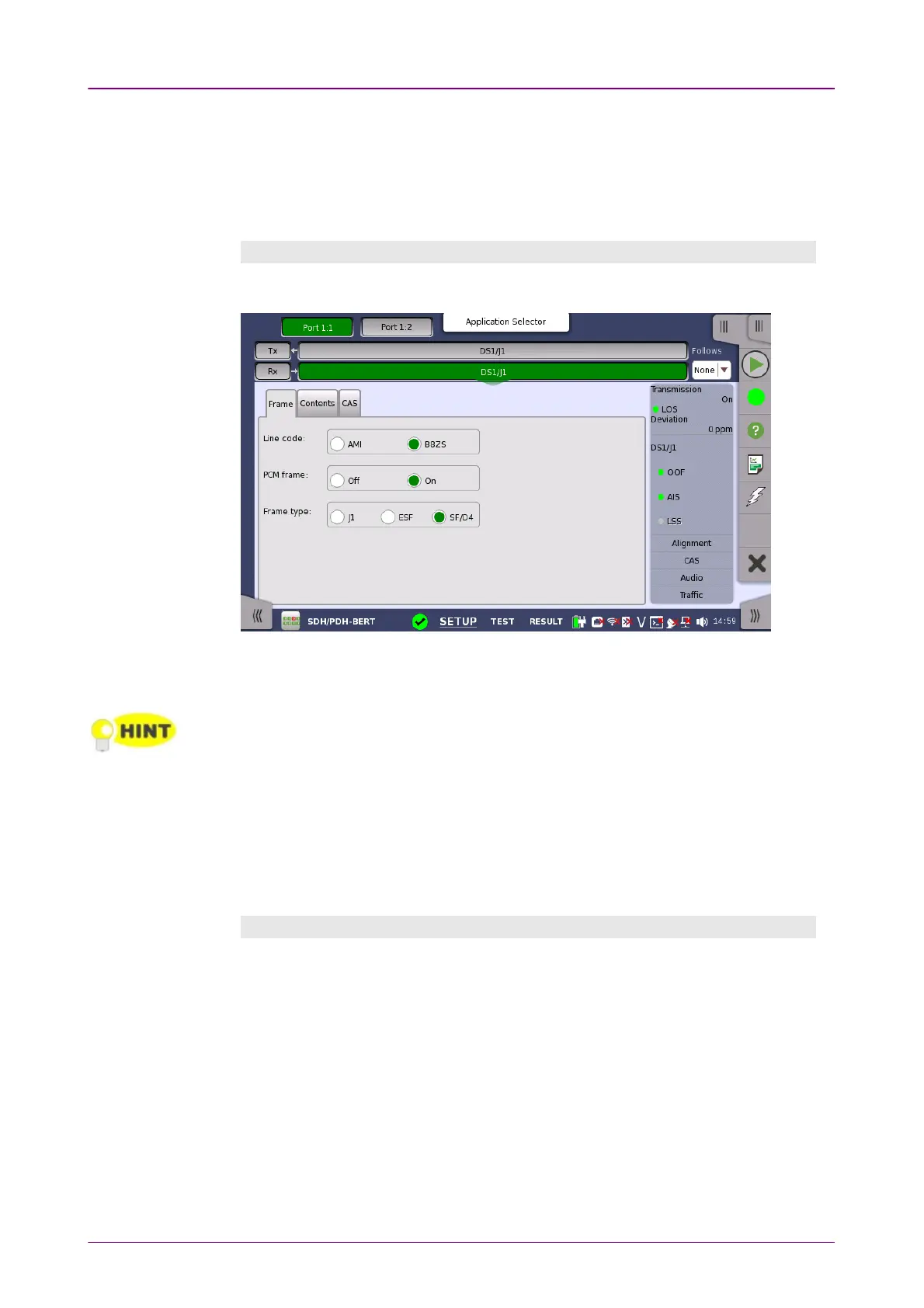
FollowsFollows
To make the currently selected receiver follow either the transmitter or Port 1
receiver (i.e. copy its settings), touch the drop-down menu in the navigation
area and select the relevant value. The receiver settings continue to follow the
change of either the transmitter or Port 1 receiver. The default setting is NoneNone.
Note that the Port 1 receiver cannot follow the Port 2 receiver.
Frame tab pageFrame tab page
The FrameFrame tab page contains the following parameters:
Line codeLine code
Use the Line codeLine code radio buttons to select transmission line code AMI or B8ZS.
For normal 1.544 Mbps systems choose B8ZSB8ZS. AMIAMI is for special applications only.
PCM framePCM frame
Use the PCM framePCM frame radio buttons to enable (OnOn) or disable (OffOff) the status of
the PCM frame.
Frame typeFrame type
Select the relevant frame type: J1J1, ESFESF or SF/D4SF/D4.
Content tab pageContent tab page
The ContentContent tab page contains the following parameters:














 To Next Page