Single ended networkSingle ended network
testtest
When the test is started on the 'local' Network Master, a popup will appear on the
'remote' Network Master, telling that the unit is being remotely controlled - providing a
'break connection' button. The popup will disappear when the test is completed or
stopped on the 'local' Network Master.
When the test is completed, the test results are transferred from the 'remote'
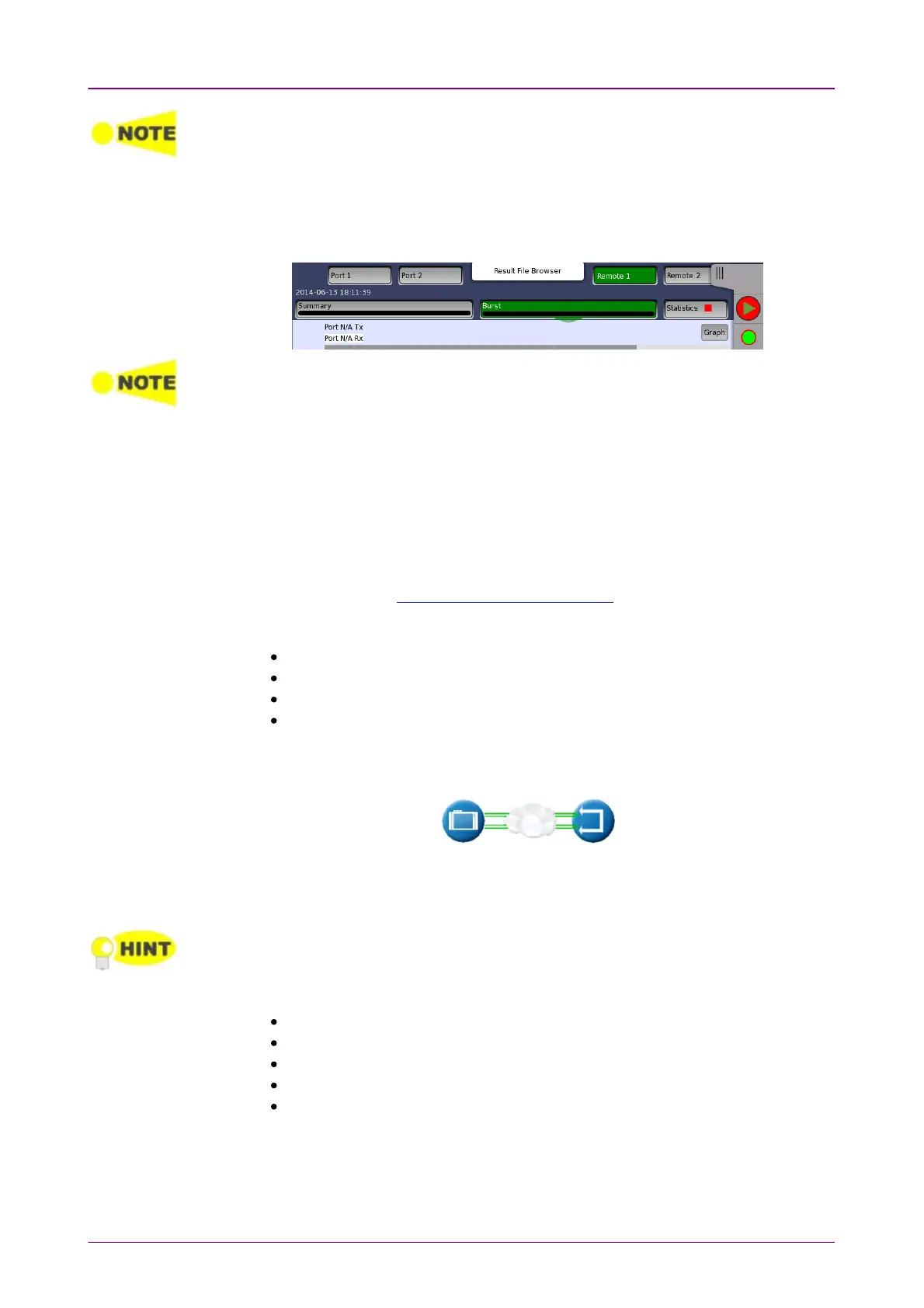
Network Master to the 'local' Network Master. Remote 1Remote 1 and Remote 2Remote 2 buttons
appear in Navigation area for displaying the 'remote' side test results.
The local results and 'remote' results are related in the way that Tx statistics for the local
ports match up with the Rx statistics for the remote ports and vice versa.
The End to End Test can be run in several modes: By default, both of Port 1
and Port 2 are used for transmitting and receiving on both the 'local' Network
Master and the 'remote' Network Master. Depending on the address setup the
test will run either Local port 1 > Remote port 1, and Local port 2 > Remote
port 2 or vice versa.
If One WayOne Way is selected, the test will transmit frames from either the 'remote'
Network Master or the 'local' Network Master. The direction Ethernet frames
are sent can be set at End to End Test (master side) in AdvancedAdvanced.
Testing in this modeTesting in this mode
Throughput test
Frame Loss test
Throughput and Frame Loss test
Burst test
Note that you cannot select 'Throughput and Frame Loss' and 'Throughput' /
'Frame Loss' at the same time.
This test is used when testing network by reflecting traffic back to the Network
Master. This requires a device to reflect the traffic back e.g. a second Network
Master.
If both ports are active, the test will require both ports to be linked and do a dual 'Single
ended network test'. Turn off one of the ports to only test on one of the ports.
Testing in this modeTesting in this mode
Throughput test
Frame Loss test
Throughput and Frame Loss test
Latency test
Burst test
Note that you cannot select 'Throughput and Frame Loss' and 'Throughput' /
'Frame Loss' at the same time.
66..99..22..22 ThroughputThroughput














 To Next Page