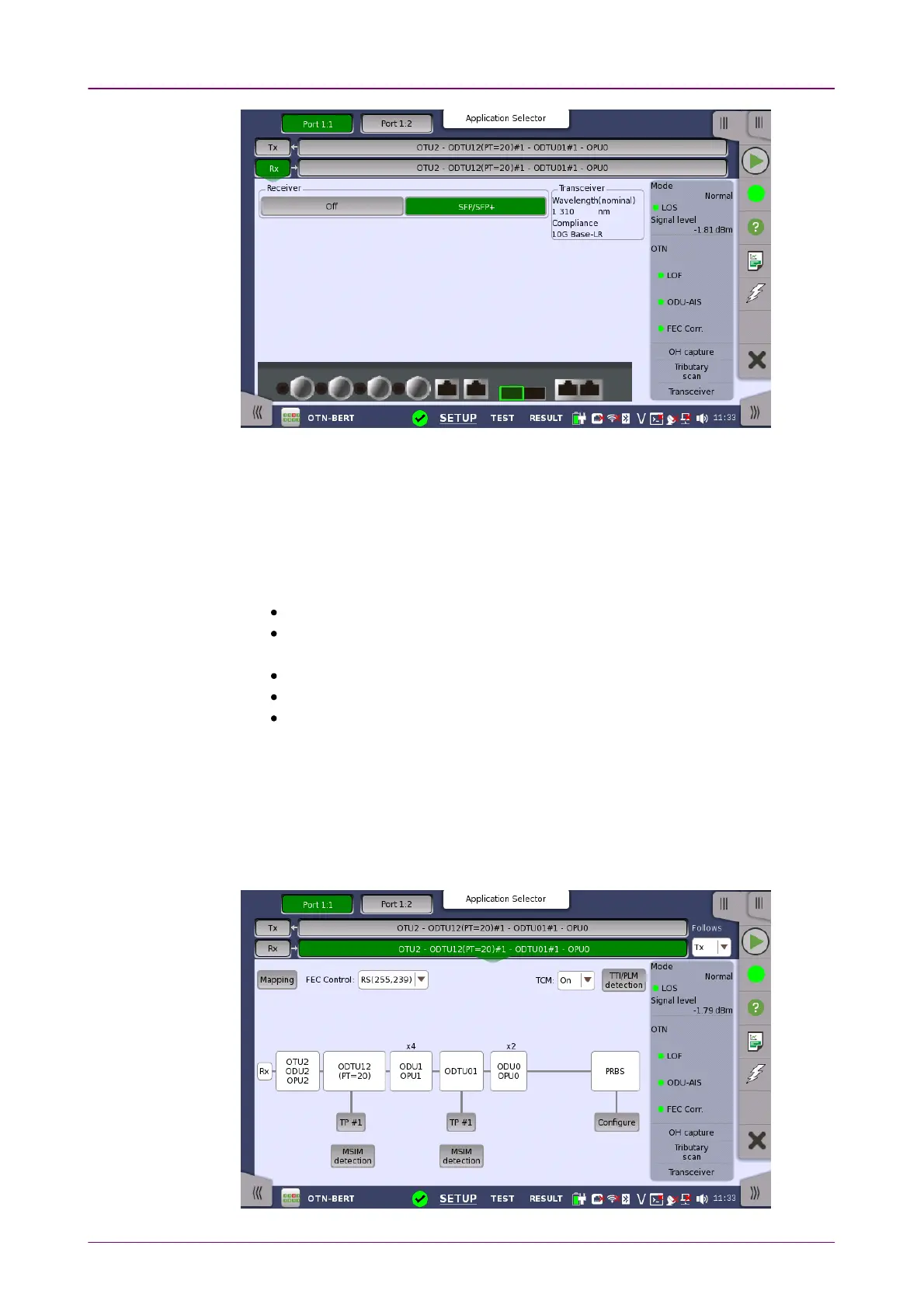
ReceiverReceiver
TransceiverTransceiver
This screen allows you to make the physical setup of the receiver in OTN
mode. It can also be used to inspect the current status of the selected port by
the button in Navigation area.
The configuration options available in the setup area of the screen are
described below. The status information is described in a separate section.
Touch the button to select the interface.
OffOff: No signal input interface.
SFP/SFP+SFP/SFP+: Available bit rate is up to 2.5 Gbit/s for SFP, up to 10 Gbit/s for
SFP+.
QSFP+QSFP+: Available bit rate is up to 40 Gbit/s.
QSFP28QSFP28: Available bit rate is up to 100 Gbit/s.
CFP4CFP4: Available bit rate is up to 100 Gbit/s.
Displays the Transceiver information.
77..11..22..22 OTUk Frame SetupOTUk Frame Setup
Touching the navigation area button which represents the receiver's OTN layer
will launch the screen shown below.














 To Next Page