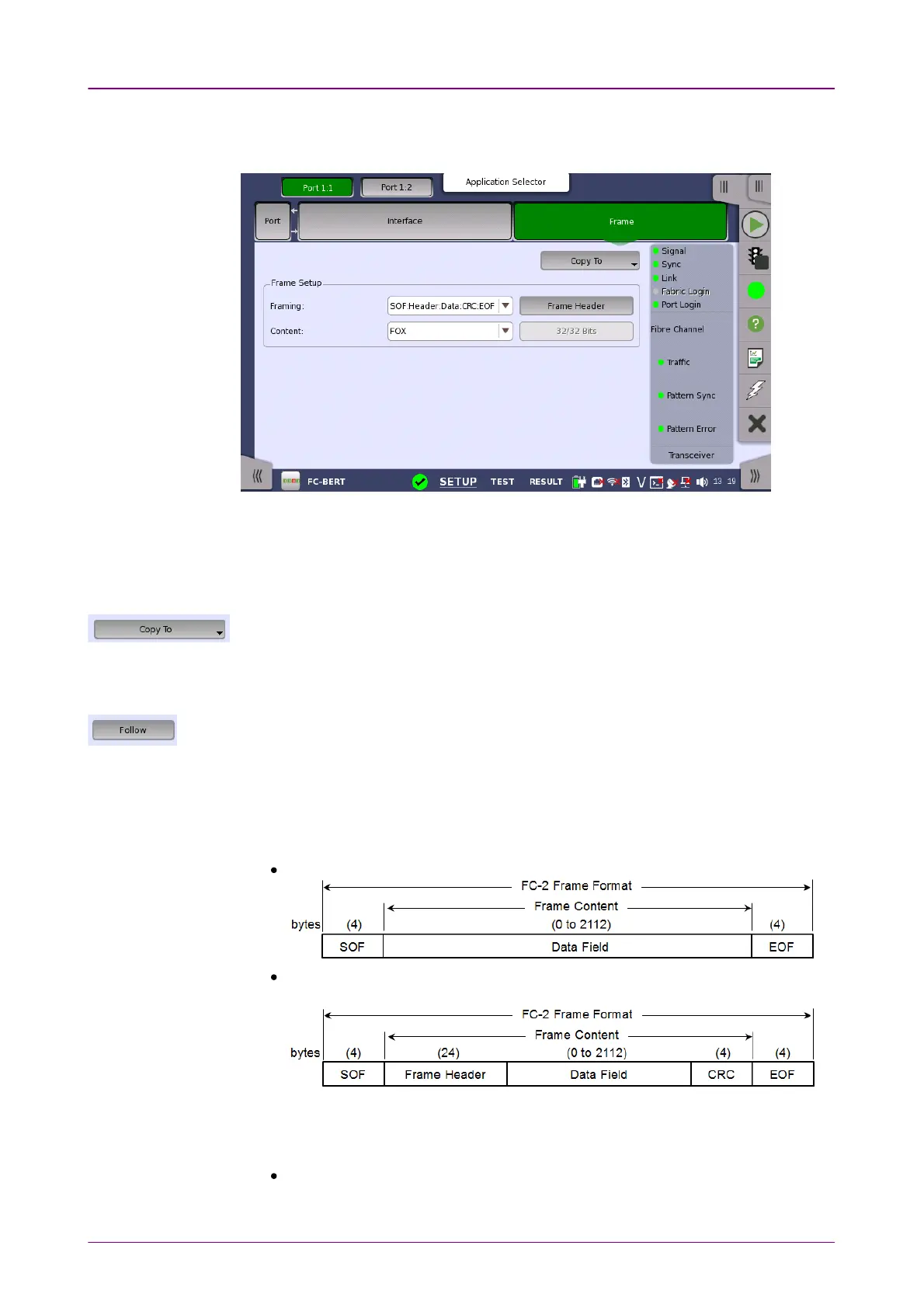
Frame SetupFrame Setup
Touching the FrameFrame button in the navigation area displays the following
screen. FrameFrame button appears in BERT and Performance applications.
Copy frame content to other portsCopy frame content to other ports
This feature allows you to copy the frame content that you are currently
configuring to frame content in another port.
Touching the Copy ToCopy To button opens a drop-down menu from which you can select the
relevant port.
Follow another portFollow another port
It is possible to let the Port 2 copy the setup from Port 1 by touching the FollowFollow button.
When this button is displayed in green, Port 2 continues to follow Port 1 change. This
button appears when the Port 1 settings can be copy to Port 2.
FramingFraming
Select the frame structure in the drop-down menu.
SOF:Data:EOFSOF:Data:EOF: Start of Frame - Data - End of Frame
SOF:Header:Data:CRC:EOFSOF:Header:Data:CRC:EOF: Start of Frame - Frame Header - Data - CRC - End
of Frame
ContentContent
Select a predefined pattern or define a user pattern.
FOXFOX: ASCII code bit sequence of "The quick brown fox jumped over the lazy
dog 1234567890".














 To Next Page