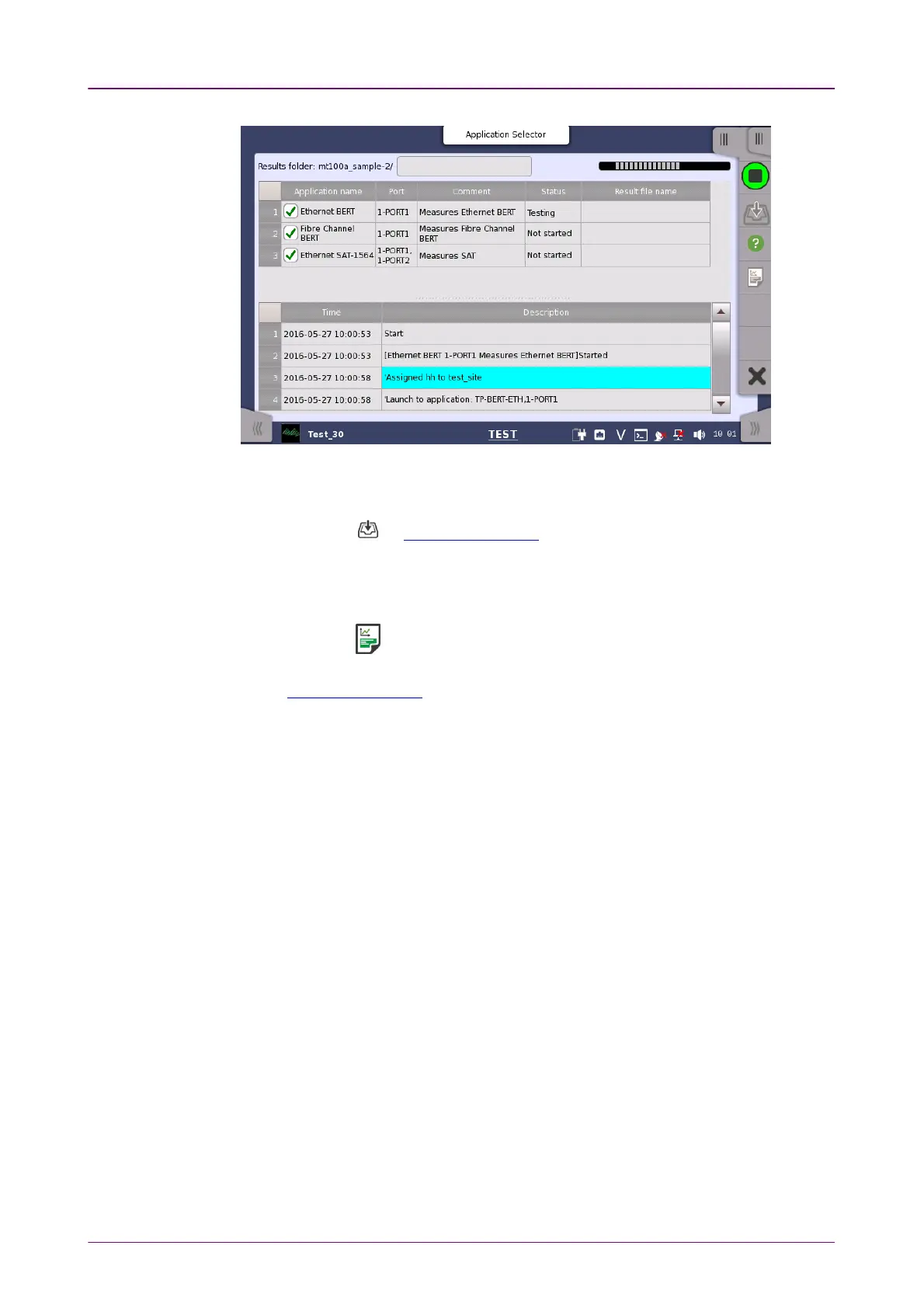
An example of the scenario executionAn example of the scenario execution
Save resultsSave results
1. Touch the on Application Toolbar
2. Set the file name using the dialog box displayed.
3. Touch SaveSave button.
Generating the reportGenerating the report
1. Touch the on Application Toolbar
2. Setup Report Generator using the dialog box. For details, refer to "Report" in
Application Toolbar.
3. Touch GenerateGenerate button.














 To Next Page