Analyzing an imageAnalyzing an image
When Auto CaptureAuto Capture is not selected, follow the procedure below:
1. Touch .
2. Touch .
After the analysis finishes normally, the results appear in the table.
If Overlays OnOverlays On is selected, the circles showing the analysis area appear.
3. Adjust image position by touching ZoomZoom buttons or PANPAN buttons.
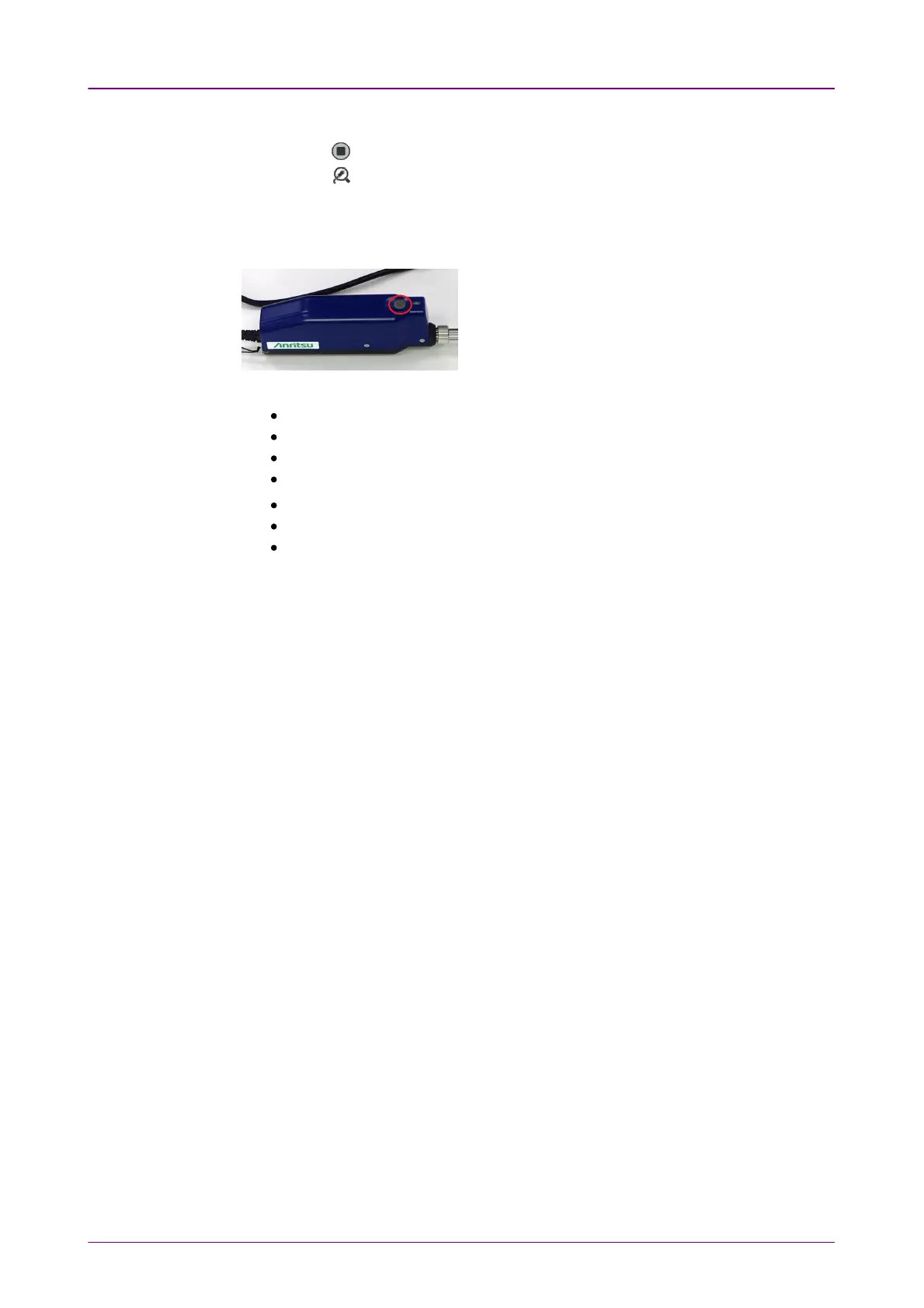
When using G0382A, pressing
the M button on VIP starts
capturing and analyzing an
image.
The items in tables are:
[Zone]: Name of the analysis area
[Dia. (μm)]: Measurement result of the diameter
[Defects]: Judgement result of defects
[Defect Count]: Number of measured defects
[Area (μm
2
)]: Total area of the detected defects
[Scratch]: Judgement result of scratches
[Scratch Count]: Number of measured scratches
Overlays OnOverlays On
If selecting the check box, the circles showing the analysis area appear.
Auto ExposureAuto Exposure
This button appears when Probe Model is G0382AG0382A.
Touching the button maintains the image brightness at appropriate level by
adjusting exposure.














 To Next Page