4. Connect an Ethernet network cable to the LAN connector on your Network
Master and link this to a Local Area Network.
5. Assign an IP address to the Network Master. This is done in the EthernetEthernet
available in the Network screen as described in the
Graphical User Interface
chapter.
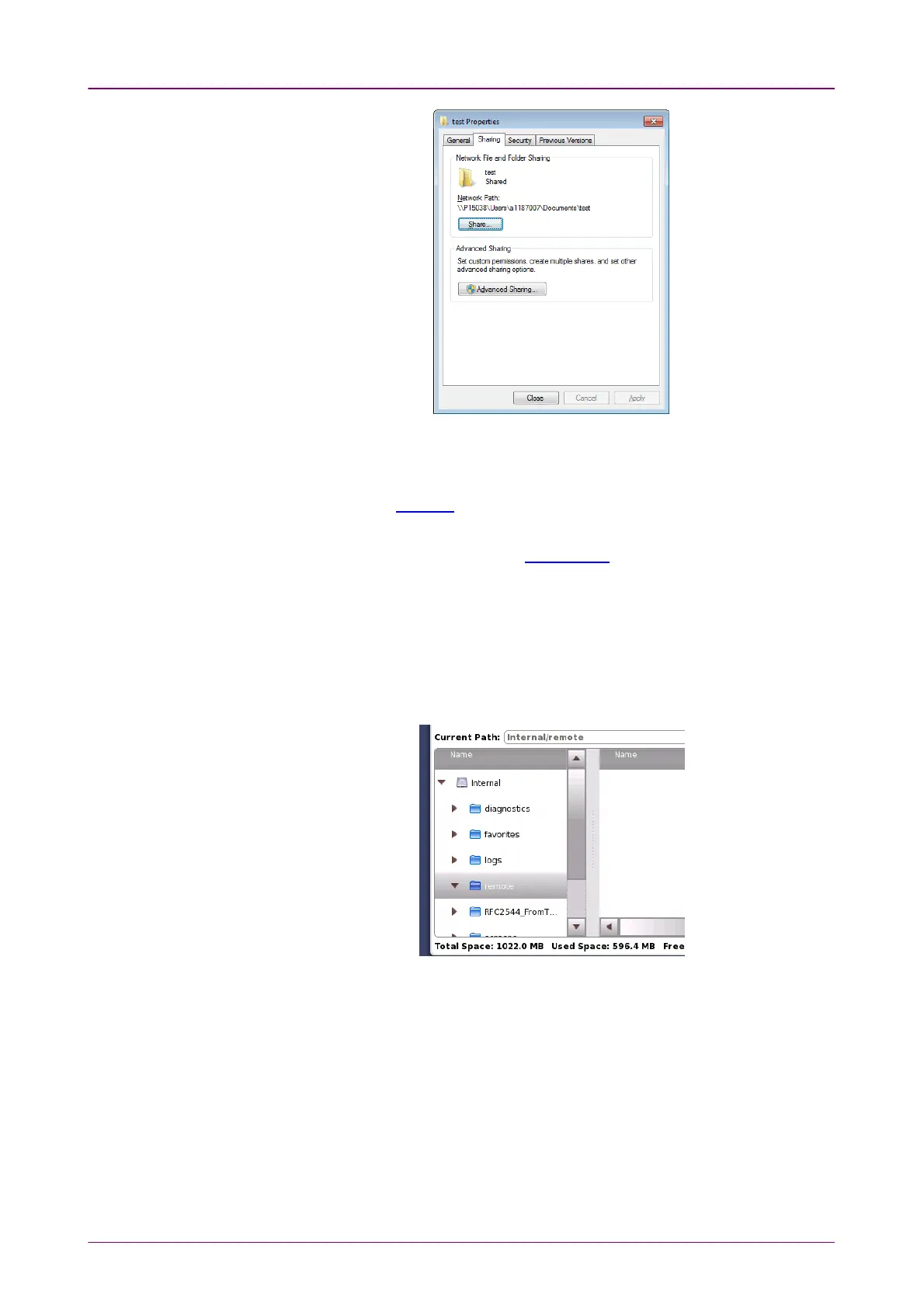
6. Select Mount Remote FolderMount Remote Folder in the File Sharing settings.
7. Enter the IP address of networked PC, User name, Folder name etc.
Note that enter User name of User Account of the PC.
8. Touch ApplyApply. If the remote folder has mounted, "CONNECTED" will be shown.
Then close dialog box.
9. Touch File Manager icon in Instruments Toolbar. The PC shared folder will be
mounted to the instrument Internal\remote folder.














 To Next Page