Canceling Printing with the Operation Panel
Touch Panel Model(P. 196)
5 Lines LCD Model(P. 196)
◼ T
ouch Panel Model
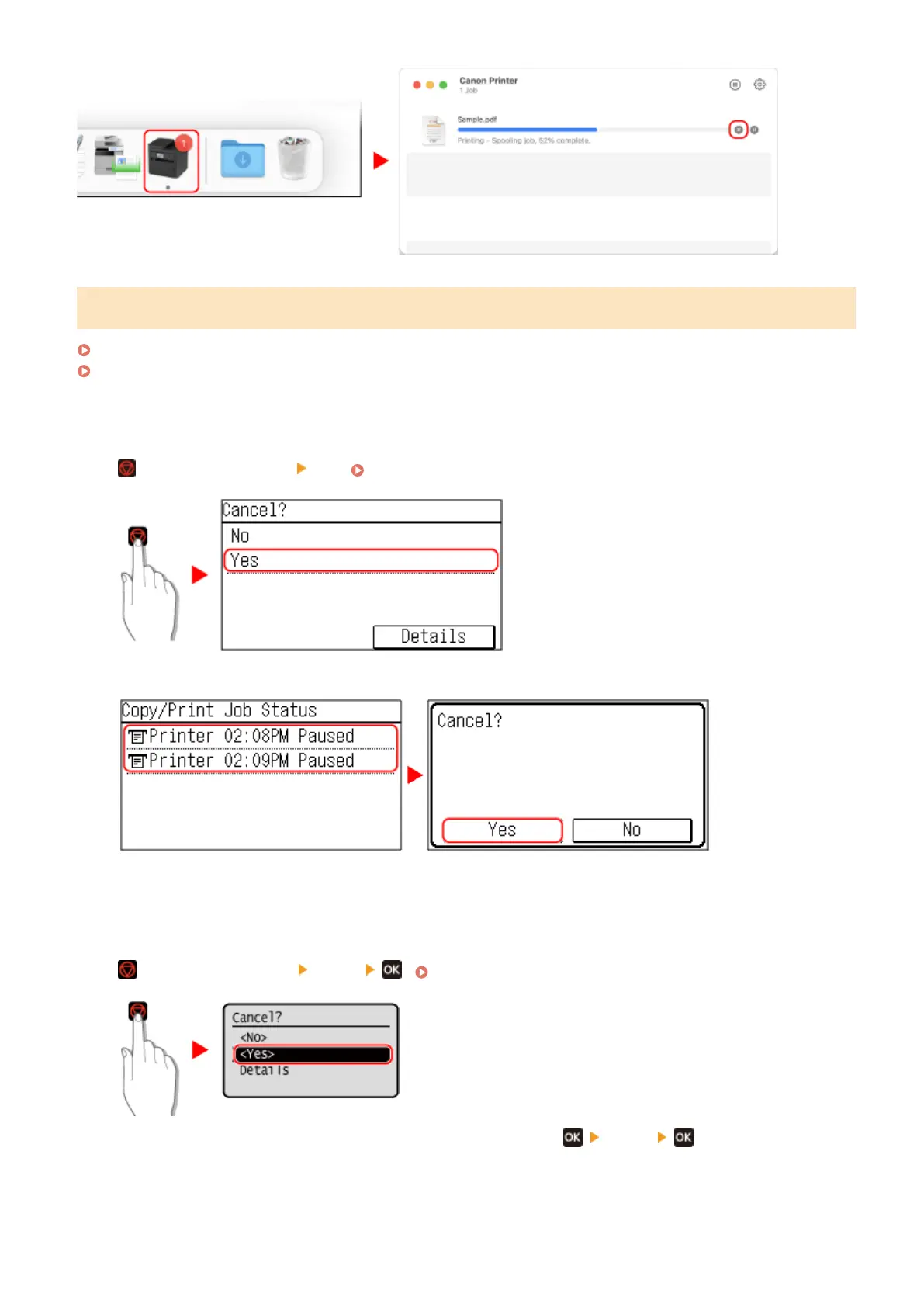
Press
on the operation panel [Yes]. Operation Panel(P. 13)
If the job list screen is displayed, select the job to cancel, and press [Yes].
◼ 5 Lines L
CD Model
Press
on the operation panel [<Yes>] . Operation Panel(P. 13)
If the job list screen is displayed, select the job to cancel, and press [<Yes>] .
Printing
196











 To Next Page