◼ 5 Lines L
CD Model
1
Place the original.
Placing Originals(P. 130)
2
On the operation panel, press [Scan PC] in the [Home] screen . [Home]
Scr
een(P. 113)
➠ Scanning of the original starts.
● T
o cancel scanning, press [<Cancel>] [Yes] . Canceling Scanning(P. 215)
● When scanning is completed, the destination folder is displayed on the scr
een of the selected computer.
* By default, a subfolder with the scanning date is created in the [Documents] folder (Windows) or the
[Pictures] folder (macOS), and the scanned data is saved to that folder.
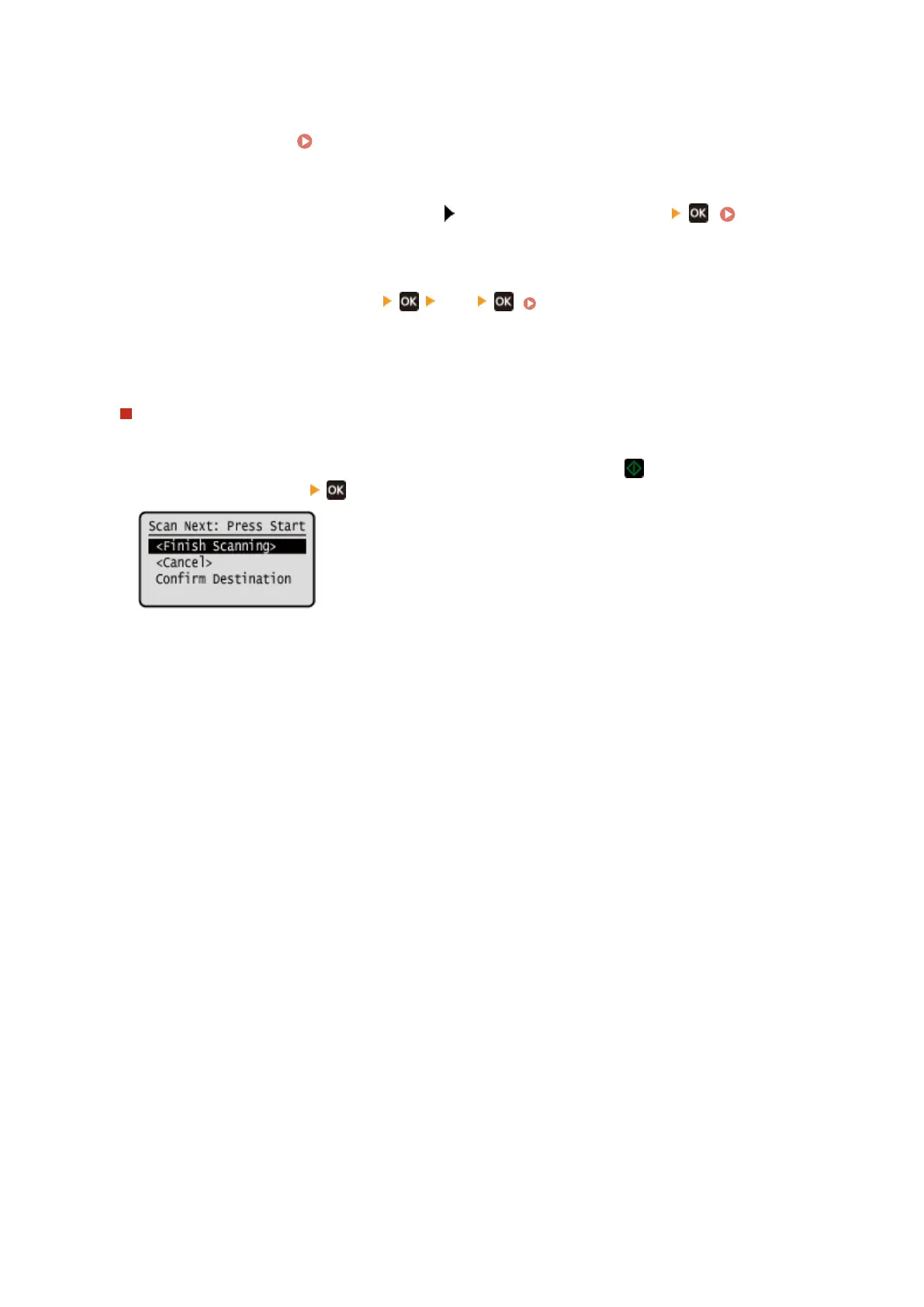
When [Scan Next: Press Start] appears
When an original is placed on the platen glass and is scanned, the screen for scanning additional originals is
displayed.
To continue scanning originals, place them on the platen glass, and press .
Pr
ess [<Finish Scanning>]
to save the scanned data.
* If the size of the original is different, part of the image may be missing, or the image may be scanned
smaller.
Scanning
210











 To Next Page