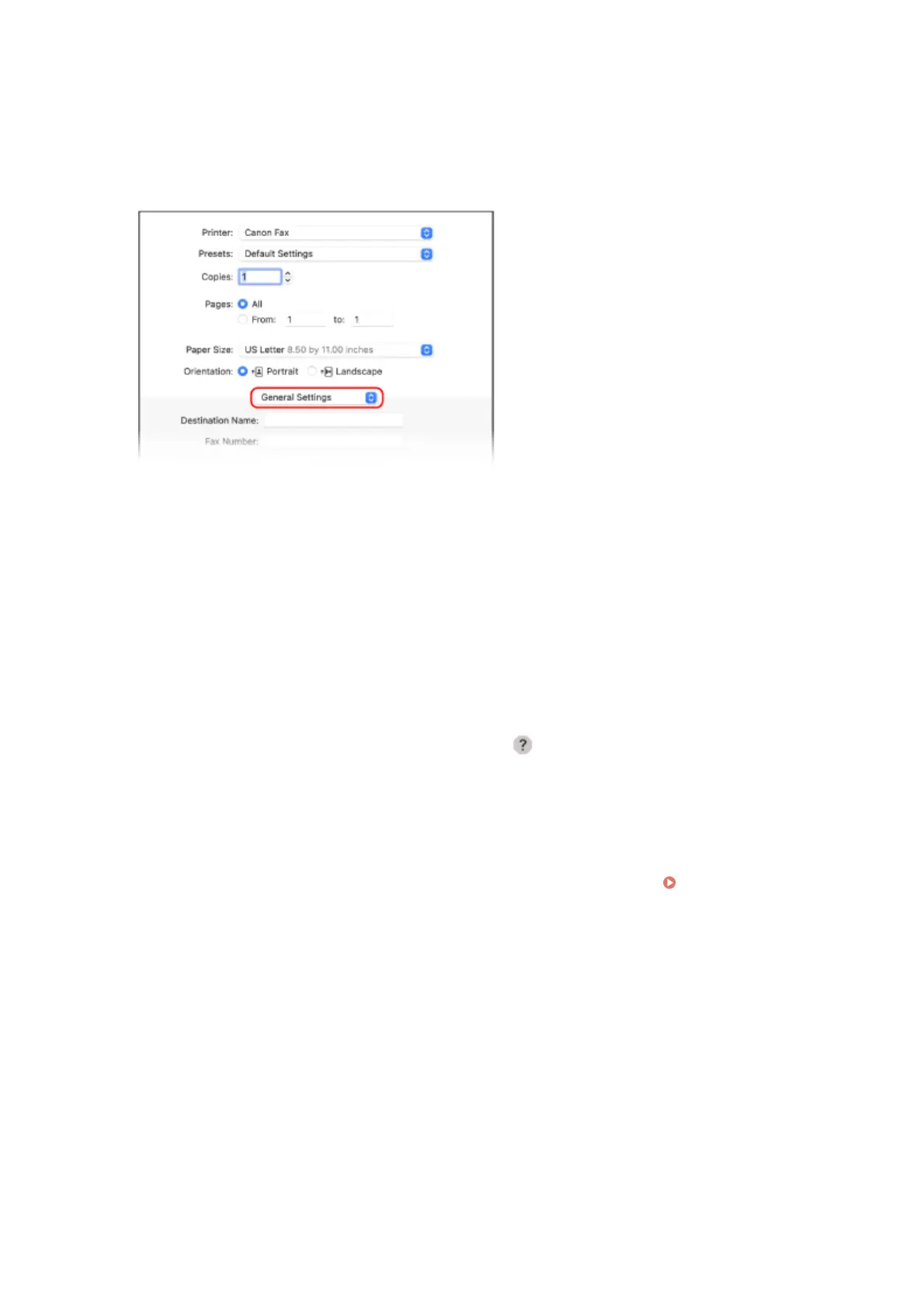
3
In [Printer], select the fax driver of the machine.
4
From the print options pop-up menu, select [General Settings].
If print options are not displayed, click [Show Details] in the printing dialog box.
5
Enter the fax number, and click [Add Destination].
● To specify multiple destinations, repeat this step. You can specify a destination registered to the Address
Book from [Address Book].
● If an outside line number is required, enter this number before the fax number.
6
Congure the co
ver sheet and other fax settings, as needed.
● T
o set the cover sheet details, select [Cover Sheet] from the pop-up menu of the print option.
● For more information about the other fax settings, click [
] in the printing dialog box to display help.
7
Click [Print].
➠ The fax is sent via the machine.
Use [Status Monitor] on the oper
ation panel to view the sending status and log.
Checking the Status and
Log for Sent and Received Fax
es(P. 243)
Faxing
235











 To Next Page