5
Congure the other cop
y settings, as needed.
Additional Copying Features (5 Lines
L
CD Model)(P. 257)
● Y
ou can adjust the density and image quality.
● You can change the number of passports to combine (N on 1) and the 2-sided copy settings selected in 3.
6
Press
.
➠ The rst passport is scanned.
7
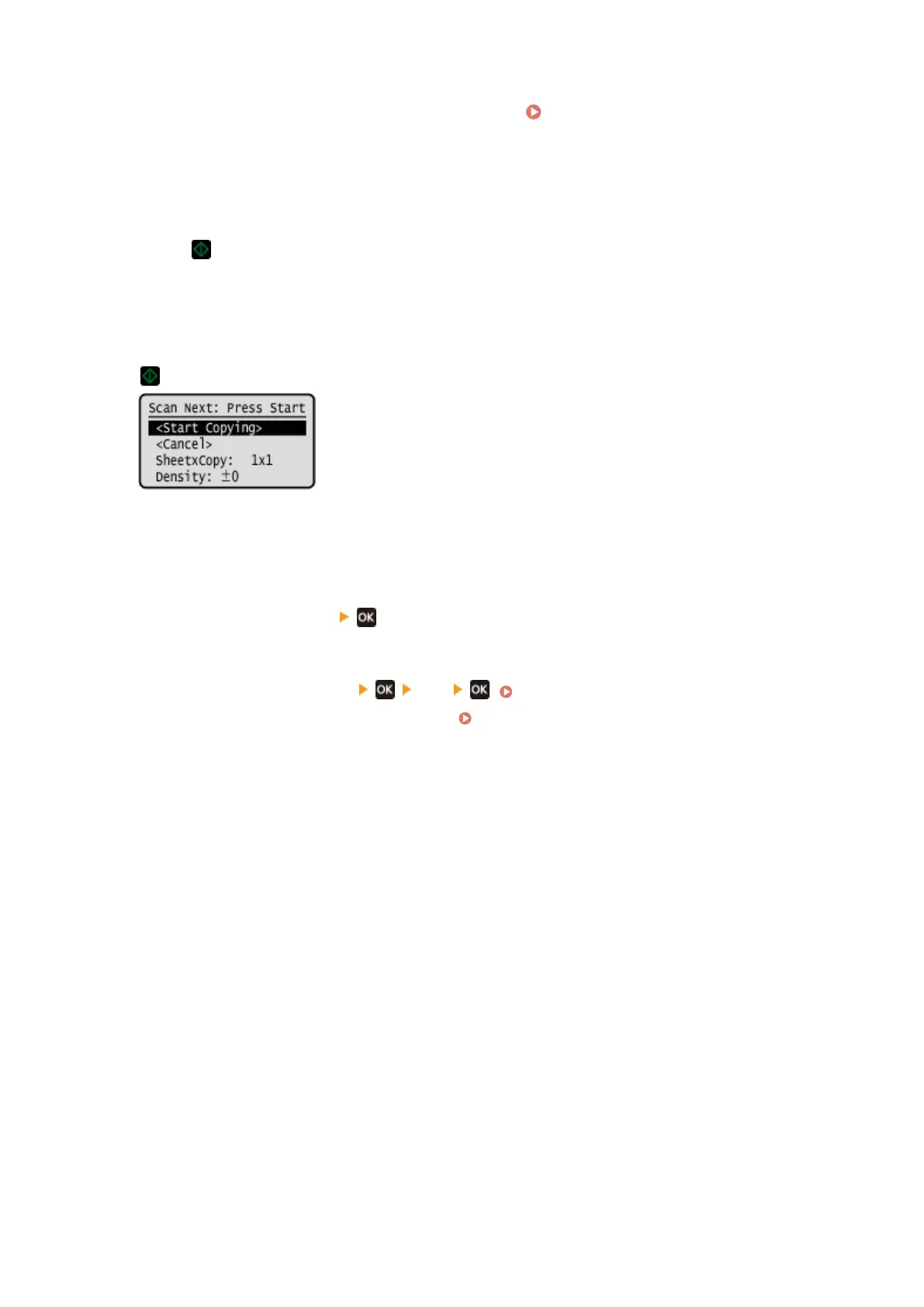
When [Scan Next] is displayed, place the next passport on the platen glass, and press
.
➠ The ne
xt passport is scanned, and the same screen is displayed.
Repeat this process until scanning of all passports is completed.
● You can also press [Density] to change the settings for each passport.
8
Press [<Start Copying>]
.
➠ The scanned passports ar
e printed.
● To cancel copying, press [Cancel]
[Yes] . Canceling Copy Operations(P. 275)
● Use [Status Monitor] to vie
w the copy job status.
Viewing the Print Job Status and Log(P. 198)
Copying
274











 To Next Page