When to Replace the Toner Cartridge
When a Message Appears on the Scr
een of the Operation Panel or Remote UI
Follow the message on the screen to prepare a new toner cartridge and replace the old one. Print quality
may suffer if you continue using the toner cartridge without replacing it.
For details about the message and how to resolve it, see the following:
A Message Appears(P. 560)
When Print Quality Deterior
ates
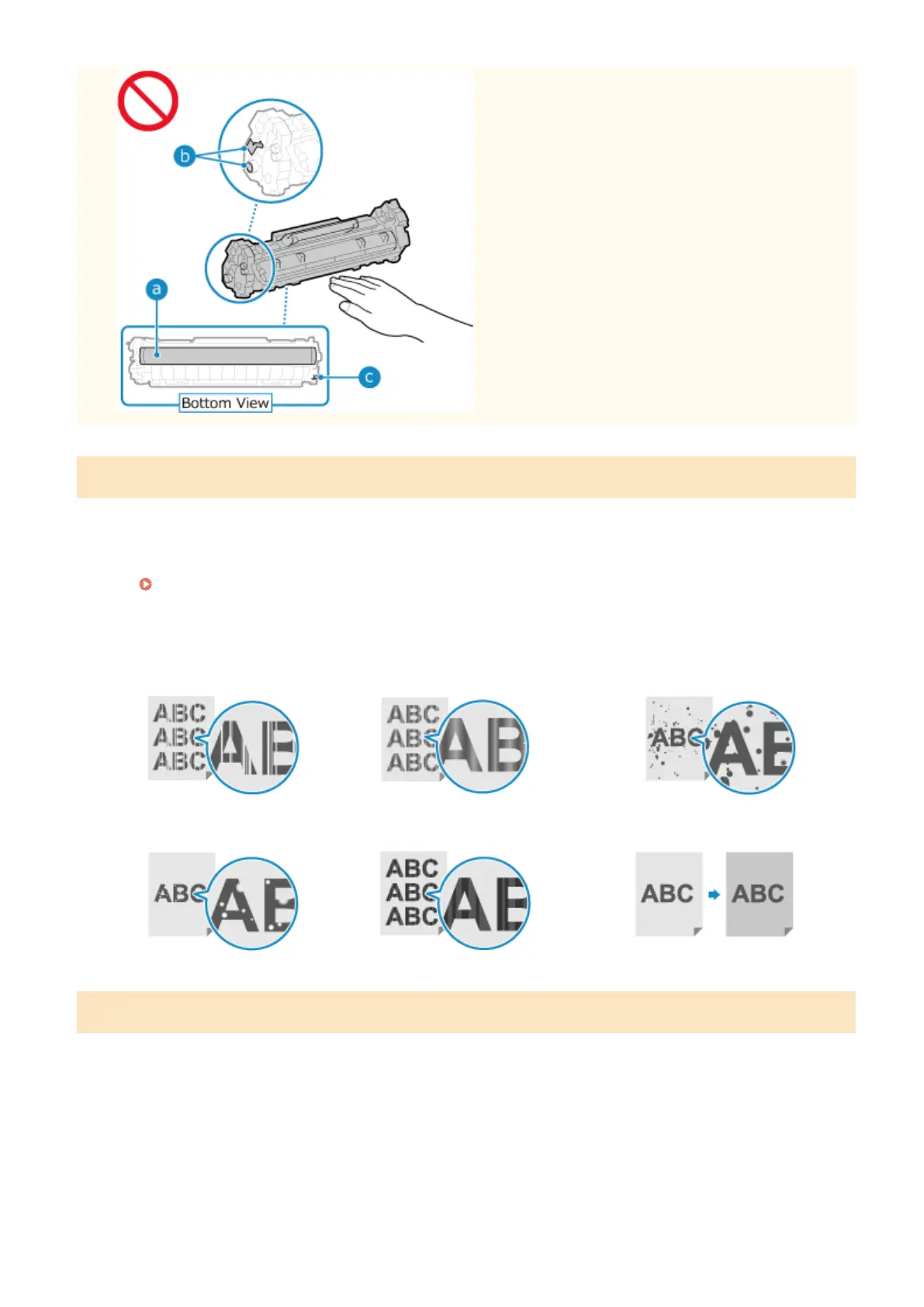
If printouts show any of the symptoms below, the toner cartridge is near the end of their lifetime. It is
recommended to replace the toner cartridge even if a message does not appear.
Streaks appear
Printing is uneven
Toner smudges and splatters appear
White spots appear
Partially faded
The entire background is darkened
Before Replacing Toner Cartridge
Perform the follo
wing procedure before replacing the toner cartridge. The message on the screen may disappear, and
the print quality may improve.
1
Lift the operation panel.
Maintenance
472











 To Next Page