If the settings are congur
ed to send a fax after entering a designated number before you specify a
destination registered in the Address Book, the maximum number of digits to send a fax may be exceeded.
[Use Address Book When On-Hook](P. 439)
The memory is full. Scanning will be canceled. Print?
Reading of the original cannot be performed due to insucient available memory. Alternatively, all the pages could
not be read when sorting and copying.
Divide the Original Before Copying.
Print up to the pages that were read or cancel the job, and then divide the original before copying.
Try Conguring the Setting as Follows.
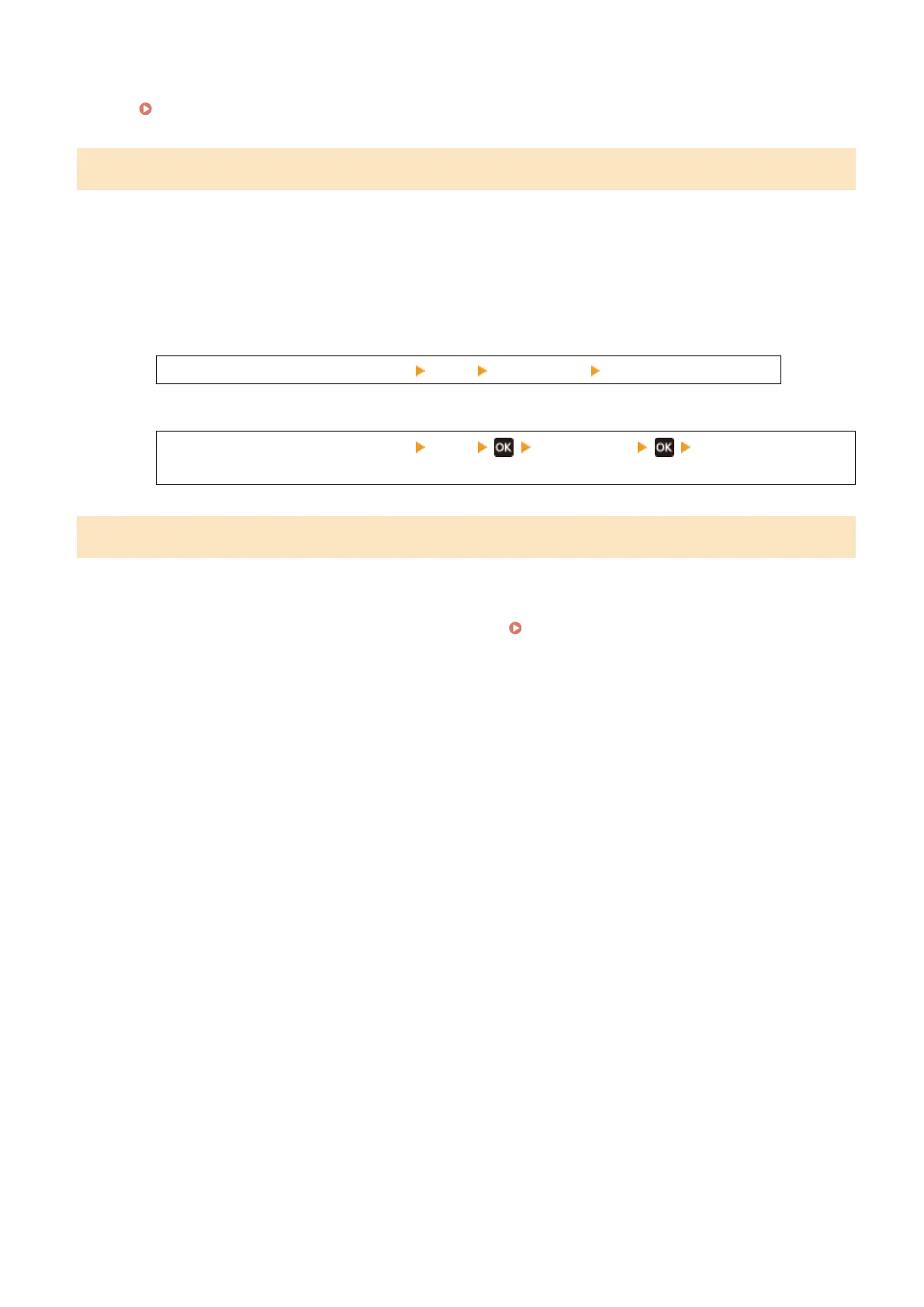
Touch Panel Model
[Home] screen on the operation panel [Copy] [Original Type] [Text/Photo (High Speed)].
5 Lines LCD Model
[Home] screen on the operation panel [Copy] [Original Type] [Text/Photo (High
Speed)].
Use Remote UI to set info. necessary for authentication.
The authentication method or authentication information of IEEE 802.1X is not set correctly.
Check the IEEE 802.1X Setting, and Set This Correctly.
Check the following, and change the setting, as needed. Setting IEEE 802.1X(P. 313)
● The login name is specied corr
ectly.
● At least one of the following checkboxes is selected: [Use TLS], [Use TTLS], and [Use PEAP].
● When using TLS, a key and certicate are registered.
● When using TTLS or PEAP, the user name and password are set correctly.
Troubleshooting
574











 To Next Page