Size/Settings Mismatch
The size of the paper loaded in the machine does not match that set on the operation panel or printer driver.
Match the Size of the Loaded Paper with the Paper Size Setting.
When Using the Loaded Paper
● Change the paper size setting on the operation panel to match the size of the loaded paper.
Setting the Paper Size and Type for the Paper Drawer(P. 141)
● When
printing from a computer, change the paper size setting on the printer driver to match the size of
the loaded paper.
Printing from a Computer(P. 189)
When Reloading Paper
Load paper of thesize set on the oper
ation panel or printer driver.
Loading Paper(P. 133)
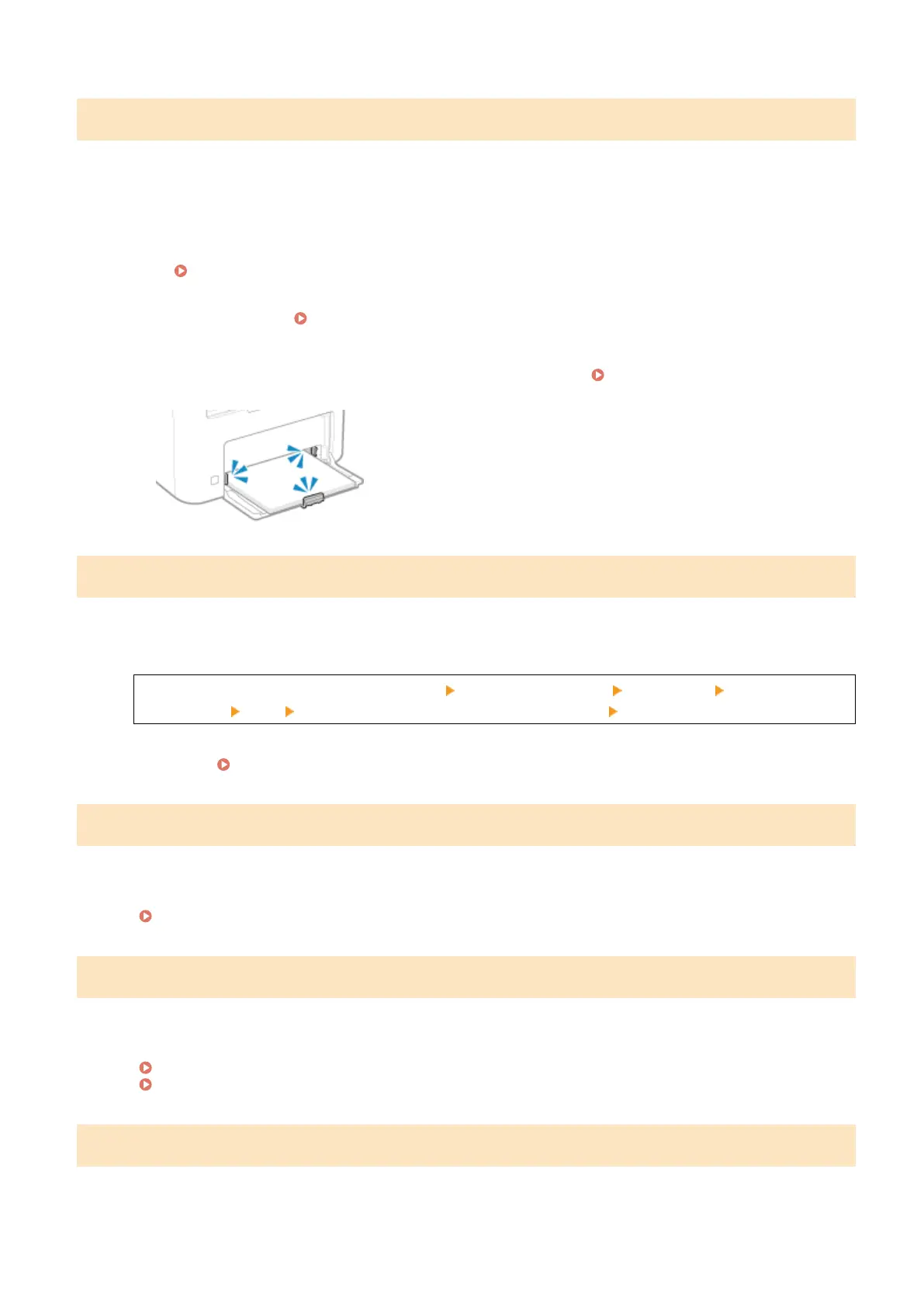
Check That the Paper GuidesAr
e Not Too Loose or Too Tight.
Specifying and registering new destinations is restricted.
Destinations that can be specied for sending are restricted to those destinations registered in the Address Book.
To Cancel Restriction, Change the [Restrict New Destinations] Setting.
Log in to Remote UI in System Manager Mode [Settings/Registration] [TX Settings] [Restrict New
Destinations] [Edit] clear the [Restrict New Destinations] checkbox [OK]
On the operation panel, select [Menu] in the [Home] screen, and then select [Function Settings] to change
the setting. [Restrict New Destinations](P. 432)
The authentication server certicate has expired.
The server certicate sent from the RADIUS server has expired.
Check the Expiry Date of the RADIUS Server.
Setting IEEE 802.1X(P. 313)
The authentication server certicate is incorrect.
A CA certicate that supports the certicate of the authentication server is not registered to the machine.
Check the certicate information of the authentication server, and register a supported CA certicate.
Setting IEEE 802.1X(P. 313)
Registering a Key and Certicate or CA Certicate Obtained fr
om an Issuing Authority(P. 321)
The fax number has too many digits.
Sending of a fax cannot be performed because the specied fax number has too many digits.
Specify a Fax Number That Does Not Ex
ceed the Maximum Number of Digits to Send a Fax.
Troubleshooting
573











 To Next Page