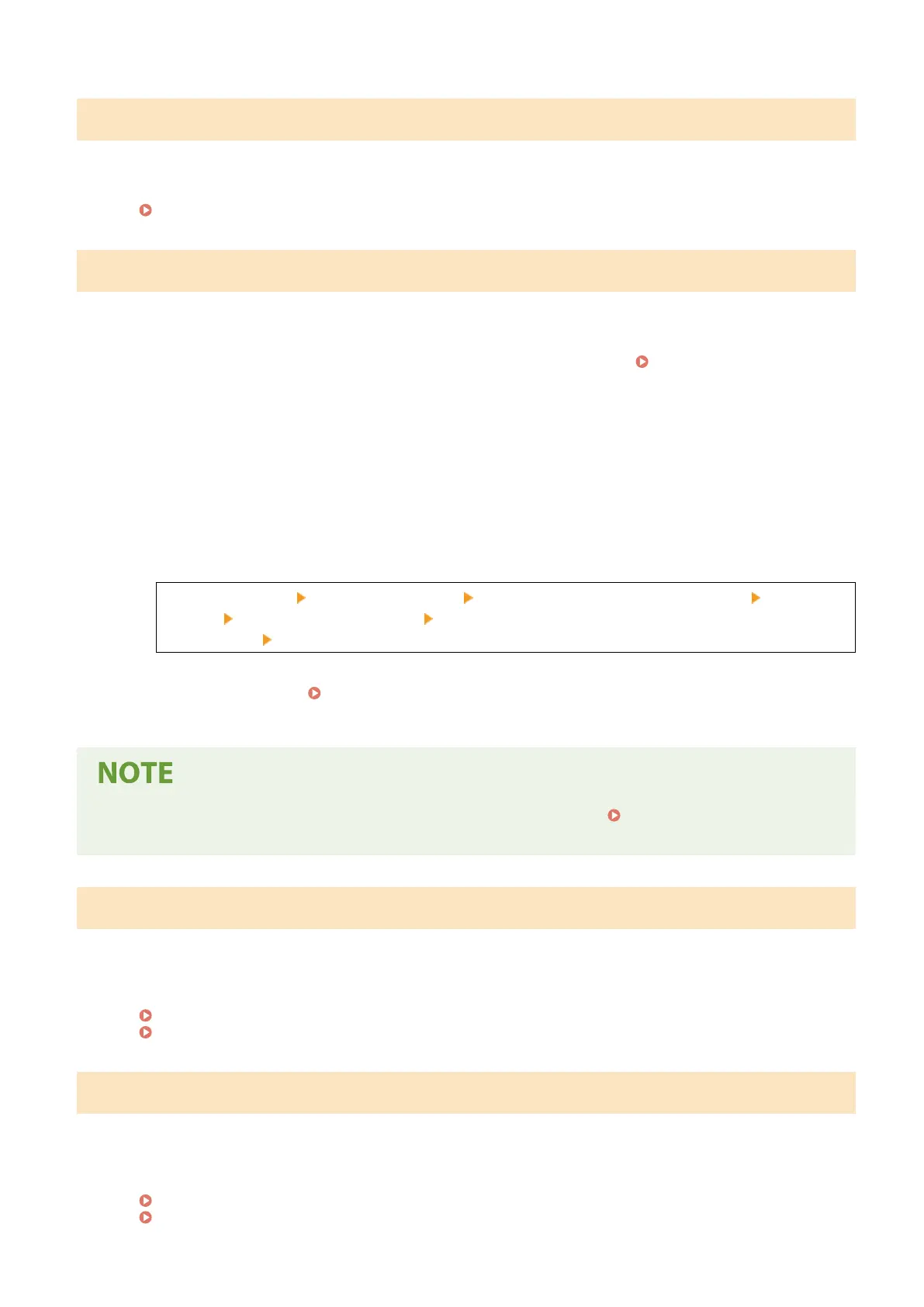
Paper jammed.
Paper jammed in the machine during printing.
Remove the Jammed Paper, and If Printing Does Not Resume Automatically, Try Printing Again.
Paper Jams(P. 487)
Prepare a cartridge.
It is nearing the time to replace the toner cartridge.
Prepare New Toner Cartridge, and Replace the Old Ones, as Needed.
When printing large jobs, it is recommended to replace the toner cartridge. Replacing the Toner
Cartridge
(P. 471)
To Continue Printing, Use the Procedure Below.
When Faxing, or Printing an Auto Report
In the following cases, the data may be saved to the memory of the machine without being printed to
prevent printing text that is dicult to read or images that are dicult to see:
● When receiving a Fax
● When communication results reports are set to be printed automatically
To continue printing, enable [Continue Printing When Amount in Cartridge Is Low].
Log in to Remote UI [Settings/Registration] [RX/Forwarding Settings] or [RX Settings] [Common
Settings] [Edit] in [Common Settings] select the [Continue Printing When Amount in Cartridge Is
Lo
w] checkbox
[OK]
On the operation panel, select [Menu] in the [Home] screen, and then select [Function Settings] to
congur
e the settings.
[Displ. Timing for Cartridge Prep. Notif.](P. 382)
* When this setting is enabled, the printing r
esults may be light or faded.
● Y
ou can manually specify when this message appears (when toner is low).
[Displ. Timing for Cartridge
Pr
ep. Notif.](P. 382)
Set the correct authentication information.
The authentication method or authentication information of IEEE 802.1X is not set corr
ectly.
Set the Authentication Method and Authentication Information (Keys and Certicates, Password, CA
Certicate) Correctly.
Setting IEEE 802.1X(P. 313)
Managing and Verifying a Key and Certicate(P. 315)
Set the information necessary for authentication.
The authentication method or authentication information of IEEE 802.1X is not set corr
ectly.
Set the Authentication Method and Authentication Information (Keys and Certicates, Password, CA
Certicate) Correctly.
Setting IEEE 802.1X(P. 313)
Managing and Verifying a Key and Certicate(P
. 315)
Troubleshooting
572











 To Next Page