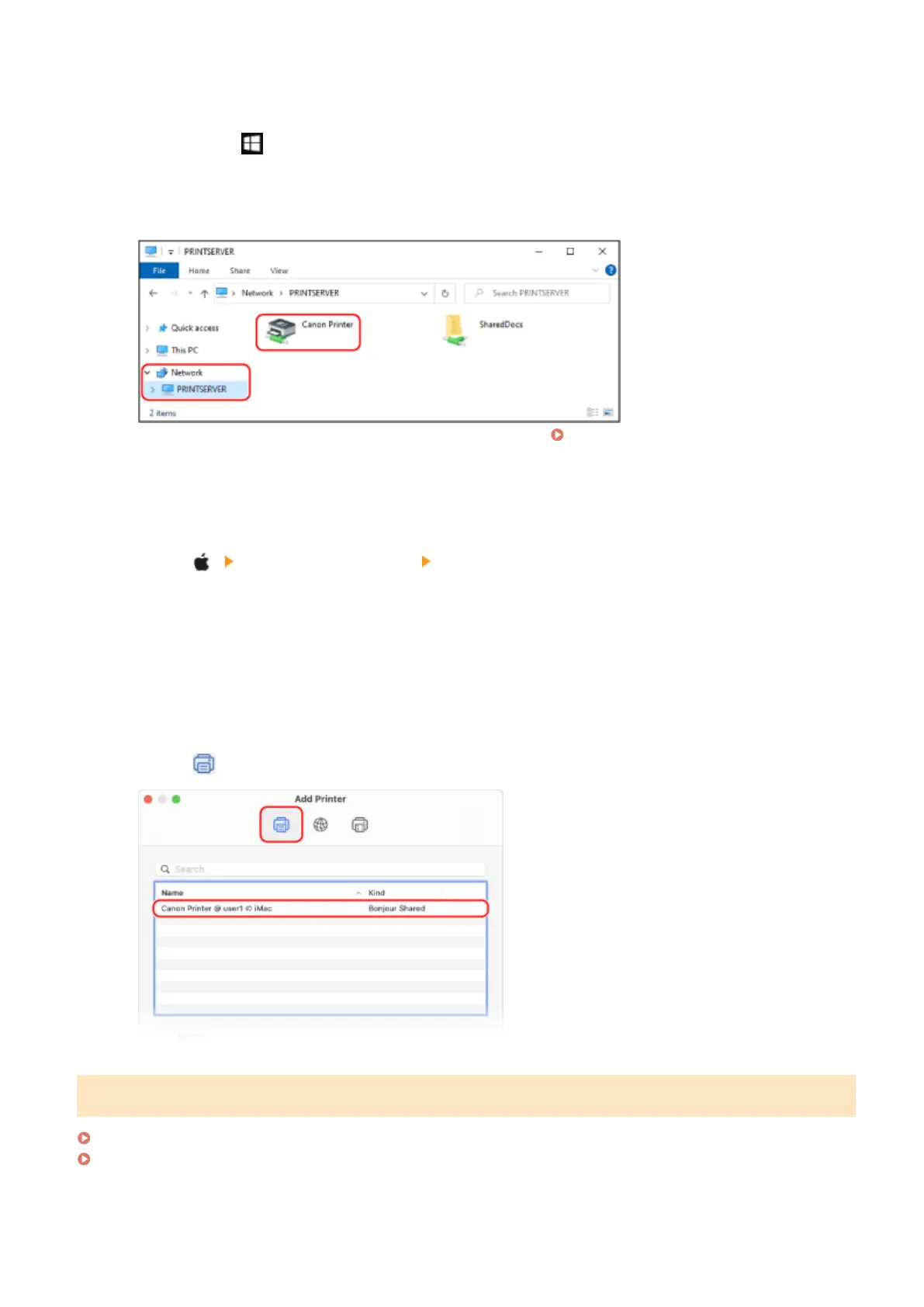
◼ When Using Windo
ws
1
Right-click [
] (Start), and click [File Explorer].
2
In [Network], select the print server to display the shared printer.
If nothing is displayed in [Network], enable network discovery. Enabling Network Discovery(P. 592)
◼ When Using macOS
1
Click [
] [System Preferences] [Printers & Scanners].
➠ The [Printers & Scanners] scr
een is displayed.
2
Click [+] at the bottom left.
➠ The [Add] scr
een is displayed.
3
Click [
], to display the shared printer.
Viewing the System Information of the Computer
When Using Windows(P. 594)
When Using macOS(P. 594)
Appendix
593











 To Next Page