◼ When Using Windo
ws
1
Right-click [
] (Start), and click [System].
➠ The [About] scr
een is displayed.
2
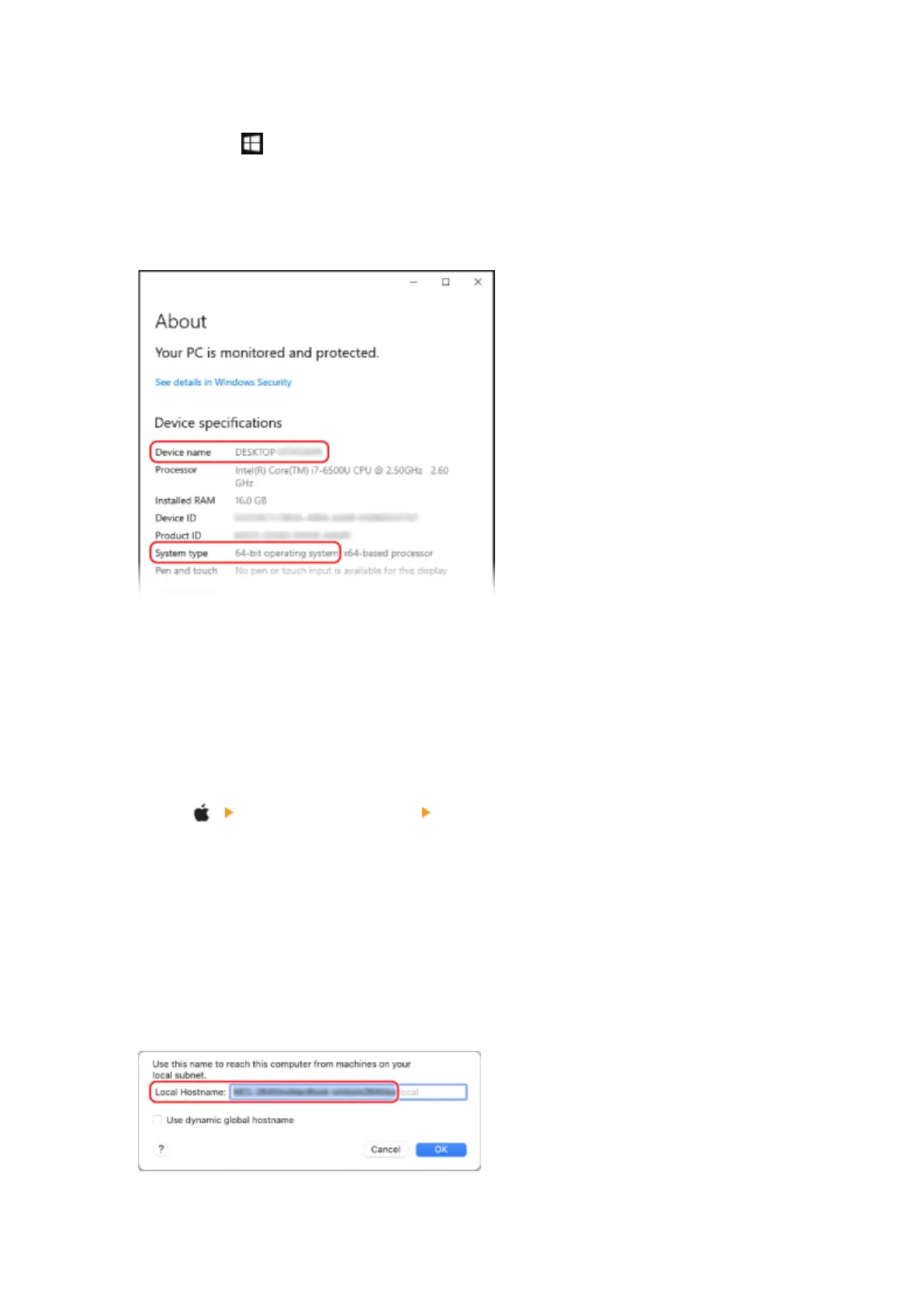
In [Device specications], vie
w the computer name and operating system version.
● The computer name is displayed in [De
vice name].
● The operating system version is displayed in [System type].
If the computer has a 32-bit operating system, "32-bit Operating System" is displayed.
If the computer has a 64-bit operating system, "64-bit Operating System" is displayed.
◼ When Using macOS
1
Click [
] [System Preferences] [Sharing].
➠ The [Sharing] scr
een is displayed.
The name displayed in [Computer Name] on the [Sharing] screen may not be usable on the network. Use
the following procedure to view the computer name used on the network.
2
Click [Edit].
3
In [Local Hostname], view the computer name.
Parts displayed in gray are not included in the computer name.
Appendix
594











 To Next Page