5
Select the security standard, and set the authentication and encryption.
When using WEP
1
Select [WEP] and press
.
➠ The [802.11 Authentication] scr
een is displayed.
2
Select the authentication method.
[Open System]
Uses open authentication.
* When you select this authentication method, an authentication err
or occurs when connected to a
wireless LAN router that uses a shared key. The machine setting changes to [Shared Key] at this time, and
an attempt to reconnect to the router is made.
[Shared Key]
Uses an encryption key for the password.
3
Select [Edit Encryption Key] and press
.
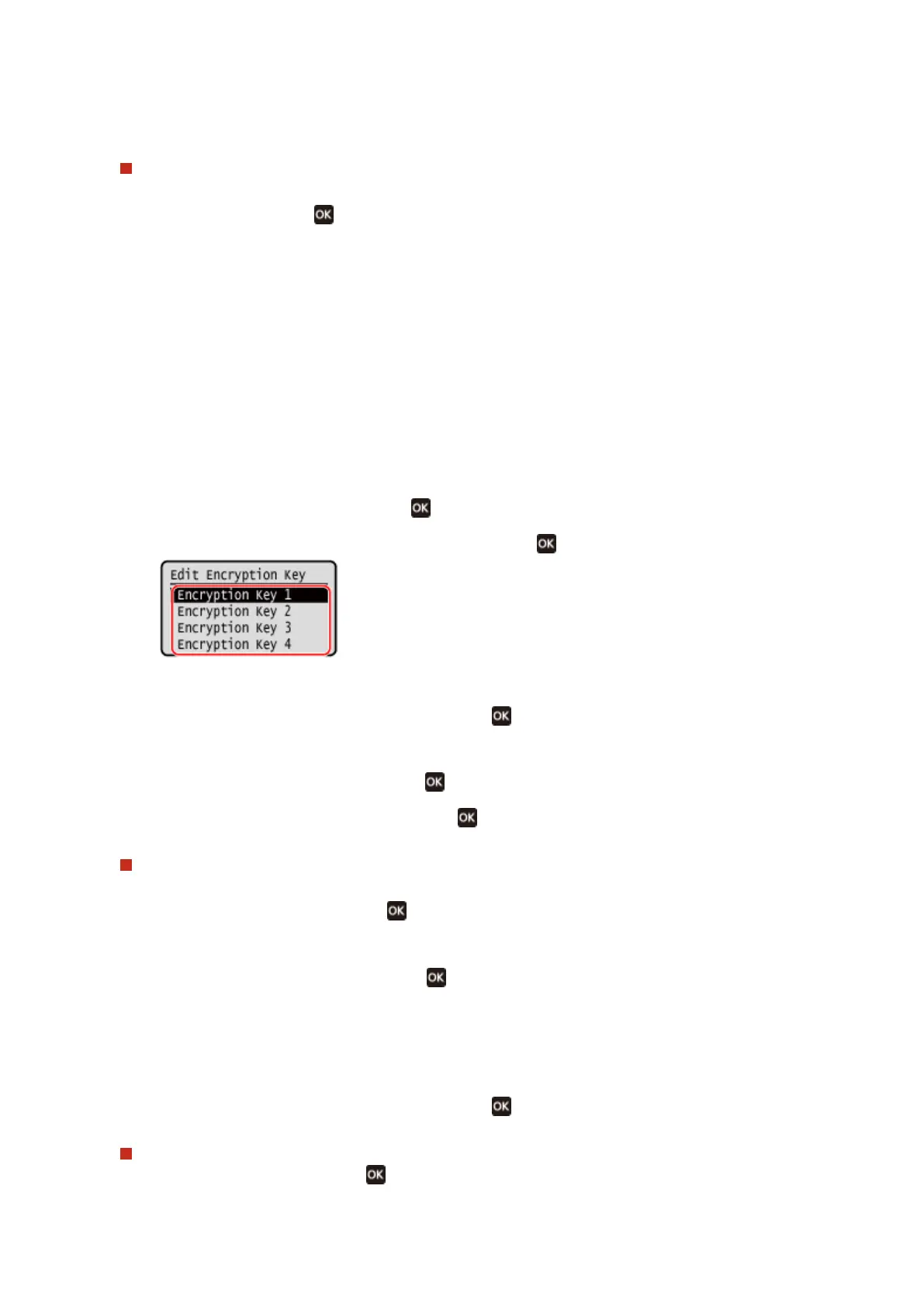
4
Select an encryption key that is not registered, and press .
➠ The encryption k
ey input screen is displayed.
5
Enter the network key, select [<Apply>], and press
.
➠ The encryption k
ey is registered to the [Encryption Key] screen.
6
Select [Select Encryption Key] and press
.
7
Select a registered encryption key, and press .
When Using WPA-PSK or WPA2-PSK
1
Select [WPA/WPA2-PSK] and press
.
➠ The [WP
A/WPA2 Encryption] screen is displayed.
2
Select the encryption method and press
.
➠ The encryption k
ey input screen is displayed.
When you select [Auto], AES-CCMP or TKIP is set automatically according to the wireless LAN router to
which you want to connect.
3
Enter the network key, select [<Apply>], and press
.
When Using WPA-EAP or WPA2-EAP
Select [WP
A/WPA2-EAP] and press
.
Setting Up
69











 To Next Page