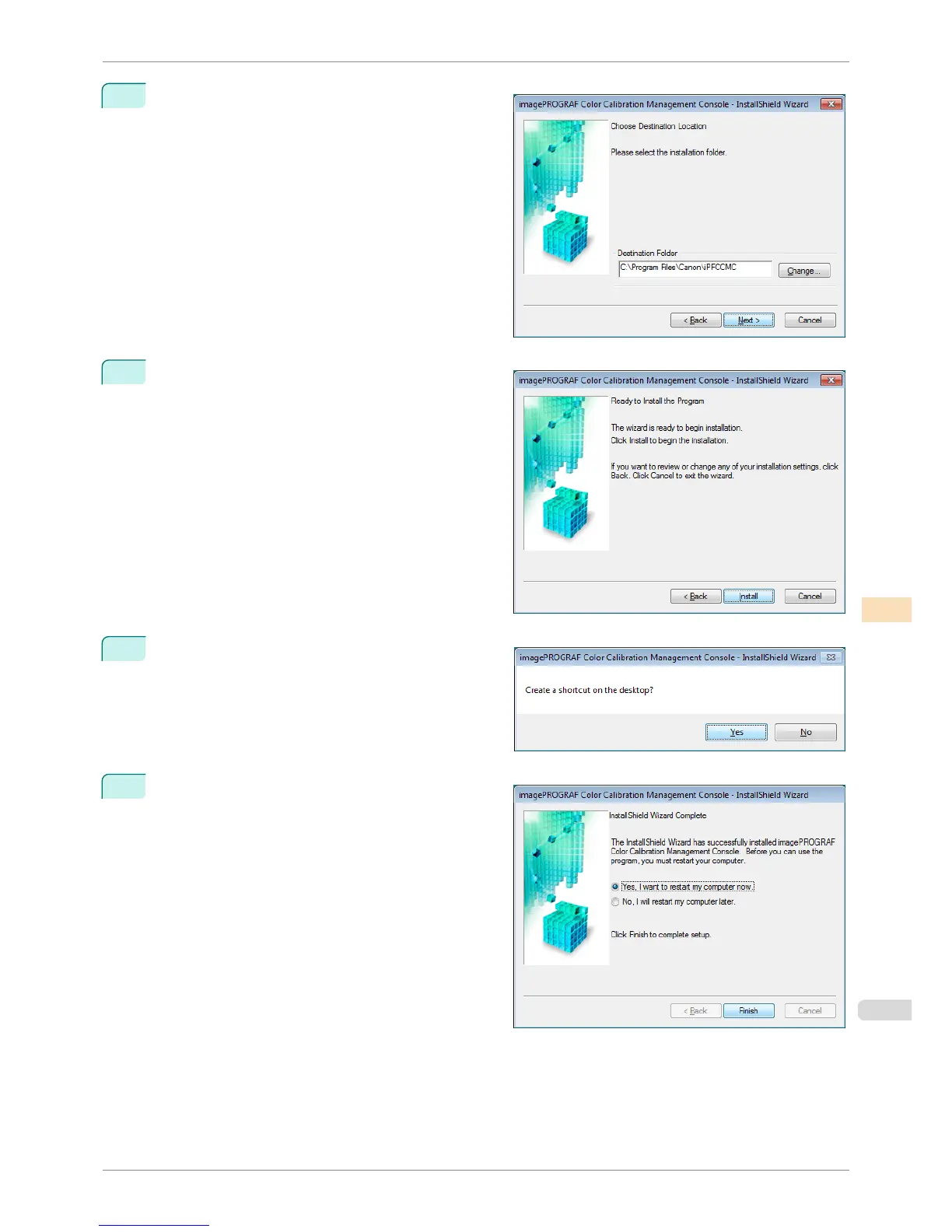
6
Choose a location to install the software and click the
Next button.
7
Click the Install button.
8
If you want to create a shortcut to Color Calibration
Management Console on the Desktop, click the Yes
button.
9
Select Yes, I want to restart my computer now. or
No, I will restart my computer later. and click the
Finish button.
To complete the installation of the Color Calibration
Management Console, restart your computer.
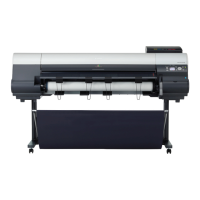
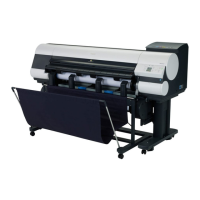
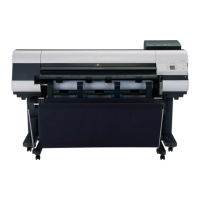
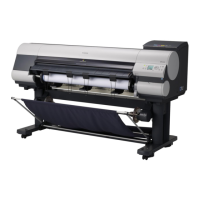
iPF8400S
Installation Procedure
User's Guide
Color Management Color Calibration Management Console (Windows)
743






 To Next Page