Caution
Do not hold the FINE Cartridge Holder to stop or move it forcibly. Do not touch the FINE
Cartridge Holder until it stops completely.
Important
The inside of the machine may be stained with ink. Be careful not to stain your hands or
clothing when replacing FINE Cartridges. You can easily wipe off the ink from the inside of the
machine with tissue paper or the like.
For details on the cleaning, refer to the printed manual:
Getting Started
.
Do not place any object on the Document Cover. It will fall into the Rear Tray when the
Document Cover is opened and cause the machine to malfunction.
If the Document Cover is open, you cannot open the Scanning Unit (Cover). Be sure to lift the
Scanning Unit (Cover) with the Document Cover closed.
When opening or closing the Scanning Unit (Cover), do not touch the buttons and LCD on the
Operation Panel. Doing so may result in an unexpected operation.
Do not touch the metallic parts or other parts inside the machine.
If the Scanning Unit (Cover) is left open for more than 10 minutes, the FINE Cartridge Holder
moves to the right. In this case, close and reopen the Scanning Unit (Cover).
3.
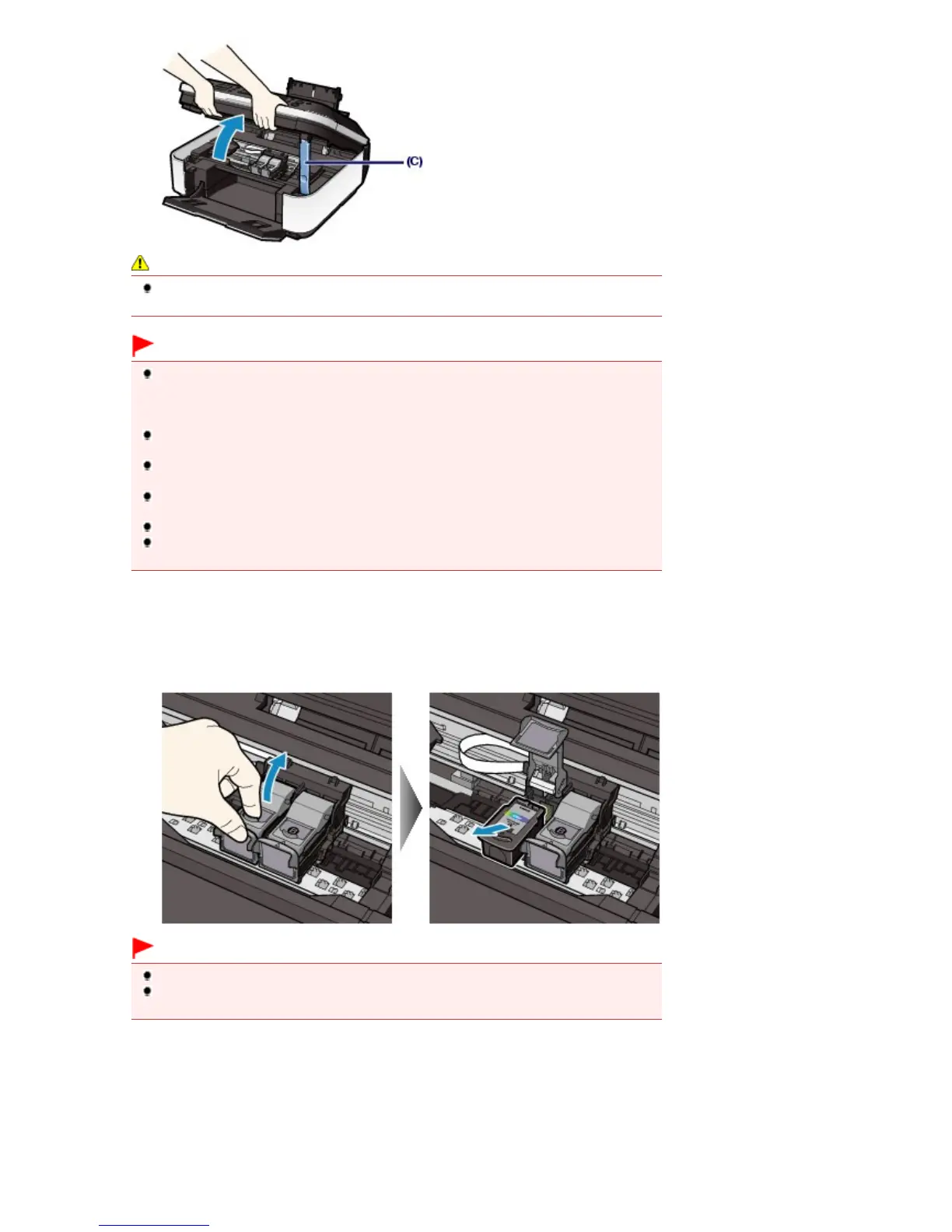
Remove the empty FINE Cartridge.
(1)
Pinch the tabs and open the Ink Cartridge Locking Cover.
(2)
Remove the FINE Cartridge.
Important
Handle FINE Cartridges carefully to avoid staining of clothing or the surrounding area.
Discard empty FINE Cartridges according to the local laws and regulations regarding disposal
of consumables.
4.
Prepare the new FINE Cartridge.
(1)
Take a new FINE Cartridge out of its package and remove the orange protective
tape (D) gently.
Seite 108 von 922 SeitenReplacing a FINE Cartridge















 To Next Page