Advanced Guide
>
Troubleshooting
>
Print Results Not Satisfactory > Lines Are Misaligned
U315
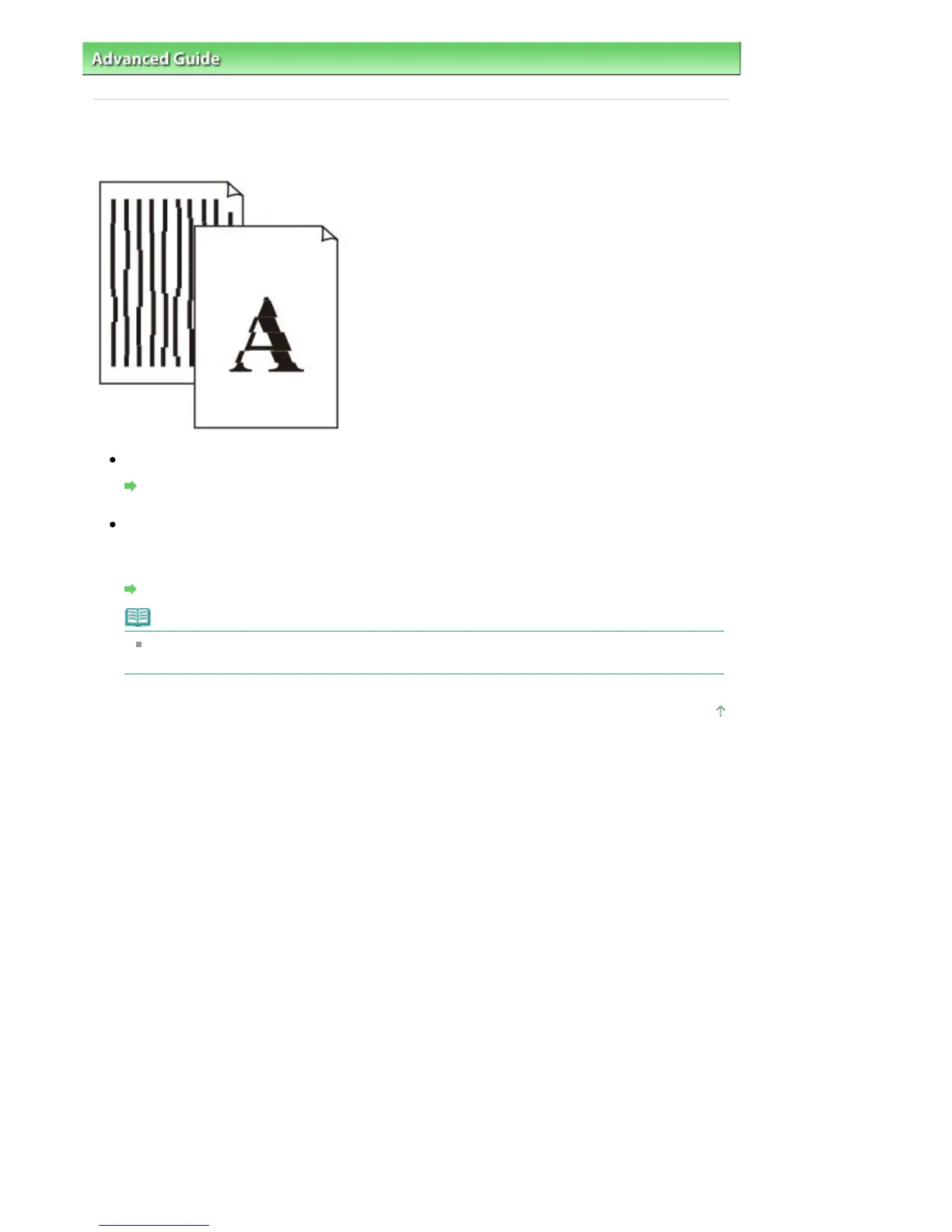
Lines Are Misaligned
Check 1: Did you confirm the paper and print quality settings?
Print Results Not Satisfactory
Check 2: Perform Print Head Alignment.
If printed lines are misaligned or print results are otherwise unsatisfactory, adjust the print head
position.
Aligning the Print Head
Note
If the problem is not resolved after performing the Print Head Alignment, perform Print Head
Alignment manually referring to
Aligning the Print Head Position
.
Page top
Seite 822 von 922 SeitenLines Are Misaligned















 To Next Page