Advanced Guide
>
Printing from a Computer
>
Printing with the Bundled Application Software
>
Photo Print
Settings
> Printing Dates on Photos (Photo Print)
A074
Printing Dates on Photos (Photo Print)
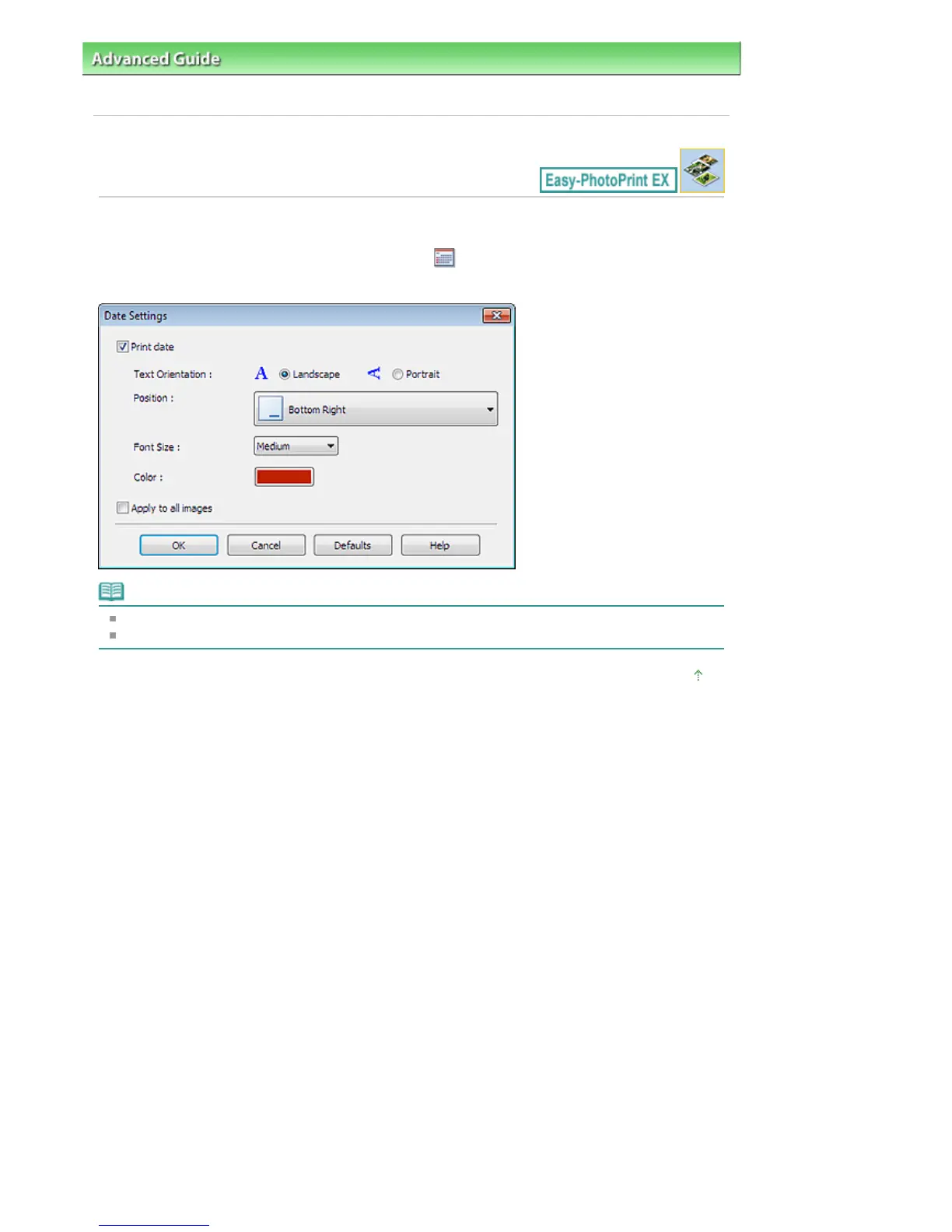
To print the date the photo was taken on the photo, click (Date Settings) in the Layout/Print screen,
then select the Print date checkbox in the Date Settings dialog box.
Note
The date is displayed in the short date format (mm/dd/yyyy, etc.) specified in your operating system.
See Help for details on setting dates.
Page top
Seite 239 von 922 SeitenPrinting Dates on Photos (Photo Print)















 To Next Page