Advanced Guide
>
Printing from a Computer
>
Printing with the Bundled Application Software > Creating an
Album
A020
Creating an Album
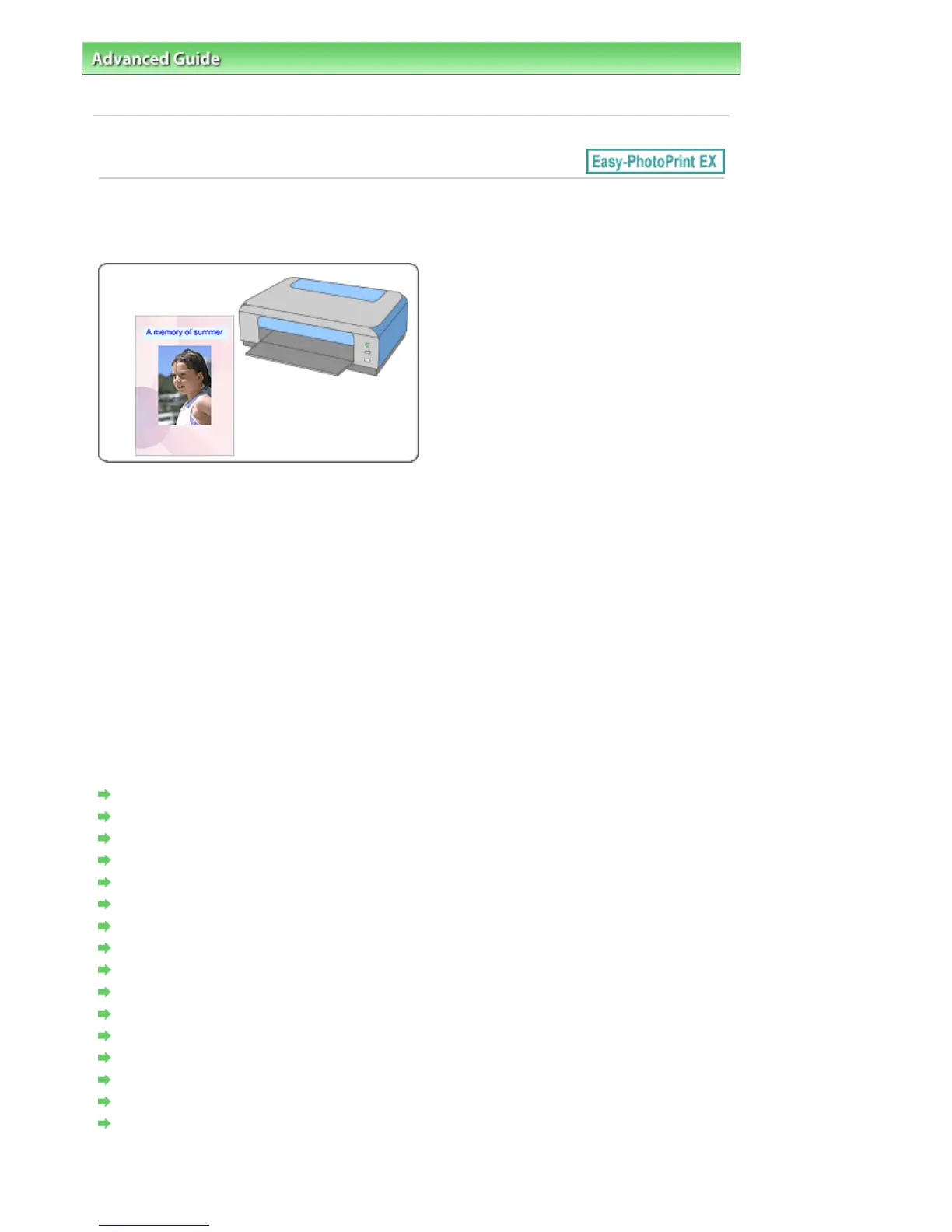
Easy-PhotoPrint EX allows you to create your own personalized photo album.
Steps
1.
Starting Easy-PhotoPrint EX
2.
Selecting the Paper and Layout
3.
Selecting a Photo
4.
Editing
5.
Printing
Try This
Correcting and Enhancing Photos
Creating Still Images from Videos
Downloading Images from Photo Sharing Sites
Changing Layout
Changing Background
Adding Photos
Swapping Positions of Photos
Replacing Photos
Changing Position, Angle and Size of Photos
Cropping Photos
Framing Photos
Printing Dates on Photos
Attaching Comments to Photos
Adding Text to Photos
Saving
Opening Saved Files
Questions and Answers
Seite 154 von 922 SeitenCreating an Album















 To Next Page