Advanced Guide
>
Printing from a Computer
>
Printing with the Bundled Application Software > Printing
Photos
A010
Printing Photos
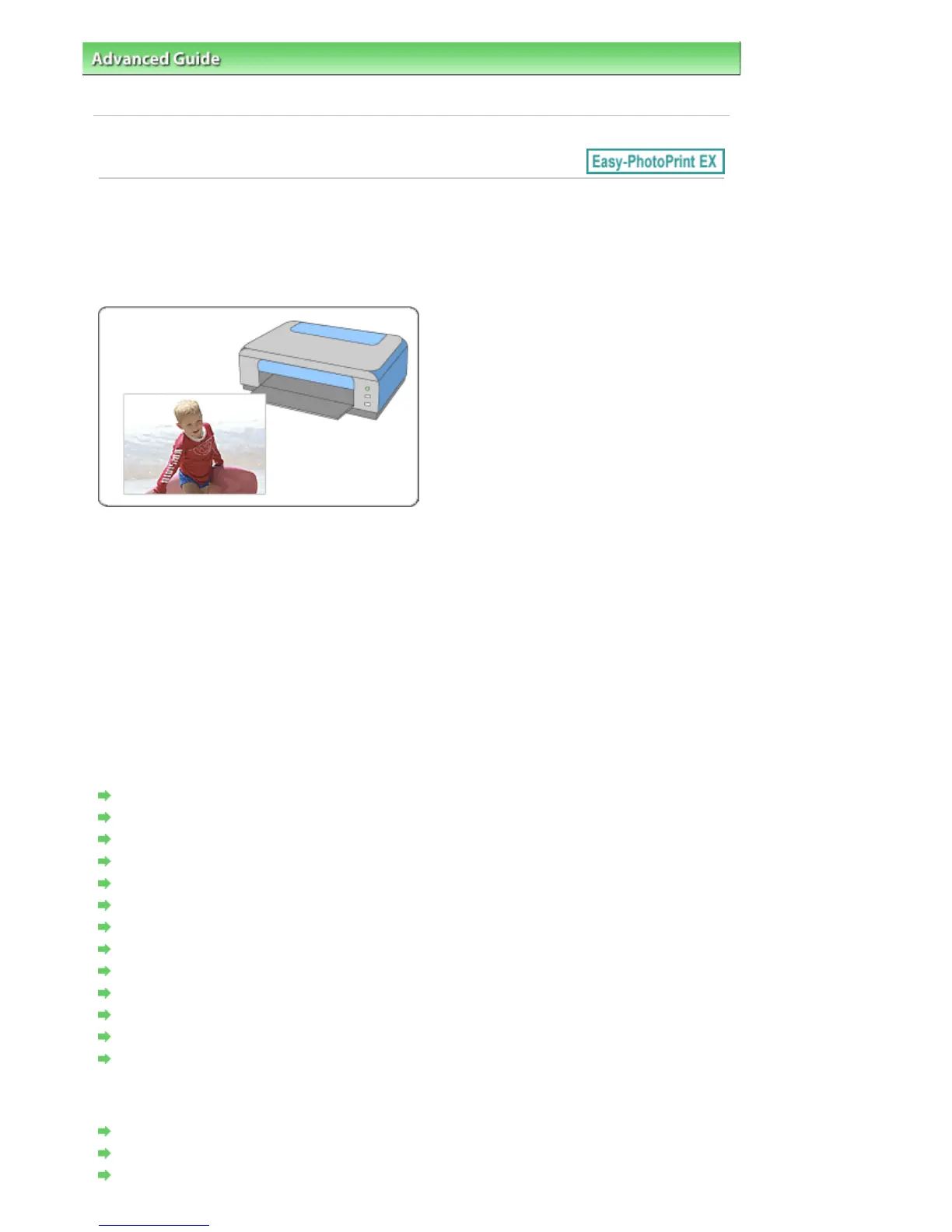
Easy-PhotoPrint EX allows you to print your favorite photos in a variety of layouts.
You can also create borderless photos easily.
Corrections suitable for photos can be applied automatically when printing.
Steps
1.
Starting Easy-PhotoPrint EX
2.
Selecting a Photo
3.
Selecting the Paper
4.
Printing
Try This
Correcting and Enhancing Photos
Creating Still Images from Videos
Downloading Images from Photo Sharing Sites
Printing Vivid Photos
Reducing Photo Noise
Cropping Photos (Photo Print)
Printing Dates on Photos (Photo Print)
Printing Multiple Photos on One Page
Printing an Index
Printing ID Photos (ID Photo Print)
Printing Photo Information
Saving Photos
Opening Saved Files
Questions and Answers
How Can I Move (or Copy) the Saved File?
Which Side of the Displayed Image Does the Printing Start from?
How Do I Print with Even Margins?
Seite 146 von 922 SeitenPrinting Photos















 To Next Page