Advanced Guide > Using MP Navigator EX
S001
Using MP Navigator EX
MP Navigator EX is an application that enables you to easily scan photos and documents. It is suitable
even for beginners.
Start MP Navigator EX
Click Here:
MP Navigator EX
Note
See "
Let's Try Scanning
" for details on how to scan images using MP Navigator EX.
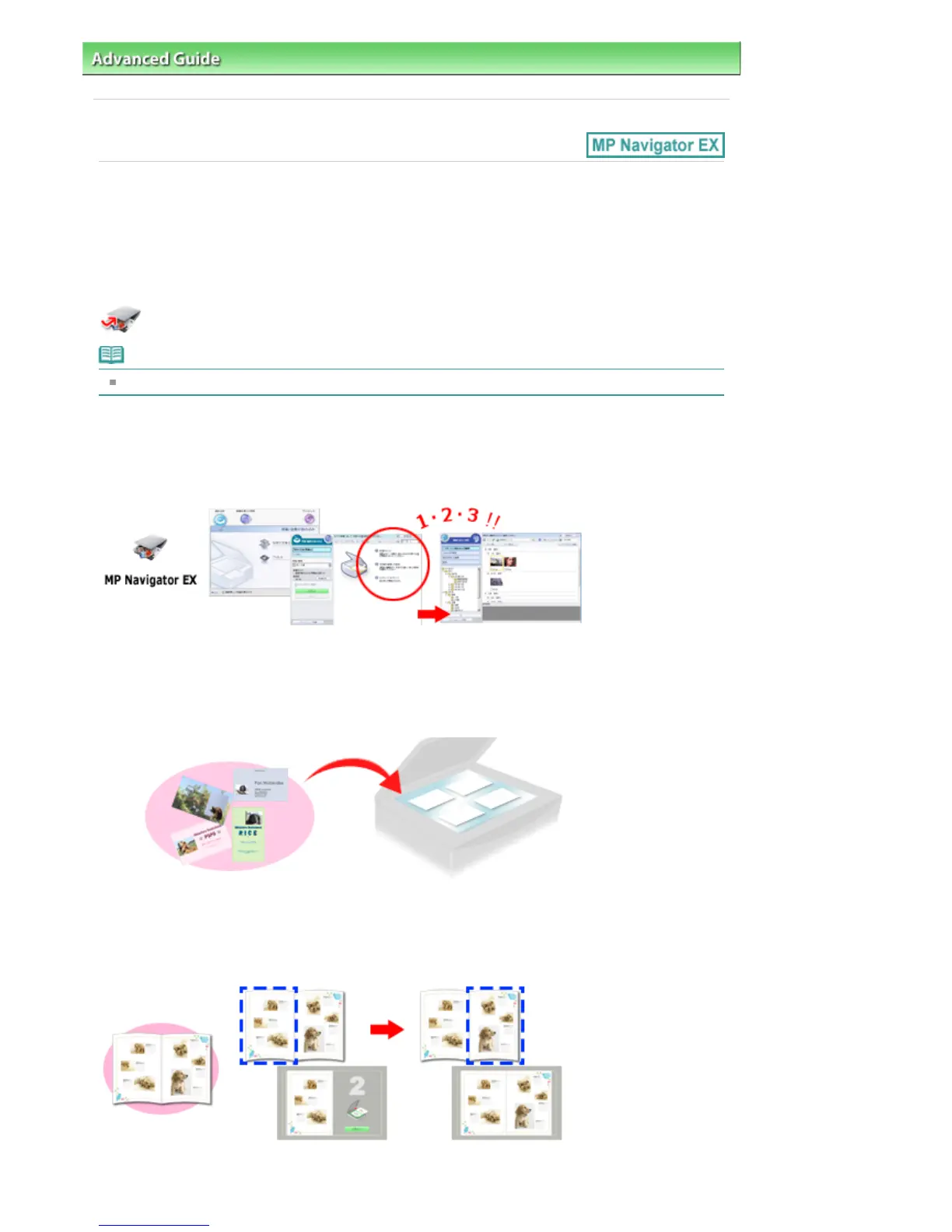
Scan Photos and Documents
You can scan easily by navigating through MP Navigator EX screens. You can also save/print scanned
images using MP Navigator EX.
Scan Small Documents at One Time
You can scan multiple small documents (photos, cards, etc.) at one time. It is useful as you do not need
to scan multiple times.
Scan Large Documents
You can easily scan documents that are larger than the Platen using MP Navigator EX. It allows you to
scan the left and right halves of a document separately and combine them back into one image.
Seite 921 von 922 SeitenUsing MP Navigator EX















 To Next Page