Advanced Guide
Troubleshooting
Contents
> Loading Paper / Originals > Loading Originals
Loading Originals
This section describes the procedure to load originals on the Platen Glass and in the ADF.
Position to Load Originals
Loading Originals on the Platen Glass
How to Load Originals for Each Function
Loading Originals in the ADF
Originals You Can Load
Position to Load Originals
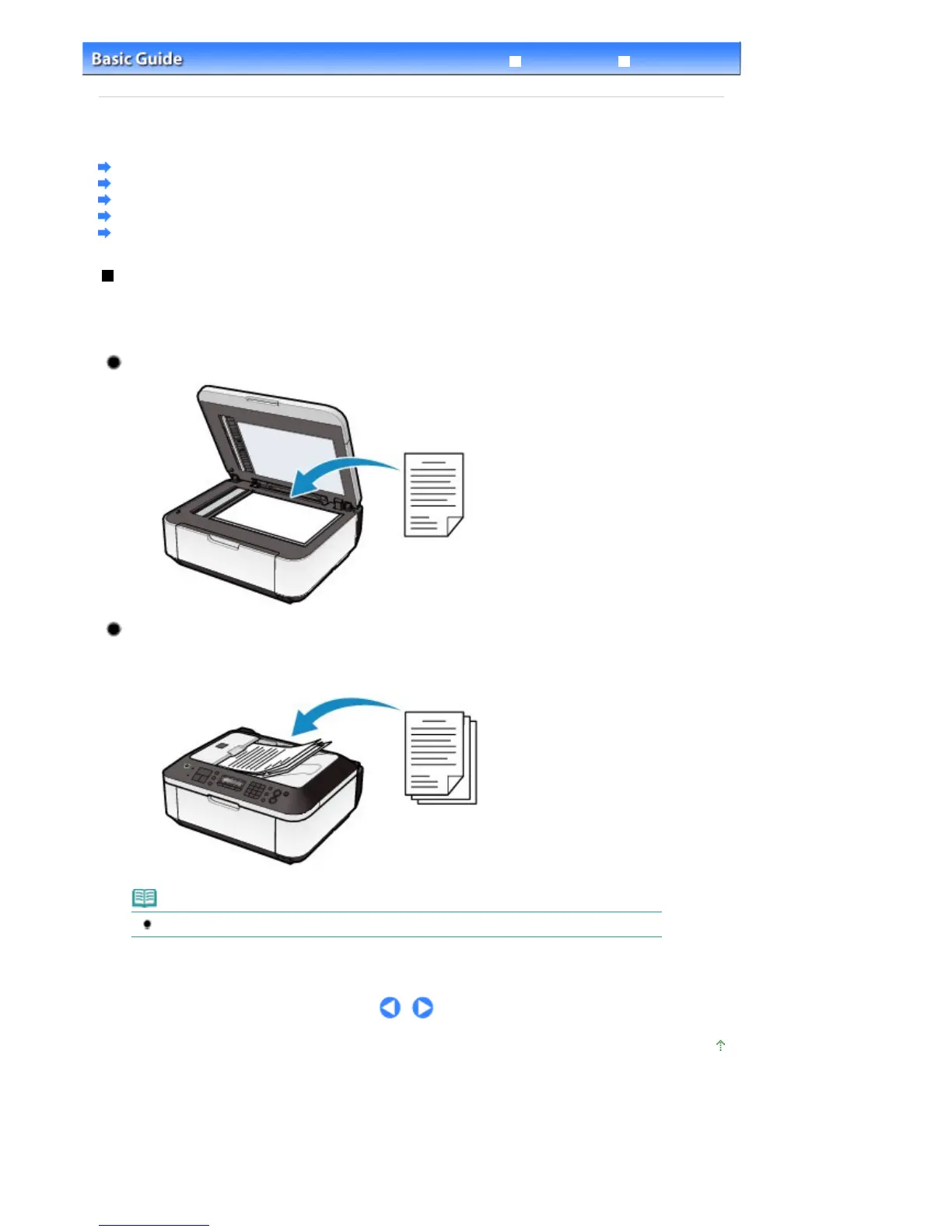
The machine has two positions to load originals: Platen Glass and ADF.
Select the position to load the original according to the size, type or usage.
See
Originals You Can Load
.
Loading Documents, Photos, or Book on the Platen Glass
Loading Two or More Sheets of Document of the Same Size and
Thickness in the ADF
You can also load a sheet of document in the ADF.
Note
To scan the original at optimum quality, load it on the Platen Glass.
Page top
Seite 87 von 922 SeitenLoading Originals















 To Next Page