Advanced Guide
Troubleshooting
Contents
>
Preparing for Faxing
> Setting the Receive Mode
C157
Setting the Receive Mode
There are receive modes available as follows.
TEL priority mode
Fax only mode
DRPD
*1
or Network switch
*2
*1
This setting is only available in US and Canada.
*2
This setting may not be available depending on the country or region of purchase.
See
Selecting a Receive Mode
to select the appropriate mode.
Note
The receiving operation procedure varies depending on the selected receive mode.
For the receiving method depending on each receive mode, see Receiving Faxes
.
If you want to use a single telephone line for faxes and voice calls, you need to connect a
telephone or an answering machine to the External Device Jack of this machine.
1.
Select the receive mode.
(1)
Press the
FAX
button, and press the
Menu
button.
(2)
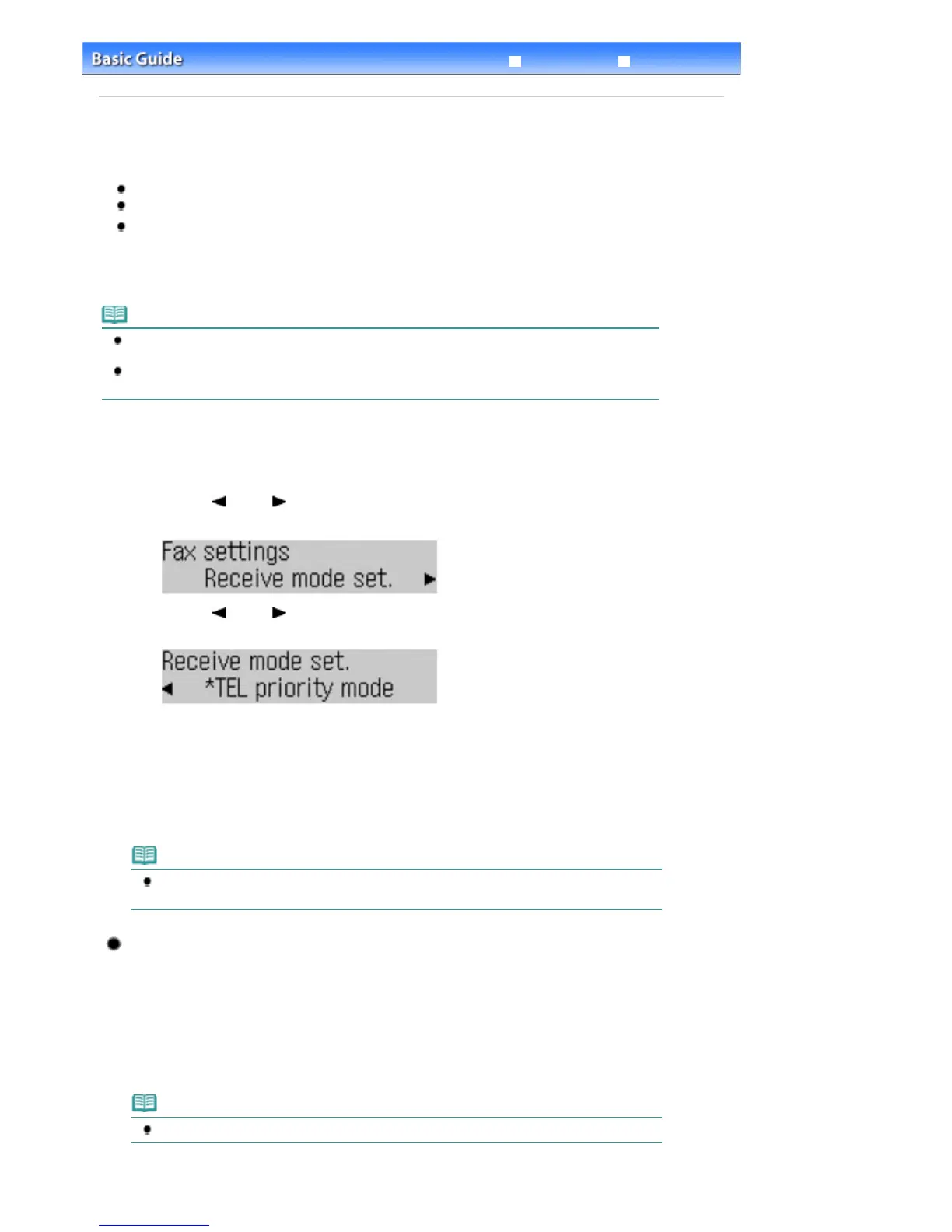
Use the
(-) or (+) button to select Receive mode set. in the Fax settings
menu, and press the
OK
button.
(3)
Use the
(-) or (+) button to select a receive mode, and press the
OK
button.
Select Yes, then press the
OK
button. Configure the selected receive mode according to the setting options
available for that mode.
See
Selecting a Receive Mode
.
The screen will return to the fax standby screen after configuring the advanced settings.
Note
If DRPD is selected, the fax ring pattern can be selected on the DRPD: Fax ring pat. screen.
See
Setting the DRPD Ring Pattern (US and Canada only)
.
Setting the DRPD Ring Pattern (US and Canada only)
If you have subscribed to a Distinctive Ring Pattern Detection (DRPD) service provided by your
telephone company, your telephone company will assign two or more telephone numbers with
distinctive ring patterns to your single telephone line, allowing you to have different numbers for fax
calls and voice calls using only one telephone line. Your machine will automatically monitor the ring
pattern, and will automatically receive the fax if the ring pattern is a fax call.
To use DRPD, follow the procedure below to set the fax ring pattern that matches the pattern
assigned by your telephone company.
Note
Contact your local telephone company for detailed information on this service.
Seite 28 von 922 SeitenSetting the Receive Mode















 To Next Page