Advanced Guide
Troubleshooting
Contents
>
Copying
> Making Copies
C021
Making Copies
This section describes the procedure to copy a document of A4 size on plain paper.
For the operation, see the notes and operation procedure described in the reference page.
Originals to copy. See
Originals You Can Load
.
Paper for printing. See Media Types You Can Use
.
1.
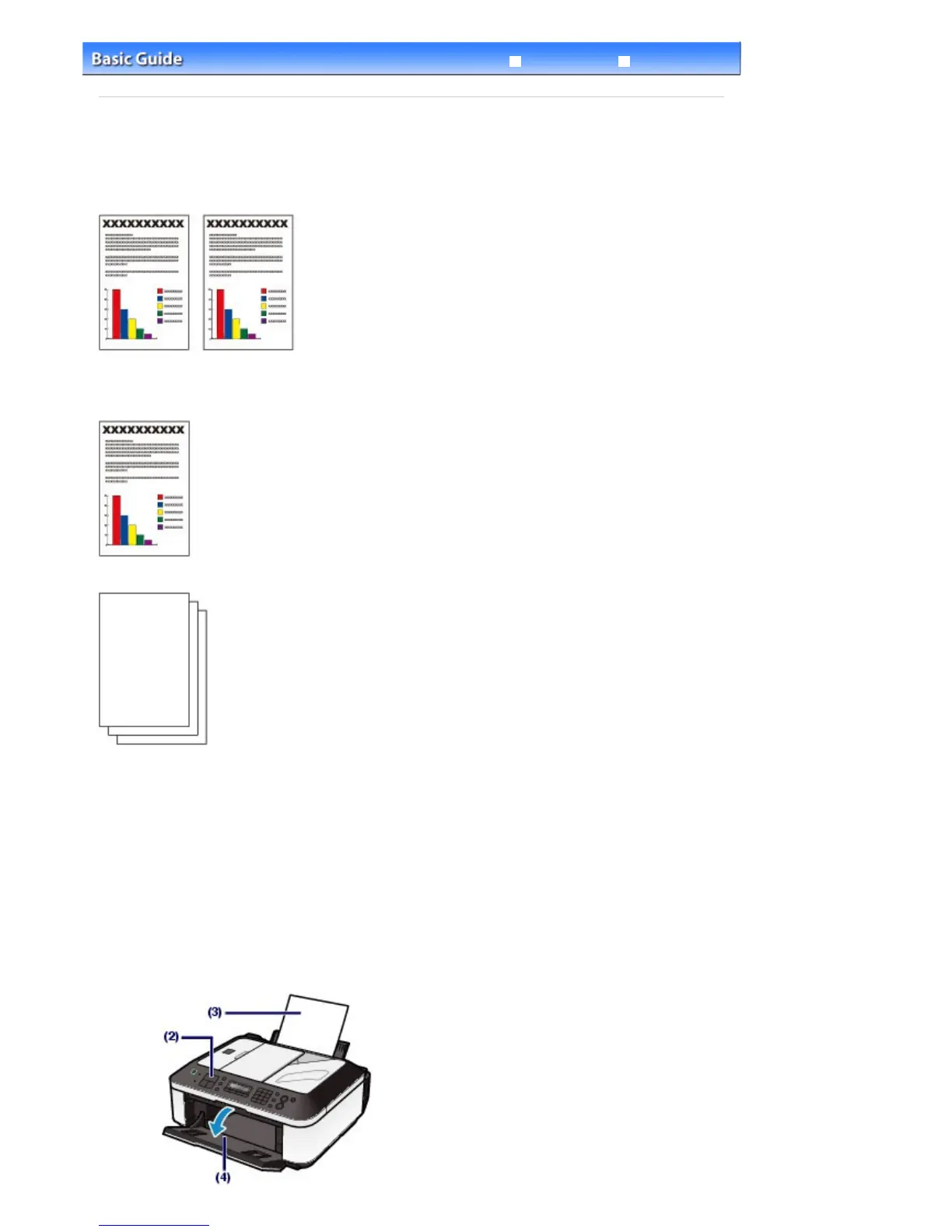
Prepare for copying.
(1)
Make sure that the power is turned on.
See
Operation Panel
.
(2)
Press the
COPY
button.
The copy standby screen will appear.
(3)
Load paper.
See
Loading Plain Paper / Photo Paper
.
Here we make sure that A4 plain paper is loaded in the Rear Tray.
(4)
Open the Paper Output Tray gently.
Seite 50 von 922 SeitenMaking Copies















 To Next Page