Advanced Guide
>
Troubleshooting
>
Print Results Not Satisfactory > Back of the Paper Is Smudged
U318
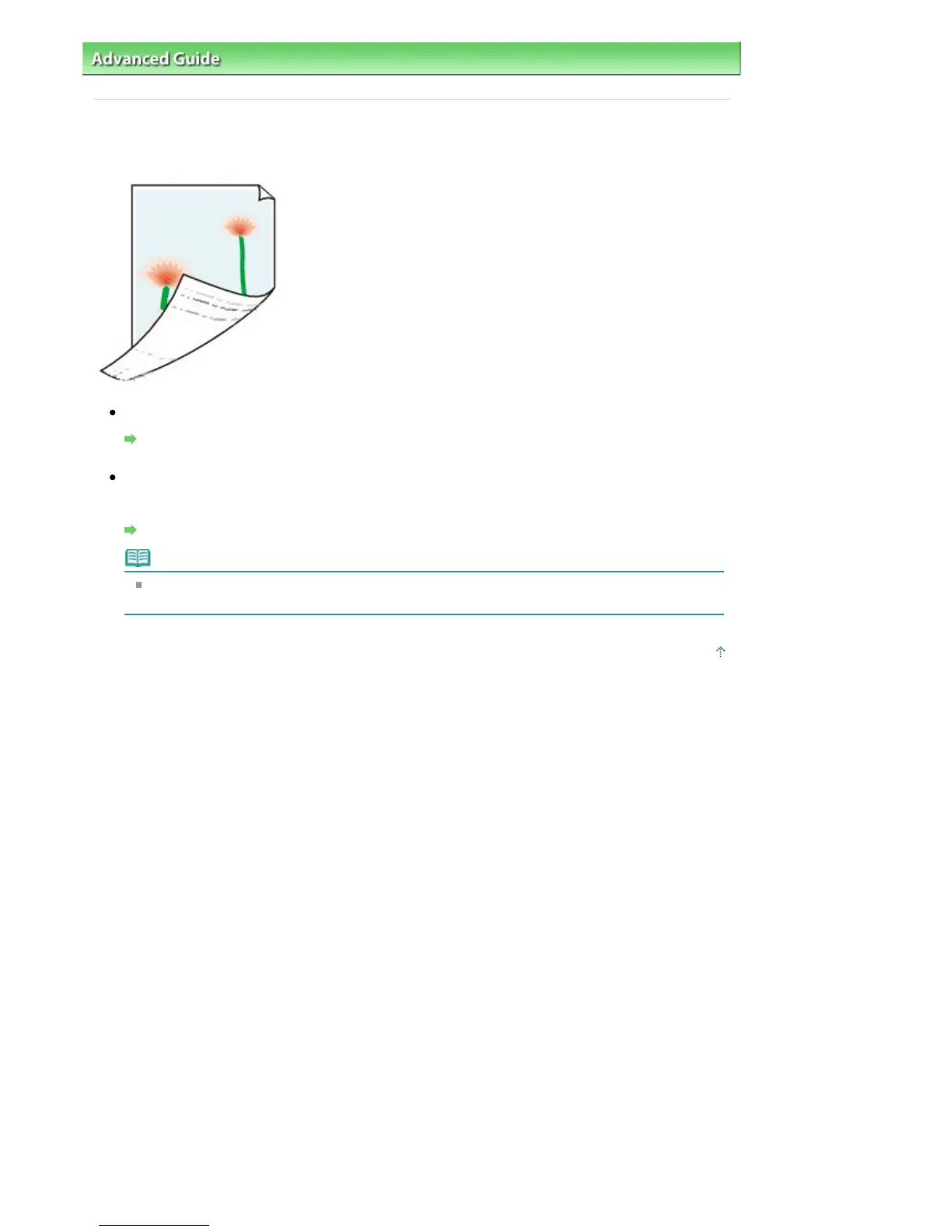
Back of the Paper Is Smudged
Check 1: Did you confirm the paper and print quality settings?
Print Results Not Satisfactory
Check 2: Perform the Bottom Plate Cleaning to clean the inside of the
machine.
Cleaning the Inside of the Machine (Bottom Plate Cleaning)
Note
When performing borderless printing, duplex printing, or too much printing, the inside may
become stained with ink.
Page top
Seite 829 von 922 SeitenBack of the Paper Is Smudged















 To Next Page