Advanced Guide
>
Printing from a Computer
>
Printing with the Bundled Application Software
>
Photo Print
Settings
> Saving Photos
A092
Saving Photos
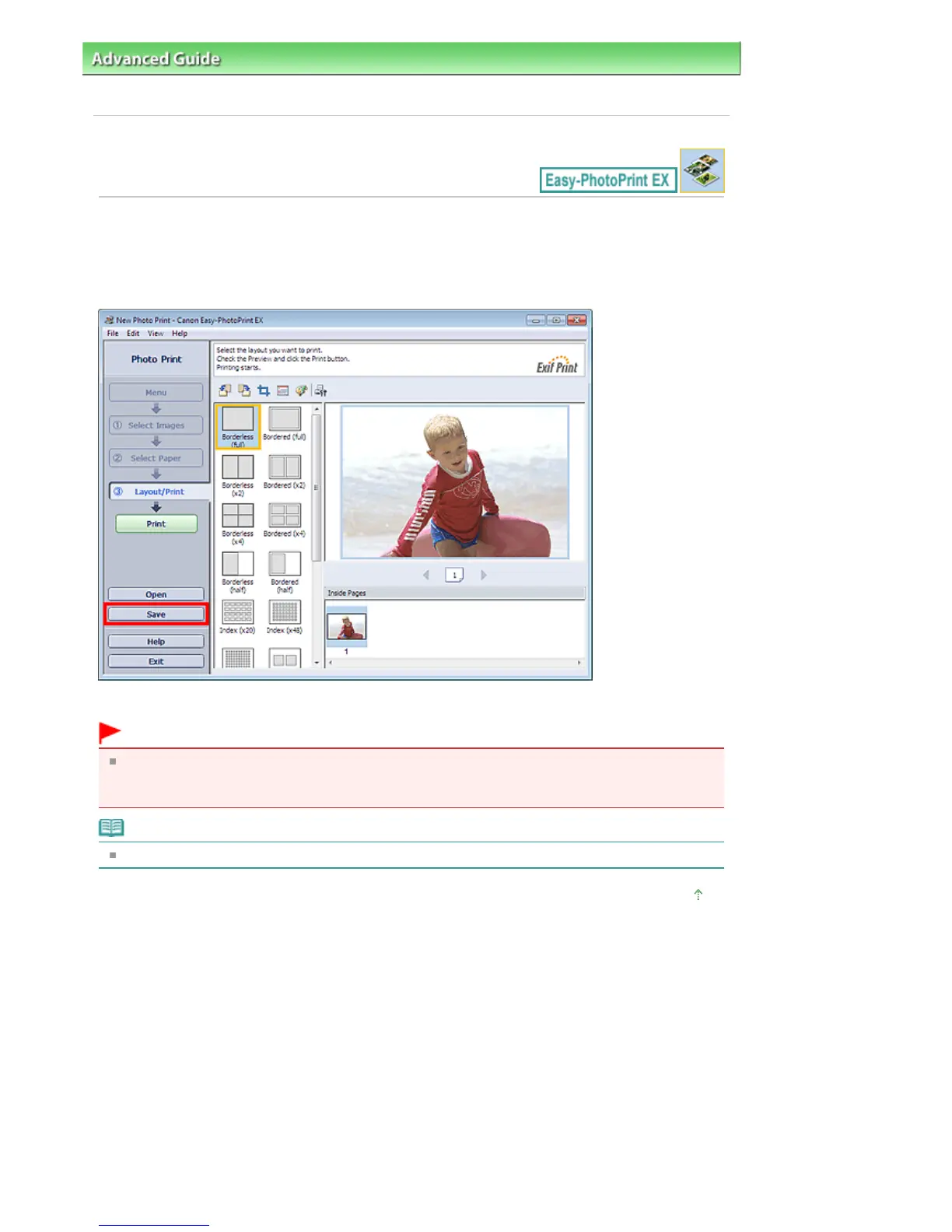
You can save edited photos. The information of cropping and layout can be saved.
Click Save in the Layout/Print screen.
When the Save As dialog box appears, specify the save location and file name, then click Save.
Important
If you edit a saved file and save it again, the file will be overwritten.
To save a file again with a new name or to a different location, select Save As... from the File menu
and save.
Note
Save will not be displayed in the Select Images or Select Paper screen.
Page top
Seite 245 von 922 SeitenSaving Photos















 To Next Page