Advanced Guide
>
Troubleshooting
> Cannot Send a Fax Clearly
F347
Cannot Send a Fax Clearly
Check 1: Is the document loaded correctly?
Remove the document, then reload it on the Platen Glass or in the ADF.
Loading Paper / Originals
Check 2: Is the Platen Glass and/or the inner side of the Document
Cover and/or the glass of ADF dirty?
Clean the Platen Glass and/or the inner side of the Document Cover and/or the glass of ADF, then
reload the document.
Cleaning the Platen Glass and Document Cover
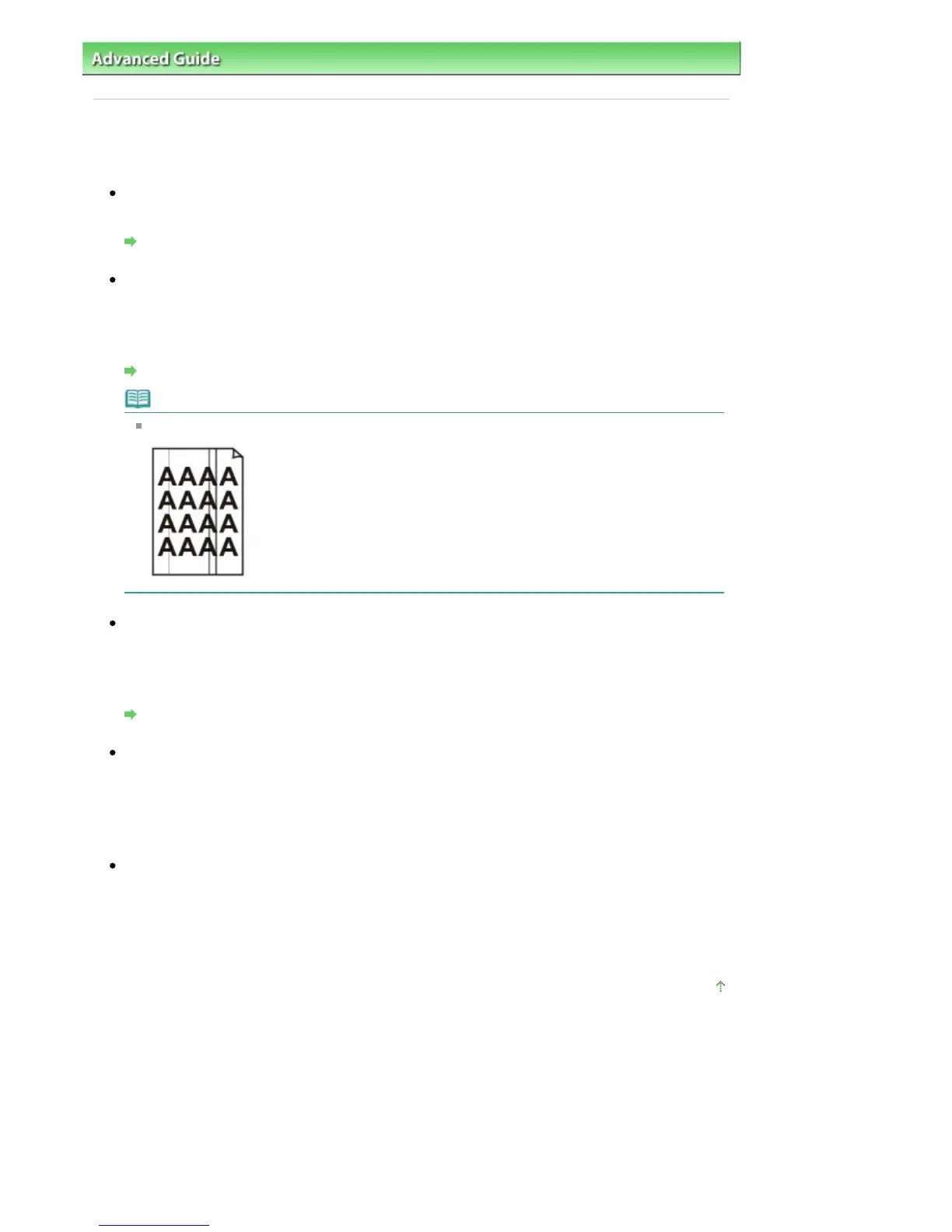
Note
If the glass of ADF is dirty, black streaks appear on the paper as shown below.
Check 3: Is the image quality setting or the scan contrast setting
suitable for the document?
On the LCD, select an image quality setting and a scan contrast setting that are suitable for the
document.
Faxing
Check 4: Is the original document loaded with the wrong side facing
upwards or downwards?
When loading a document on the Platen Glass, the side to be scanned should be face down.
When loading a document in the ADF, the side to be scanned should be face up.
Check 5: Are you scanning thick or curled documents?
Thick or curled documents may not be sent as good quality faxes, because of a shadow or distortion
caused when such documents are scanned.
When loading a document on the Platen Glass, press on the Document Cover with your hand when
scanning.
Page top
Seite 884 von 922 SeitenCannot Send a Fax Clearly















 To Next Page