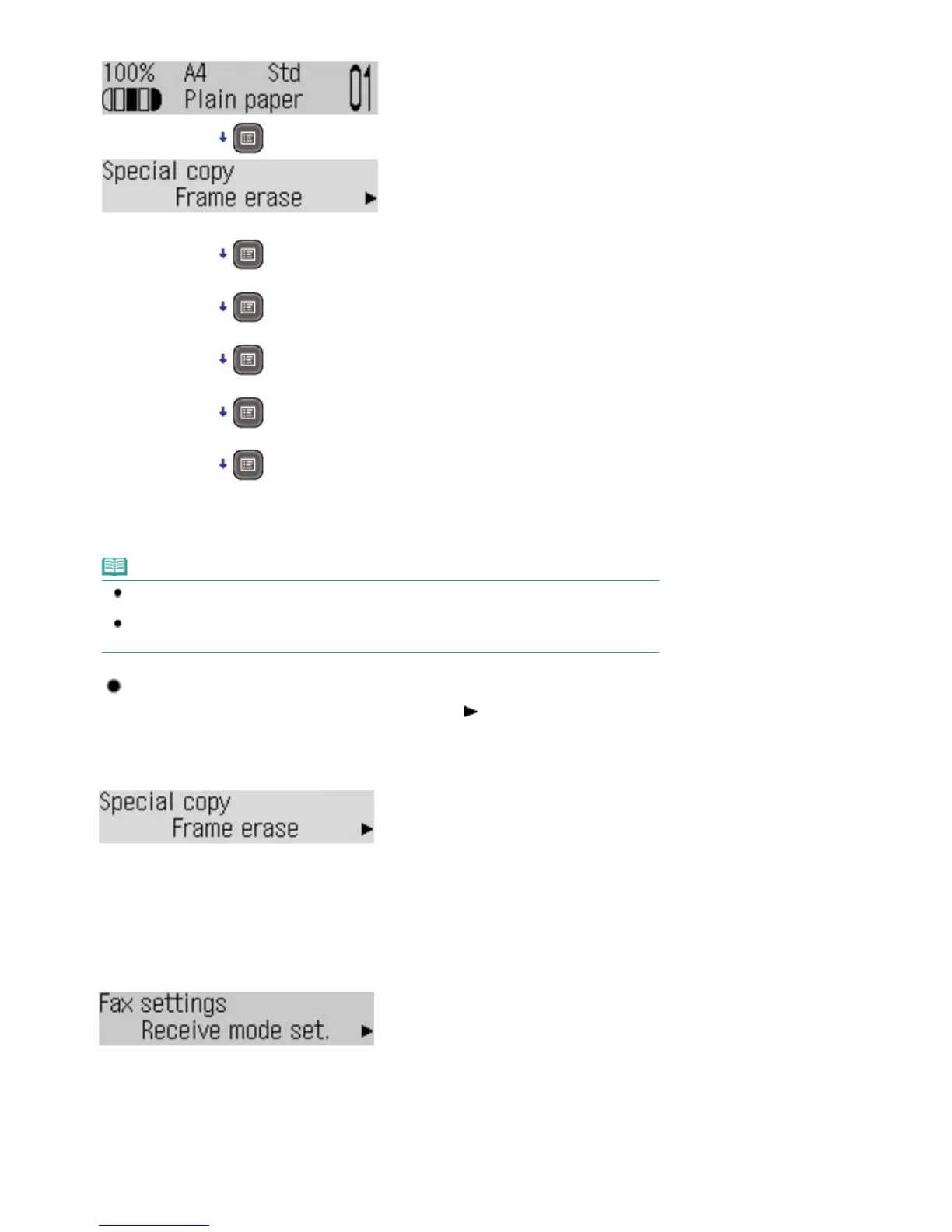
Special copy
Fax settings
Device settings
Maintenance
Template print
Copy standby screen
*1
*1
When starting from the fax or scan standby screen, pressing the
Menu
button repeatedly eventually
returns the screen to the original fax or scan standby screen respectively.
Note
When you press the
Menu
button starting from the fax standby screen, the Fax settings, Device
settings, Maintenance, and Template print menus appear in this order.
When you press the
Menu
button starting from the scan standby screen, the Save to, Device
settings, Maintenance, and Template print menus appear in this order.
Menu Selections Available on Each Menu
Menu selection switches as follows every time you press the
(+) button. Press the
OK
button to
finalize the current selection.
Special copy
See
Using Various Copy Functions
.
Frame erase
Borderless copy
2-on-1 copy
4-on-1 copy
Collated copy
Fax settings
See Machine Settings
.
Receive mode set.
Memory reference
Print reports/lists
TEL no. registration
FAX user settings















 To Next Page