Advanced Guide
>
Scanning
>
Scanning with the Bundled Application Software
>
Let's Try Scanning
> Easy
Scanning with One-click
S104
Easy Scanning with One-click
You can complete from scanning to saving, etc. at one time by simply clicking the corresponding icon.
1.
Place the document on the Platen.
Placing Documents
2.
Start MP Navigator EX.
Starting MP Navigator EX
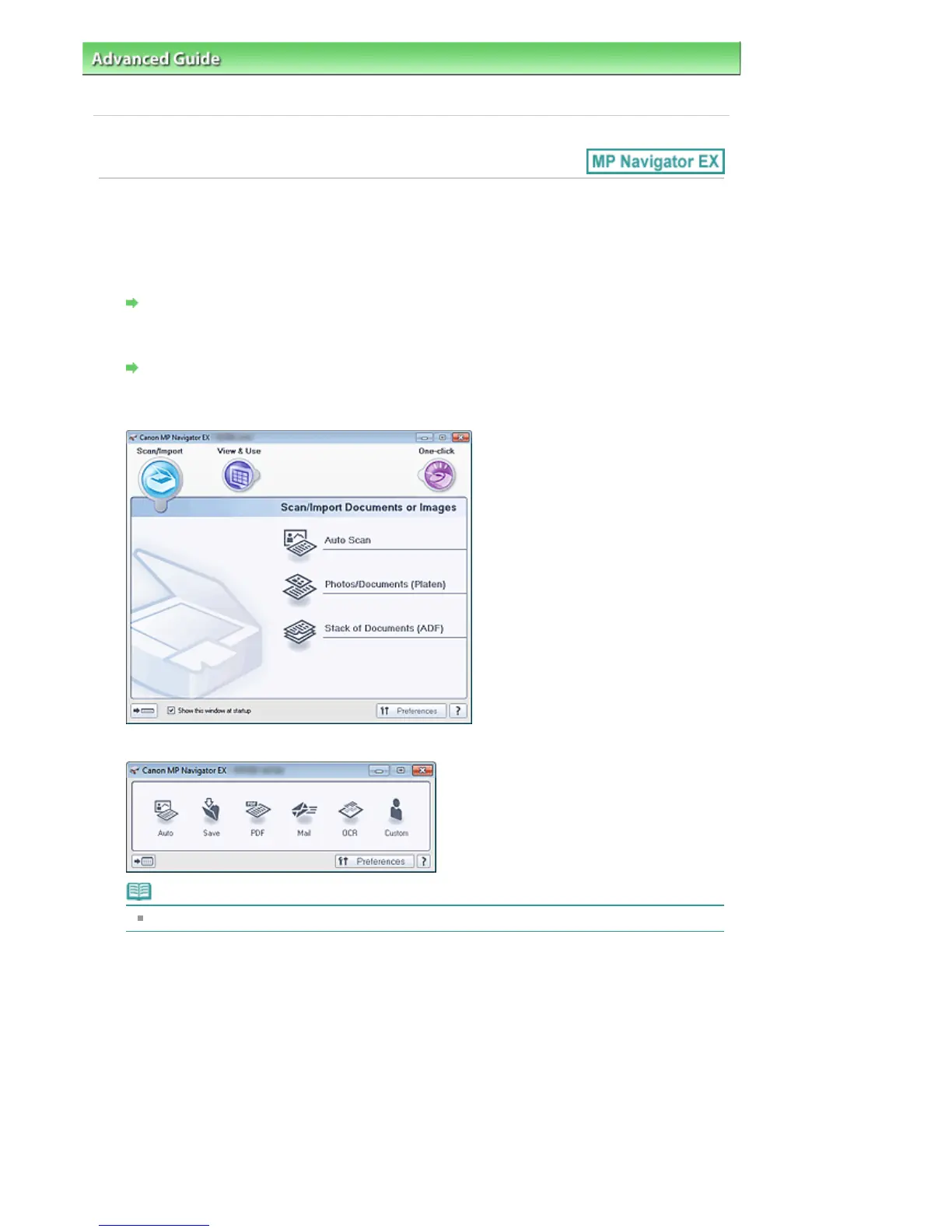
The MP Navigator EX Navigation Mode screen or One-click Mode screen appears.
Navigation Mode Screen
One-click Mode Screen
Note
Skip ahead to Step 4 if One-click Mode screen is open.
3.
Click One-click.
Seite 407 von 922 SeitenEasy Scanning with One-click















 To Next Page