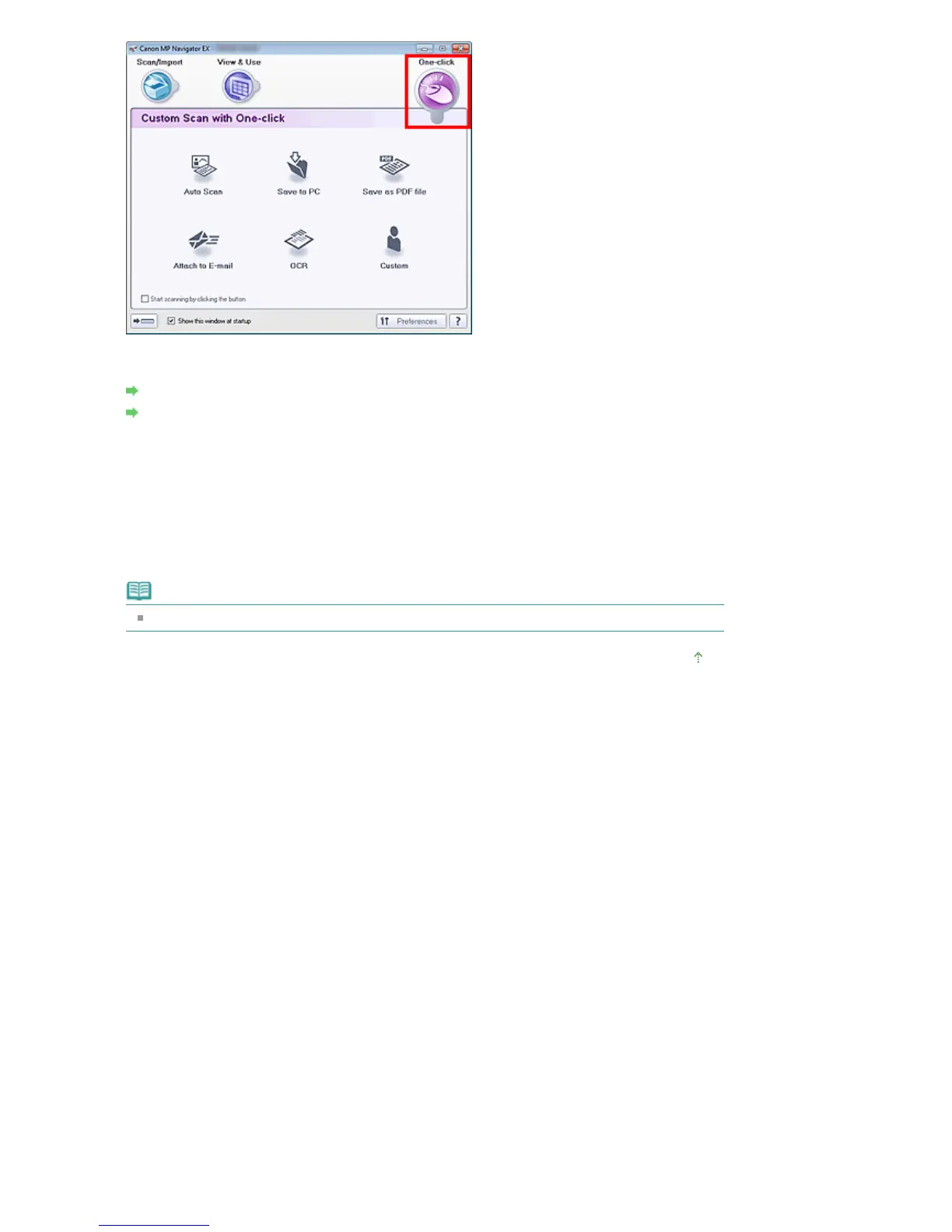
4.
Click the corresponding icon.
Custom Scan with One-click Tab
One-click Mode Screen
5.
Select Document Type according to the document to be scanned.
6.
Set the document size and scanning resolution as required.
7.
Start scanning.
Starts scanning.
Note
Click Cancel to cancel the scan.
Page top
Seite 408 von 922 SeitenEasy Scanning with One-click















 To Next Page