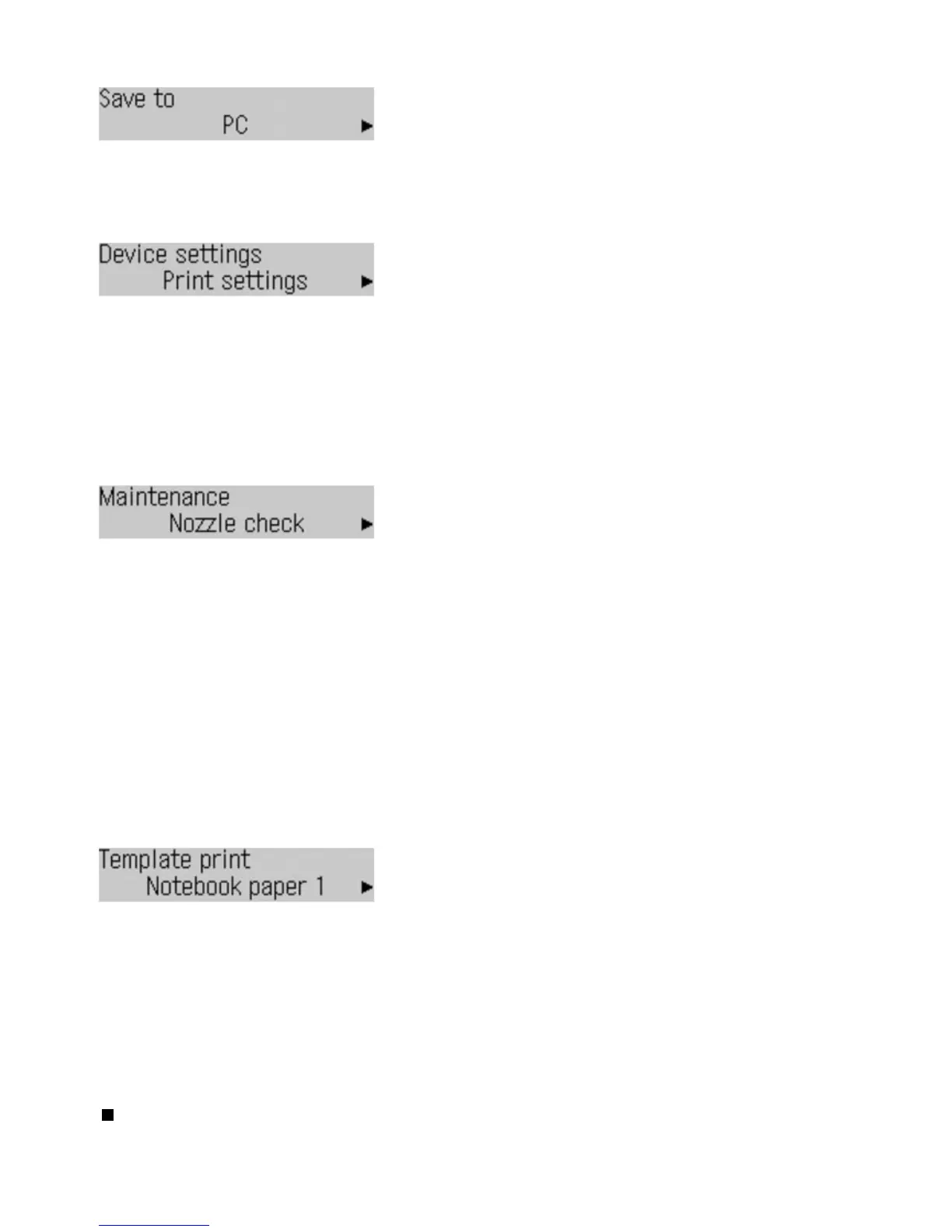
Save to
See Saving Scanned Data to the Computer
.
PC
USB flash drive
Device settings
See Machine Settings
.
Print settings
Device user settings
Mobile phone settings
*1
Bluetooth settings
*1
PictBridge settings
Reset setting
*1
Appears only when the optional Bluetooth unit is connected to the machine.
Maintenance
Nozzle check
See
Printing the Nozzle Check Pattern.
Cleaning
See
Cleaning the Print Head
.
Deep cleaning
See
Cleaning the Print Head Deeply
.
Print head alignment
See
Aligning the Print Head
.
Print head align value
See
Aligning the Print Head
.
Roller cleaning
See
Cleaning the Paper Feed Roller
.
Bottom cleaning
*2
*2
For details on Bottom Plate Cleaning, refer to the on-screen manual:
.
Template print
See
Printing the Template Forms such as Notebook Paper
.
Notebook paper 1
Notebook paper 2
Notebook paper 3
Graph paper 1
Graph paper 2
Checklist
Staff paper 1
Staff paper 2
Handwriting paper
Weekly schedule
Monthly schedule
Basic Operation on the Setting Options
When printing in the copy or fax mode, or saving scanned data on a computer or a USB flash drive in the
scan mode, you can use the
Settings
button to change settings on the paper for printing or scanning
options according to the mode you use.
Seite 12 von 922 SeitenHow to Navigate Menus on the LCD















 To Next Page