Advanced Guide
>
Scanning
>
Scanning with Using the Operation Panel of the Machine > Setting Items on
the Operation Panel of the Machine
U049
Setting Items on the Operation Panel of the Machine
You can change the scan settings such as the scan size, resolution, or data format.
In Scan mode, press the
Settings
button repeatedly to switch the item to set. Use the
button to
select the item, then press the
OK
button.
Note
The * (asterisk) on the LCD indicates the current setting.
When Auto scan is selected for Document type to forward the scanned data to the computer, the
scan setting cannot be specified.
Some setting items cannot be specified in combination with other setting items, the document type,
or the destination to save the data.
The settings of the scan size, resolution, and data format are retained even if the machine is turned
off.
When you forward the scanned data to the computer, you can specify the destination and file name
using MP Navigator EX. For details, refer to
Scanner Button Settings Tab (Save to PC)
.
If you scan originals from the computer, you can scan with advanced settings. Refer to
Let's Try
Scanning
for scanning from the computer.
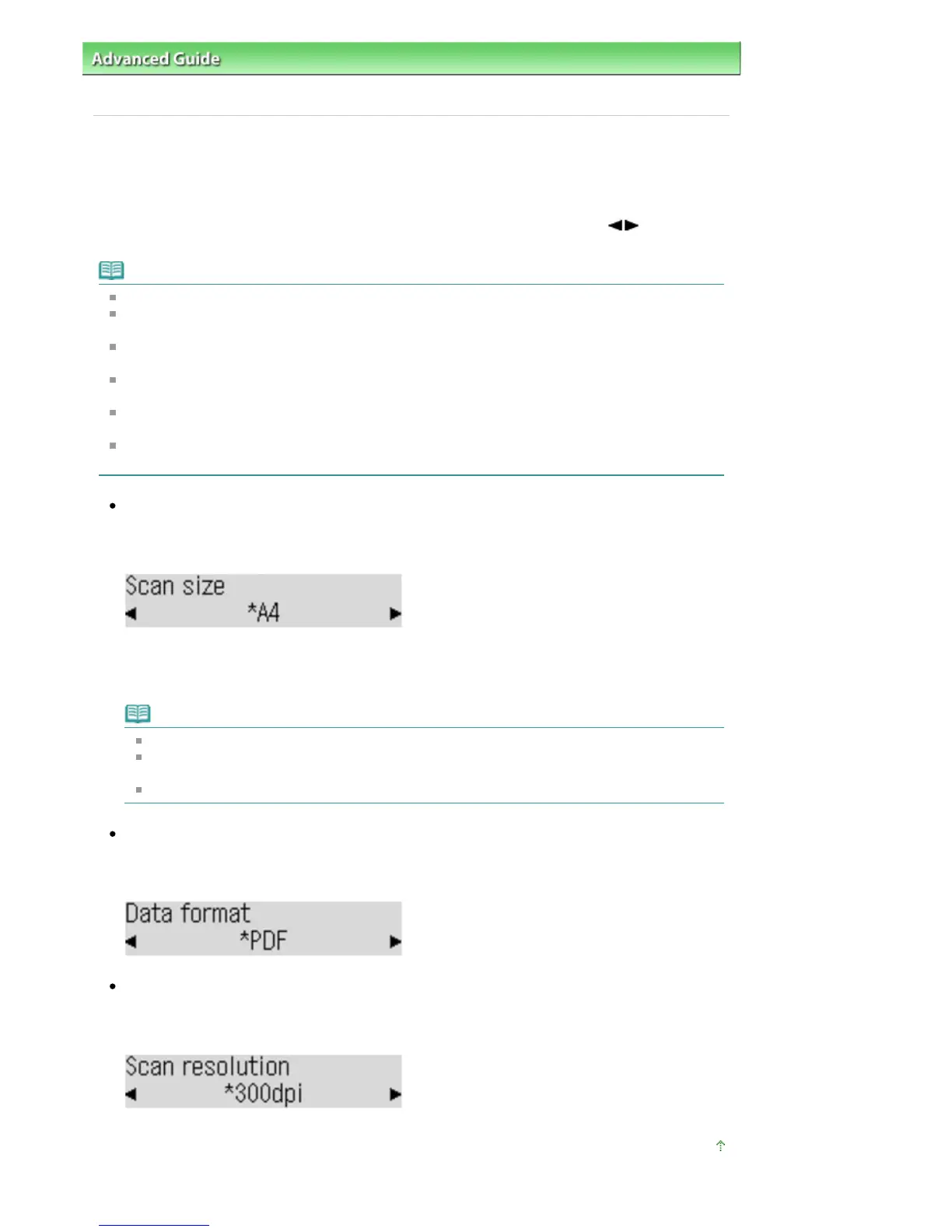
Scan size
Select the size of the original on the Platen Glass or in the ADF.
Ex:
If you select Auto to save to the computer, the machine detects the page size automatically and
starts scanning.
If you select Multi to save to the computer, you can scan several originals at a time.
Note
When Legal is selected, load the original in the ADF.
When 4"x6"(10x15cm), 5"x7"(13x18cm), or Auto is selected, load the original on the Platen
Glass.
Some of setting items are not available depending on the country or region of purchase.
Data format
Select the data format of the scanned data.
Ex:
Scan resolution
Select the resolution for scanning.
Ex:
Page top
Seite 379 von 922 SeitenSetting Items on the Operation Panel of the Machine















 To Next Page