The machine can receive faxes even in the copy standby screen.
Changing the Settings
You can use the
Settings
button to change the print settings such as page size, media type, or image
quality to print.
Press the
Settings
button to display the setting items in the following order.
To change the setting, display the desired item and use the
(-) or
(+) button to select the option,
and then press the
OK
button.
The LCD returns to the copy standby screen when the setting is complete.
For details, refer to the on-screen manual:
Advanced Guide
.
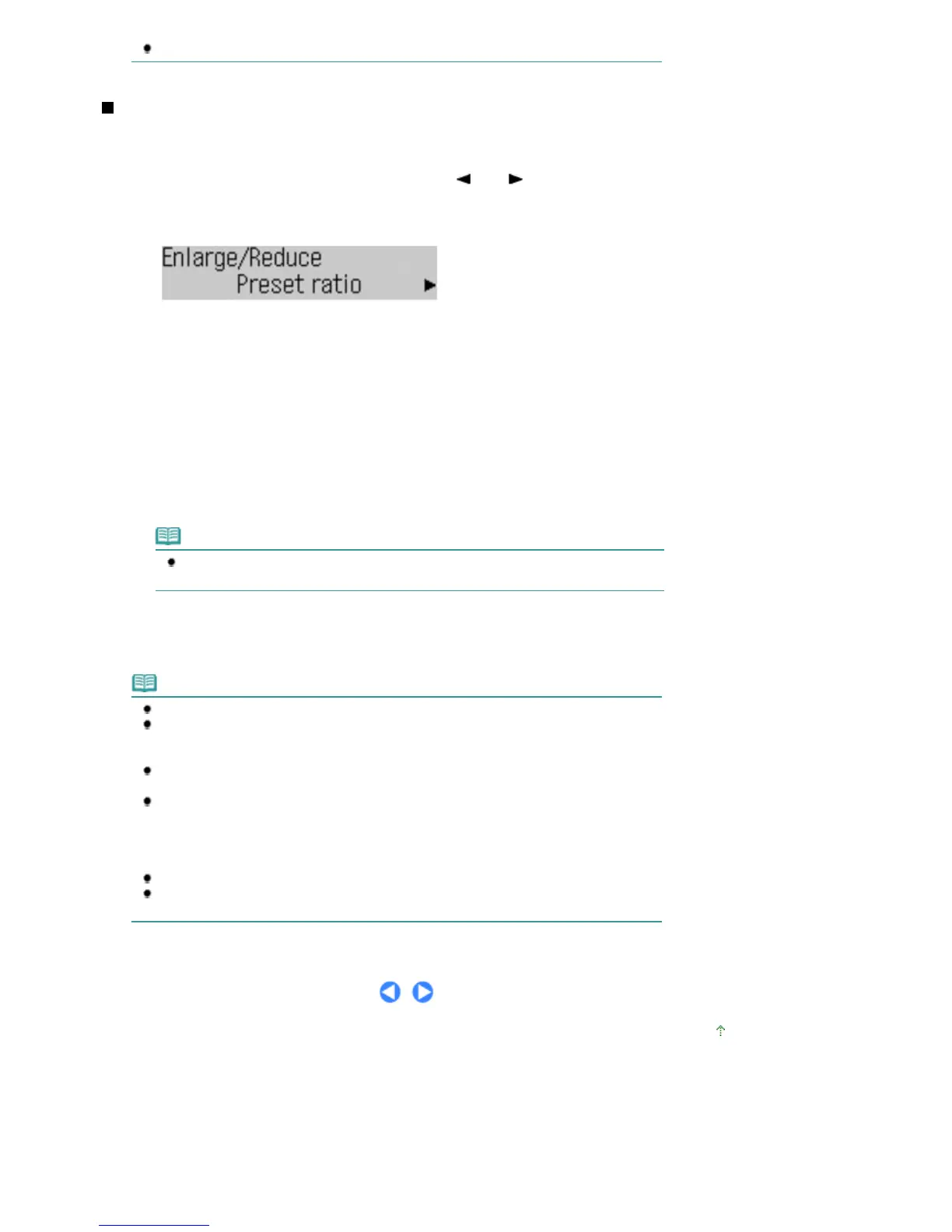
Enlarge/Reduce
Specify the enlargement/reduction manner. You can specify the copy scale by selecting the optional
number or the page size: 86% A4 -> B5, 115% B5 -> A4, etc. If you do not want to enlarge/reduce the page
size, select 100%.
Copy intensity
Specify the intensity when you want to make the darkened/lightened copy. You can also set the intensity to
automatically adjust according to the original. When Auto adjust (A) is selected, the ADF is not available.
Page size
Select the page size of the paper to print: A4, Letter, etc.
Media type
Select the media type of the paper to print: Plain paper, Plus Glossy II, etc.
Note
If you do not select the media type correctly, the machine may not print with the proper
image quality.
Image quality
Specify the image quality according to the requirements of the original to copy: High, Standard, and Fast.
The available image quality options vary depending on the paper selected for Media type.
Note
If 2-on-1 copy or 4-on-1 copy is selected, select A4 or Letter for Page size.
If Borderless copy is selected, select Letter, A4, 4"x6" (10x15cm), or 5"x7" (13x18cm) for
Page size and any types of paper except Plain paper for Media type. You cannot make a
borderless copy of the document loaded in the ADF. Load the original on the Platen Glass.
If Borderless copy is selected, slight cropping may occur at the edges since the copied image
is enlarged to fill the whole page.
The settings of the page size, media type, print quality, automatic intensity adjustment, etc. are
retained, and these settings will appear next time when the copy mode is selected even if the
power is turned off and on.
The settings of the page size and media type are retained and shared among the copy mode,
fax mode, and template print.
Combination of some setting items cannot be specified depending on the function.
If you select Fast with the media type set to Plain paper and the quality is not as good as
expected, select Standard or High and then try copying again.
Page top
Seite 52 von 922 SeitenMaking Copies















 To Next Page