Advanced Guide
>
Scanning
>
Scanning with the Bundled Application Software
>
Let's Try Scanning
>
Scanning Multiple Documents at One Time from the ADF (Auto Document Feeder)
S107
Scanning Multiple Documents at One Time from the ADF (Auto
Document Feeder)
Place multiple documents on the ADF (Auto Document Feeder) and scan at one time.
1.
Place the documents on the ADF.
Placing Documents (ADF (Auto Document Feeder))
2.
Start MP Navigator EX and open the Navigation Mode screen.
Starting MP Navigator EX
3.
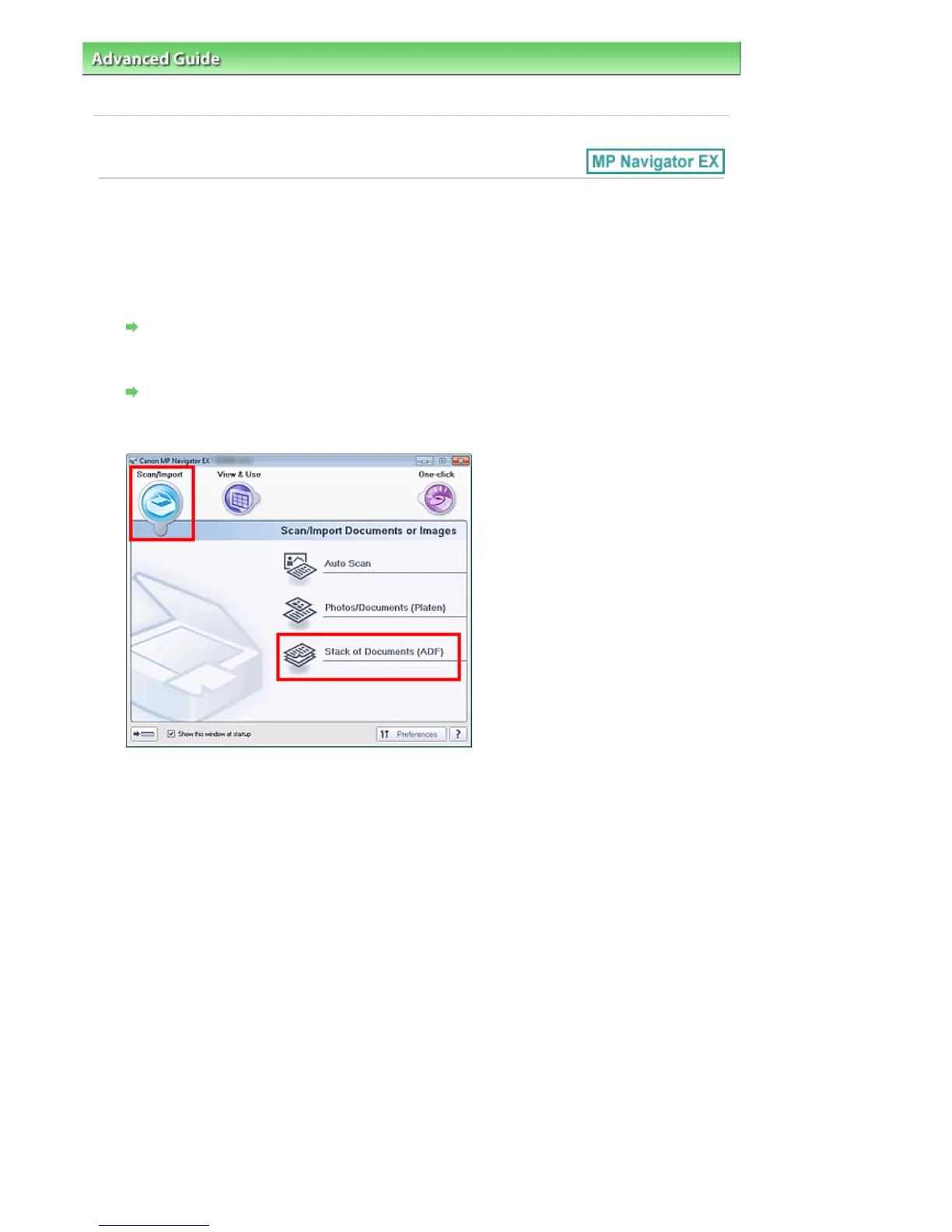
In Scan/Import, click Stack of Documents (ADF).
4.
Select Document Type according to the document to be scanned.
To scan only the front side of each document, select a simplex type such as Color
Document(Simplex).
To scan the front side then the back side of each document, select a duplex type such as Color
Document(Duplex).
Seite 398 von 922 SeitenScanning Multiple Documents at One Time from the ADF (Auto Docume...















 To Next Page